> ## Documentation Index
> Fetch the complete documentation index at: https://formhug.ai/docs/llms.txt
> Use this file to discover all available pages before exploring further.
# Create Your First Form
> Four ways to start building a form in FormHug — from AI generation and templates to Excel import and building from scratch
There are four ways to create a form in FormHug, depending on how you like to work.
You can start from the template library, generate a form with the AI form builder, or use a specialized builder such as survey maker, quiz maker, booking form builder, or payment form builder.
## 1. Start from a Template
Choose from a wide range of ready-made templates for different scenarios.
Click **New Form** and select **Templates**
Browse by category or search for what you need
Edit the template to fit your needs
**Best for:** Getting started quickly with a proven structure, including order, donation, registration, and payment templates.
## 2. Create with AI
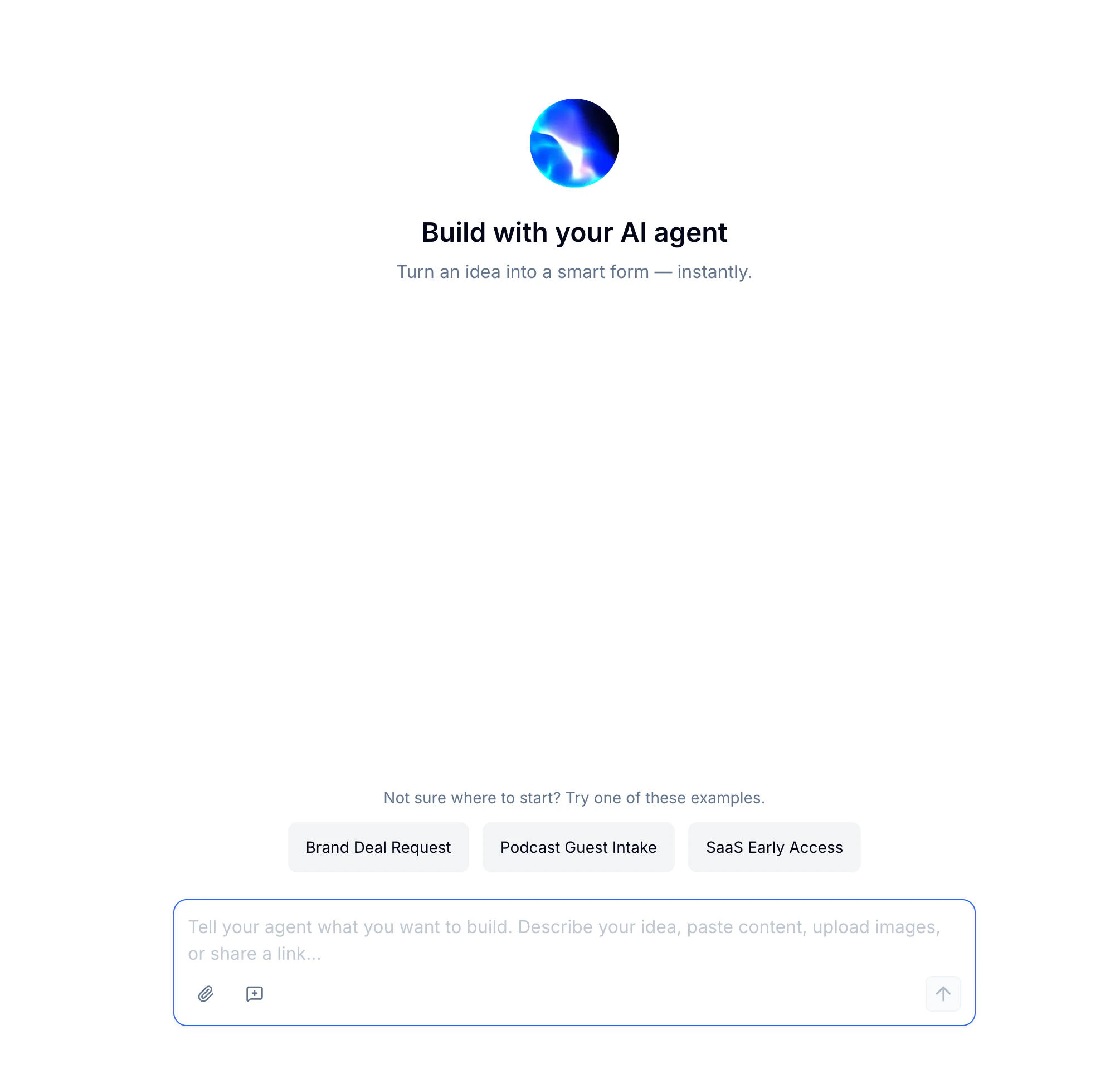 Generate a form with AI for any use case.
For a deeper walkthrough of AI-assisted creation, read best AI form builder 2026.
Tell FormHug what you need in a sentence
Add a file or link for more context
AI builds your form with fields, descriptions, and even images
**Best for:** Surveys, quizzes, payment forms, and complex forms where you want a head start.
AI can also generate header images and QR-code posters to help you launch faster.
## 3. Import from Excel
Have your questions in a spreadsheet? Import them directly.
Organize questions in rows with columns for field type, label, and options
Click **New Form** → **Import** → **Excel**
Check the imported fields and make adjustments
**Best for:** Converting existing questionnaires or data collection sheets.
## 4. Start from Scratch
Build your form from the ground up with full control.
Click **New Form** → **Blank Form**
Drag fields from the left panel to your form
Set up each field's properties in the right panel
**Best for:** Custom forms where you need complete control over every detail.
## Next Steps
Learn the three-panel layout
Explore 30+ field types
Set up donations, product orders, ticket booking, and Stripe payment forms
Browse templates by use case, role, industry, and form type
Generate a complete first draft from a short prompt
Generate a form with AI for any use case.
For a deeper walkthrough of AI-assisted creation, read best AI form builder 2026.
Tell FormHug what you need in a sentence
Add a file or link for more context
AI builds your form with fields, descriptions, and even images
**Best for:** Surveys, quizzes, payment forms, and complex forms where you want a head start.
AI can also generate header images and QR-code posters to help you launch faster.
## 3. Import from Excel
Have your questions in a spreadsheet? Import them directly.
Organize questions in rows with columns for field type, label, and options
Click **New Form** → **Import** → **Excel**
Check the imported fields and make adjustments
**Best for:** Converting existing questionnaires or data collection sheets.
## 4. Start from Scratch
Build your form from the ground up with full control.
Click **New Form** → **Blank Form**
Drag fields from the left panel to your form
Set up each field's properties in the right panel
**Best for:** Custom forms where you need complete control over every detail.
## Next Steps
Learn the three-panel layout
Explore 30+ field types
Set up donations, product orders, ticket booking, and Stripe payment forms
Browse templates by use case, role, industry, and form type
Generate a complete first draft from a short prompt