Free AI Survey Maker: NPS, Feedback & Research
Create NPS, customer feedback, employee pulse, event feedback, and market research surveys online. Start from a prompt or template, then collect responses with built-in analytics, charts, and exports.
What makes FormHug different
Every survey type, one tool
AI builds your survey instantly
Describe your research goal in one sentence. FormHug's AI generates questions, field types, answer options, and branching logic — ready to publish in seconds.
Every question type covered
NPS, rating scales, Likert, matrix, dropdown, file upload, and more — all in one form. No need for a separate tool for each question style.
Real-time response analytics
FormHug auto-generates charts and summaries as responses arrive. NPS promoter/detractor splits calculated automatically — no spreadsheet required.
Logic branching & skip rules
Show or hide questions based on previous answers. Route detractors to an open text box, skip irrelevant sections, or end the survey early for specific groups.
Anonymous response mode
Enable anonymous mode in FormHug so respondents answer freely without identifying themselves — essential for honest employee engagement and exit surveys.
Share, embed & export
Publish via a shareable link, embed on any page, or generate a QR code. Export raw responses to CSV or filter by date range for deeper analysis.
Survey formats
Types of surveys you can create
From quick NPS checks to full market research studies — FormHug supports every survey format, generated by AI in seconds.
NPS surveys
Measure customer loyalty with the Net Promoter Score (0–10). FormHug auto-calculates the promoter, passive, and detractor split in the analytics dashboard.
Employee engagement
Pulse checks, satisfaction surveys, and exit interviews with anonymous mode. Get honest feedback without identifying respondents.
Customer feedback
CSAT surveys, post-purchase follow-ups, and support satisfaction checks that feed directly into real-time charts.
Market research
Multi-question consumer surveys with branching logic, Likert scales, and matrix questions for structured data collection.
Post-event feedback
Conference, webinar, and event feedback forms with real-time charts updating as responses arrive.
Step-by-step guide
How to create a survey with AI
- 1Describe your research goal
Type a sentence describing what you want to learn — "post-event feedback for a software conference" or "quarterly NPS for our SaaS product." One sentence is enough.
- 2AI generates the full survey
Questions, field types (NPS, Likert, matrix, rating), answer options, and skip logic appear in seconds. No blank-page friction.
- 3Customize questions and logic
Add anonymous mode, adjust question order, set email notifications, change field types, or add conditional skip rules — all in the drag-and-drop builder.
- 4Publish and analyze responses
Share a link, embed on your site, or send by email. Responses populate real-time charts automatically — NPS splits, rating averages, and answer breakdowns included.
See it in action
Built-in analytics — no spreadsheet needed
Responses feed directly into charts and summaries. NPS breakdowns, rating averages, and answer distributions are calculated automatically as submissions arrive.
247
Responses
62
NPS Score
★ 4.3
Avg. Rating
NPS Distribution
Compare tools
Best free survey makers in 2026
Looking for the best free online survey tool? Here's how FormHug compares to SurveyMonkey, Google Forms, and Typeform.
| Feature | FormHug | SurveyMonkey | Google Forms | Typeform |
|---|---|---|---|---|
| AI survey generation | Under 10 sec | |||
| NPS question type | ||||
| Real-time analytics | Paid | Basic | Paid | |
| Anonymous mode | ||||
| Conditional logic | Paid | Basic only | Paid | |
| Free responses/month | 3,000 | 25 per survey | Unlimited | 10 |
| Free plan | Full featured | Limited | Limited | |
| MCP for AI agents |
FormHug is the only free survey maker with AI generation, NPS analytics, anonymous mode, and MCP for AI agents — all in one product. See the full comparison →
Use cases
Who uses FormHug surveys
From customer success teams to non-profit researchers — any team that needs structured feedback uses FormHug to collect and analyze responses without a data analyst.
Customer success
CSAT surveys, NPS campaigns, and post-support satisfaction checks that feed back into your team dashboard.
HR & people teams
Employee engagement surveys, pulse checks, and exit interviews with anonymous response support.
Market research
Consumer surveys with multi-question types, branching logic, and respondent segmentation.
Events & conferences
Pre-event interest surveys and post-event feedback forms with real-time response charts.
Education
Course evaluations, instructor ratings, and student satisfaction surveys with per-question breakdowns.
Non-profits
Community needs assessments, program feedback surveys, and donor satisfaction check-ins.
Ready-made templates
Start from a survey template
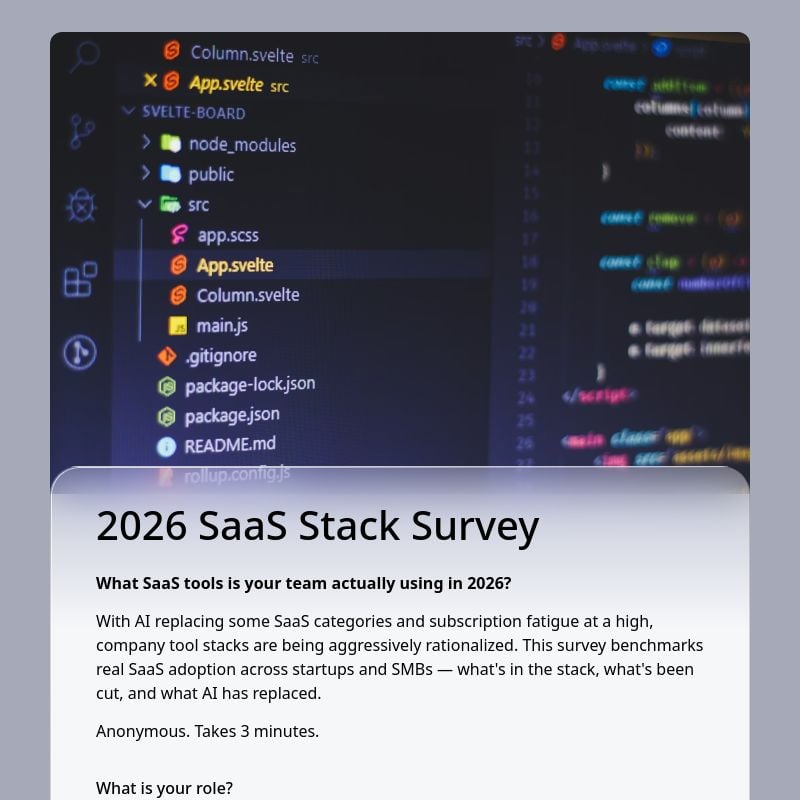
2026 SaaS Stack Survey
Understand how your industry is adopting, consolidating, and replacing SaaS tools amid AI growth →
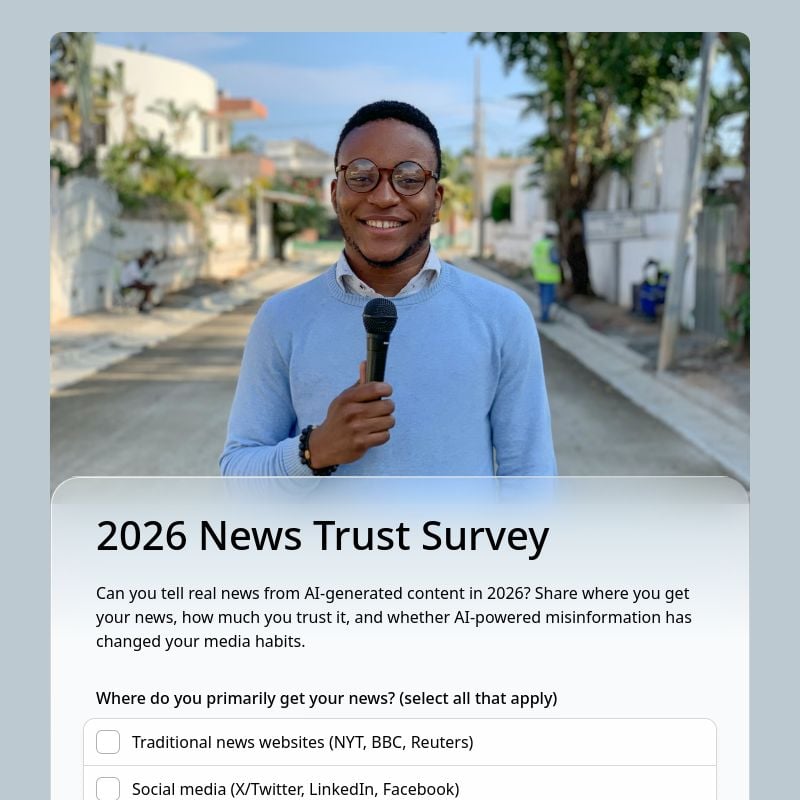
2026 News Trust Survey
Test readers' ability to spot AI-generated content and evaluate media credibility →

2026 Education & AI Survey
Education AI survey template for 2026 — capture student and educator perspectives on AI's impact →
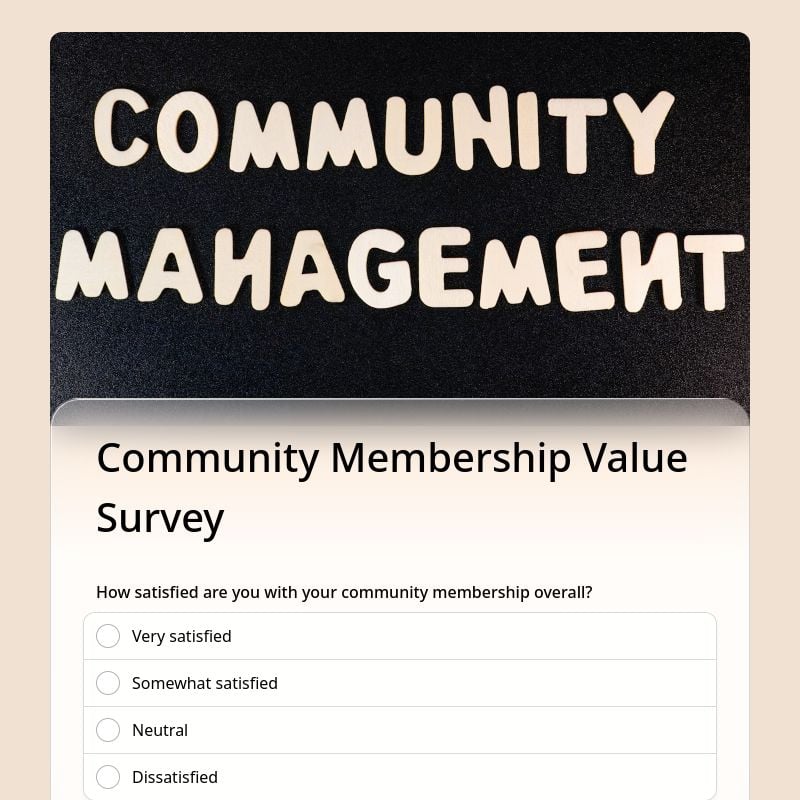
Community Membership Value Survey
Community membership value survey for member retention. Measure satisfaction and renewal intent →
Guides & resources
Learn how to create a survey
12 min read
How to Create an Online Survey for Free That People Actually Complete
AI question drafts, share links, QR codes, embeds, and exportable results — end to end.
Read guide →8 min read
NPS Survey Best Practices: How to Send One People Actually Answer
Design, timing, and analysis techniques to lift response rates and turn scores into action.
Read guide →10 min read
Likert Scale Survey Questions: Examples, Scale Types, and Best Practices
Measure agreement, satisfaction, and frequency with the right scale — and avoid common mistakes.
Read guide →9 min read
Open-Ended Survey Questions: 75 Examples That Get Useful Answers
75 ready-to-use prompts that generate specific, actionable feedback instead of vague responses.
Read guide →Create your first online survey with AI.
Start from a prompt or a survey template. Real-time analytics are included on the free plan.
The basics
What is an online survey maker?
An online survey maker is a web-based tool that lets you create, publish, and analyze surveys — no coding required. It supports NPS, Likert, matrix, rating, and multiple-choice questions from a single platform with built-in analytics.
With an AI survey maker like FormHug, you skip question writing entirely — describe your research goal and AI generates the full survey, including question order, field types, and skip logic, in under 10 seconds.
Research & insights teams
NPS, CSAT, and market research surveys with statistical question types and built-in analytics dashboards.
HR & people teams
Anonymous pulse checks, employee engagement surveys, and exit interviews at scale — no spreadsheet processing.
Product & customer teams
Post-launch feedback, support CSAT, and product NPS surveys with real-time charts that update as responses arrive.