World Cup Forms and Quizzes: Make the Tournament Interactive
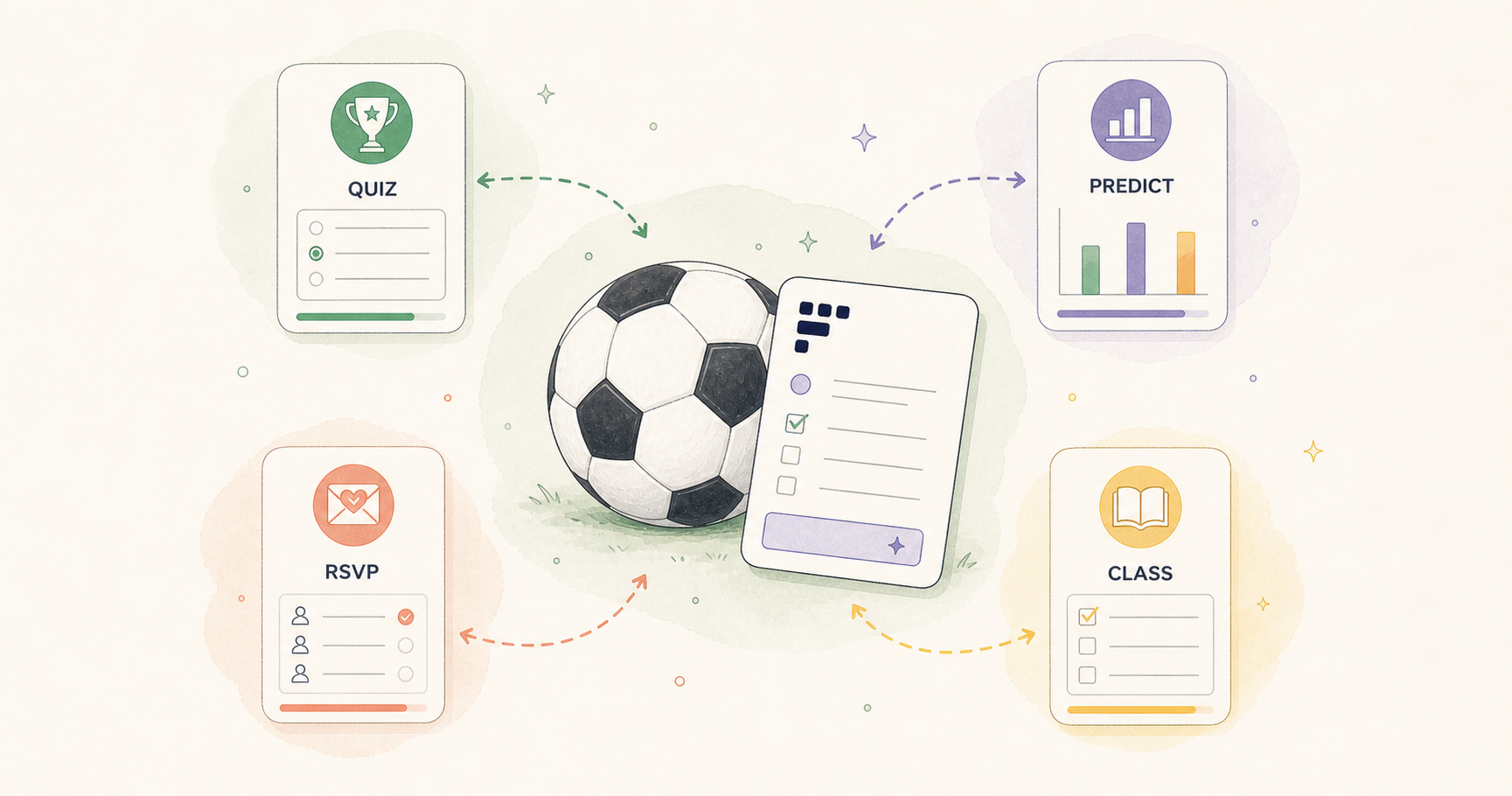
Make it interactive
Turn these questions into a scored quiz
Build a quiz with answer keys, result pages, explanations, and a shareable link.
At FormHug, we tend to look at major events through one product question: what kind of interaction does this moment make people want to create?
The World Cup is a good example. Most people experience it as matches, clips, group chats, watch parties, and arguments about who will win. Underneath that, there are a lot of small participation loops:
- a creator wants fans to answer a quiz and share the result
- a marketer wants to collect predictions before a campaign
- a teacher wants to turn the tournament into a classroom activity
- a bar owner wants to know how many people are coming for a match
- a casual fan just wants something fun to send to friends
That is the layer a form builder product should be good at. Not the broadcast itself, and not a heavy event platform. The useful layer is the small interaction: one quiz, one RSVP, one prediction poll, one feedback form, one QR code on a table.
That is also the biggest World Cup use case for FormHug: helping you and your users, friends, students, customers, or coworkers do something together. Make it fun. Make it easy to join. Then enjoy the moment around it.
For the tournament, we have been updating examples and templates around that idea. This note is a product map of what you can run with FormHug during the World Cup, and where each use case fits.
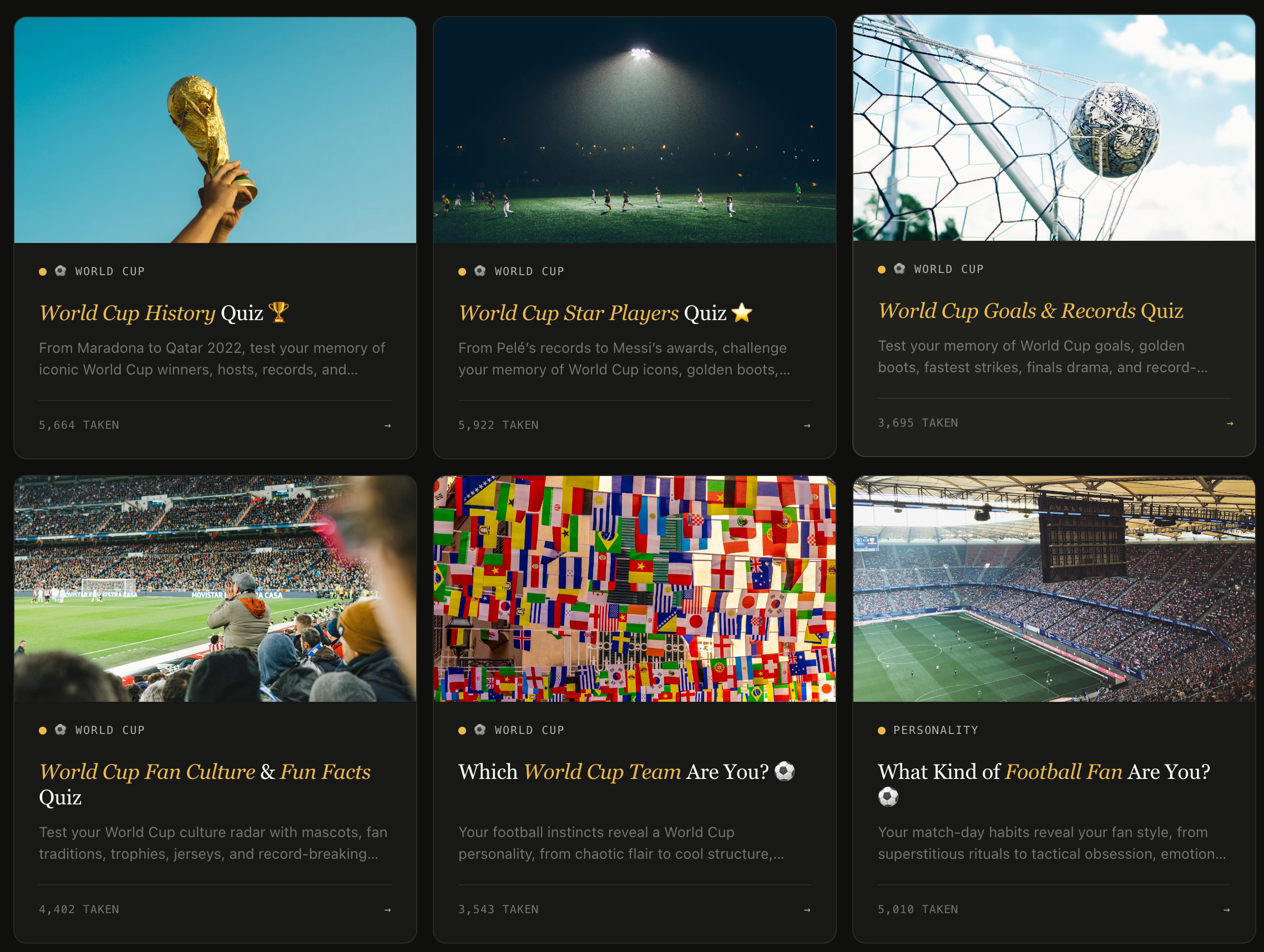
If you are not trying to collect anything, you can skip the builder entirely and just play. We also updated a set of fun World Cup quizzes here: FormHug World Cup quizzes.
If you do want your own campaign, start with the fastest loop: create a World Cup quiz, share it as a link or QR code, and use the results as the next post, classroom recap, or event follow-up.
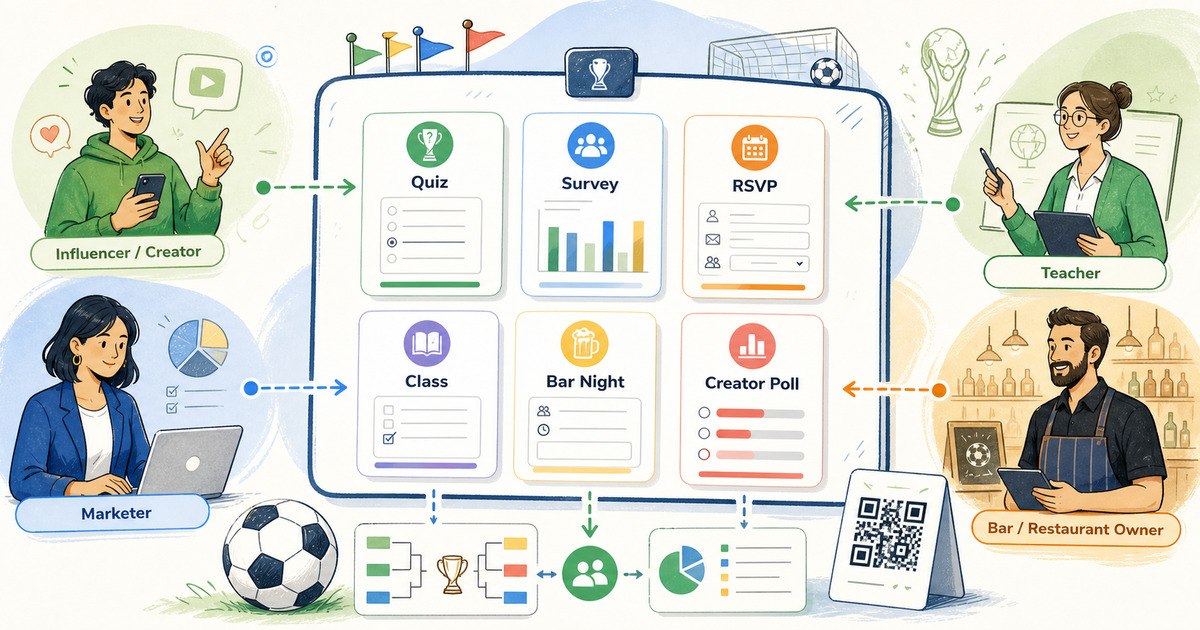
The participation map below shows the broader product idea: creators, marketers, teachers, and venue owners can each turn the same tournament moment into a different structured interaction.
Product Lens: Participation Before Management
The temptation with seasonal campaigns is to overbuild. A full microsite, a complicated leaderboard, a campaign calendar, custom creative, maybe a spreadsheet somewhere holding everything together.
Most World Cup workflows do not need that much system. They need one lightweight participation loop that is easy to publish:
- Ask something people already want to answer
- Collect the response in a structured way
- Give the participant or organizer a useful next step
That loop can be playful, operational, or educational. The product requirement is the same: create quickly, share anywhere, work on mobile, and keep the response clean enough to use later.
That is why quizzes, surveys, RSVPs, and forms sit well together for this moment. They are different surfaces for the same behavior: people respond.
Here are a few live examples embedded directly in this note. They are not a finished campaign plan. They are starting points you can play with, copy, or use to think through your own version.
For Influencers and Creators
Creators usually do not need more content ideas. They need content formats that create replies, comments, shares, and returning attention without adding much production work.
For that audience, the best form builder use case is an interactive post that can stand on its own.
Use FormHug to create:
- Prediction polls before a big match: winner, final score, first goal, player of the match
- Personality quizzes like “Which World Cup team matches your style?”
- Trivia challenges for halftime, livestream breaks, or community posts
- Fan voting forms for best kit, best celebration, favorite underdog, or funniest moment
- Giveaway entry forms that collect name, email, favorite team, and social handle
The PM test here is simple: does the interaction give the fan something back?
For example, a creator could post:
I made a quick World Cup personality quiz. Take it, get your team match, and drop your result in the comments.
That works better than “Who are you supporting?” because the participant gets a result. The creator gets a conversation. The aggregate response can also become the next post: “60% of you matched with attacking teams.”
If you want to build one from scratch, start with the FormHug quiz maker. If you want ready inspiration first, play through the World Cup quiz collection.
Try the shape of this interaction:
Open the World Cup team personality quiz in a new tab ->
For Marketing Teams
For marketing teams, the World Cup is useful only if the interaction connects back to an audience you already care about. A generic football post disappears quickly. A structured response can become a lead, a segment, a campaign insight, or a follow-up.
FormHug works well for campaign moments such as:
- A fan prediction survey before the group stage or knockout rounds
- A lead generation quiz tied to a giveaway, coupon, or newsletter
- A matchday RSVP form for a community event, pop-up, or viewing party
- A post-campaign feedback survey asking what people watched, shared, and enjoyed
- A preference poll that helps choose which match, product bundle, or event time to promote
The product decision is not “make a World Cup campaign.” It is choosing which response matters enough to collect.
A coffee brand might ask fans to vote on their ideal early-match drink. A software company might run an office pool with a friendly leaderboard. A newsletter might send a weekly quiz and use the results as next week’s opening paragraph.
For a lightweight campaign, we recommend three pieces:
- A quiz or poll that creates participation
- A form that collects opt-ins, RSVPs, or preferences
- A result or summary people can share afterward
That is enough. If the first loop works, you can add segmentation, automations, or a more polished report later. Starting with one simple interaction keeps the campaign honest.
A prediction poll is often the cleanest first version because it produces both participation and a readable result:
Open the World Cup fan prediction poll in a new tab ->
For Teachers
For teachers, the World Cup is valuable because students already have context. Some care about the teams. Some care about flags. Some care about the trophy, players, or host countries. A good classroom activity uses that existing attention instead of fighting it.
Teachers can use FormHug to create:
- Kid-friendly trivia quizzes for ages 6-8 or 9-12
- Geography quizzes about host countries, cities, flags, and regions
- Reading checks after an article about the tournament
- Prediction forms where students explain their reasoning
- Exit tickets asking what students learned from a match, country, or player story
For younger students, keep questions visual and observable: colors, mascots, balls, flags, goalkeepers, cards, and celebrations. For older students, add history, tournament format, host cities, and records.
We published a separate World Cup quiz for kids with age-grouped questions and two ready-to-play quizzes. Teachers can use it as-is, or use the question list as a starting point for their own class version.
The product benefit is not just automatic scoring. It is setup speed and format flexibility. A teacher can turn a question list into a link, use it on a shared screen, let students answer individually, or reuse the same structure with a different class.
For a classroom or family version, the quiz should feel short, visual, and low-pressure:
Open the kids’ easy edition in a new tab ->
For Bar and Restaurant Owners
For a bar, cafe, or restaurant, the World Cup is partly marketing and partly capacity planning. The owner needs to know which matches are worth promoting, whether people are coming in groups, how early they arrive, and whether a match night should become a repeatable event.
FormHug can help with:
- Watch party RSVPs for high-demand matches
- Table interest forms when you are not ready for full reservations
- Match preference polls asking which games customers want you to screen
- Trivia night signups for teams or individuals
- Post-match feedback forms asking about food, service, screen visibility, and future events
- QR code quizzes customers can play from the table before kickoff
The first useful workflow is usually a watch party RSVP. Ask for name, email, guest count, preferred match, arrival time, seating preference, and whether they want updates about future events. Share the link in your Instagram bio, on a poster, or through a QR code at the bar.
The second workflow is engagement while people are already there: a trivia quiz, score challenge, or prediction poll. It should not require an app download or a new account. A QR code is enough.
If you are planning events, the World Cup watch party registration form guide has a more detailed setup.
This is the operational side of the same idea: still interactive, but now the response helps you plan seats, staff, reminders, and follow-up.
Open the watch party RSVP example in a new tab ->
If You Are Just Here to Play
Not every visitor is here to build something. That is an important product detail too.
Sometimes the right workflow is simply: open a quiz, send it to a friend, compare results, and argue about the answer in the group chat.
We updated a set of World Cup quizzes for that exact reason:
Play World Cup quizzes on FormHug
Use them before a match, during halftime, with kids, at work, or while everyone is pretending they are not checking scores.
How We Would Start
If you are deciding what to build around the tournament, start smaller than your first instinct.
Start with one of these:
| Goal | Best FormHug format | Example |
|---|---|---|
| Get people talking | Quiz | ”Which World Cup team are you?” |
| Collect predictions | Survey or poll | ”Who will win this match?” |
| Plan attendance | RSVP form | ”Join our final watch party” |
| Capture leads | Quiz plus email field | ”Take the quiz and enter the giveaway” |
| Teach a topic | Scored quiz | ”World Cup geography challenge” |
| Improve the next event | Feedback form | ”How was match night?” |
Our recommendation is to pick one primary interaction you care about.
If you care about reach, start with a quiz. If you care about planning, start with an RSVP. If you care about audience learning, start with a survey. If you care about classroom participation, start with a scored quiz or exit ticket.
The format matters less than the loop: invite someone in, let them respond, and give them a reason to care about what happens next.
The World Cup gives people a shared context. A good form builder should help you turn that context into a usable interaction. That is what we are trying to make easier with FormHug.

Written by
FormHug TeamProduct, research, and form automation team
The FormHug Team brings together product builders, workflow researchers, and form automation practitioners who study how people collect, route, and act on information online. Our guides are based on hands-on product testing, template analysis, customer workflow patterns, and deep experience with forms, surveys, quizzes, AI-assisted creation, integrations, and results sharing.