Maybe Your AI Feature Should Be an MCP Server

Create with AI
Describe the workflow and get a form draft
Use FormHug to create forms from prompts, then share, automate, and reuse the structured responses.
I have been thinking about a product question that feels uncomfortable for SaaS founders:
Should we keep adding more AI features inside our products, or should we make the product easier for the user’s own agent to operate?
The default answer in the last two years has been obvious: add AI. Add an AI button. Add a generation panel. Add a chat box. Add “ask AI” next to every empty state.
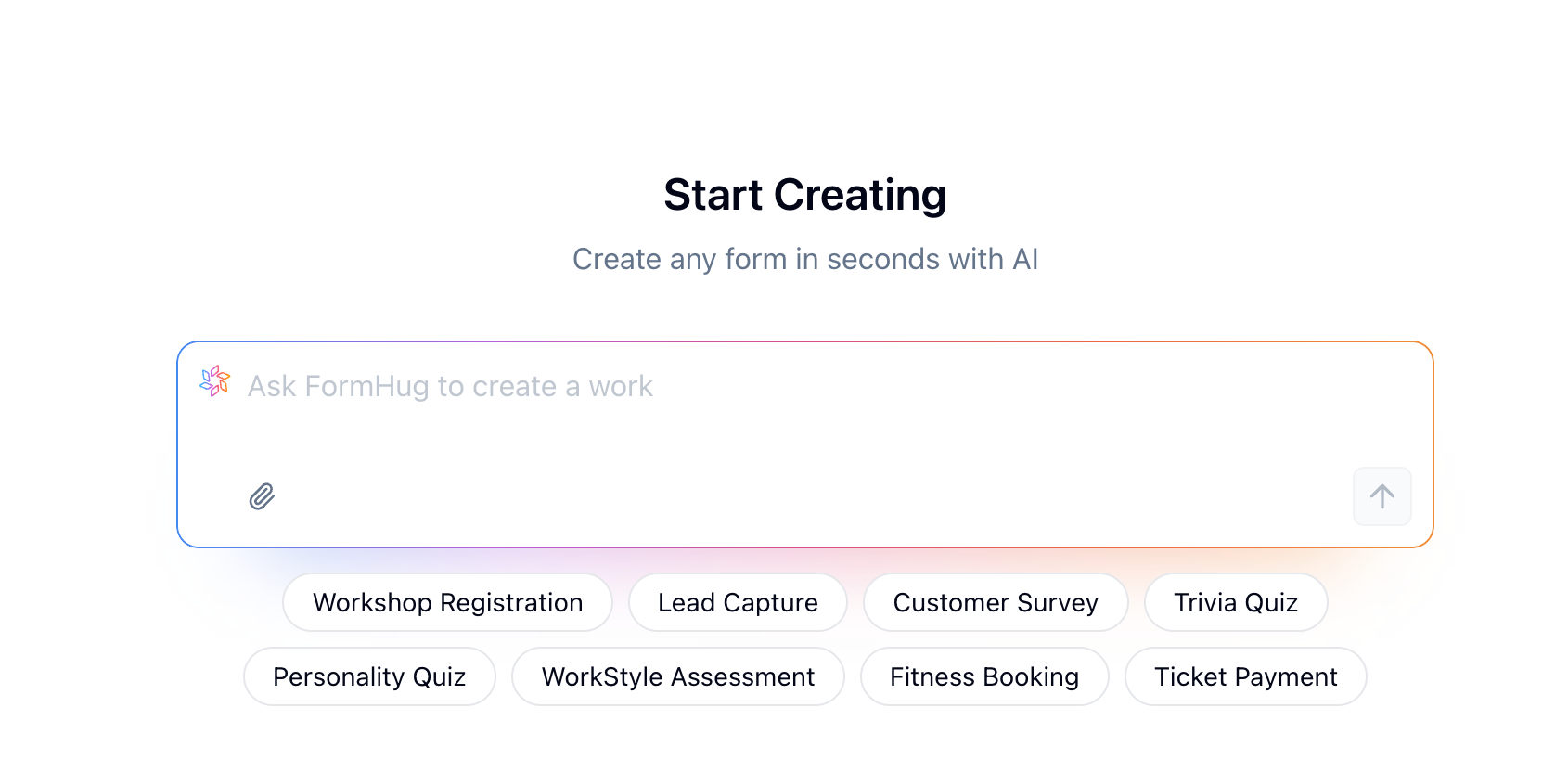
Some of that is useful. We have built AI features inside FormHug too. You can describe a form, survey, quiz, or assessment, and FormHug helps draft it. That lowers the first-use barrier, especially for people who do not want to start from a blank page.
But the more I use agents like Claude and Codex in real work, the less obvious the answer becomes.
The User’s Best AI May Not Be Inside Your Product
There are a few reasons embedded SaaS AI features are structurally disadvantaged.
First, the model inside your product may not keep up with the models users already pay for and use every day. The frontier moves quickly. A SaaS product’s embedded AI can easily become one generation behind the agent sitting in the user’s main workspace.
Second, the product does not have the user’s full context.
When someone is talking to Claude, Codex, Cursor, or another agent, the conversation may already contain the goal, constraints, source material, examples, feedback, and the user’s taste. By the time they need a form, a quiz, a report, or a workflow, the agent already knows more than the SaaS AI panel can know.
If the user then opens a SaaS product and re-explains the same thing to an embedded AI feature, the workflow has already lost something.
Third, the user’s agent is increasingly where the work happens end to end.
The agent can help define the requirement, create the object, inspect the result, adjust it, publish it, read the data, and reason about what happened next. If the product only exposes an AI feature inside its own UI, it may be asking the user to leave the place where the work is already coherent.
The FormHug Example That Changed My Mind
This became very concrete for me while creating World Cup quizzes.
I tried building them with FormHug’s own AI creation flow. It worked. It gave me a useful starting point.
Then I created similar quizzes from Claude using FormHug MCP.
The quality was noticeably better.
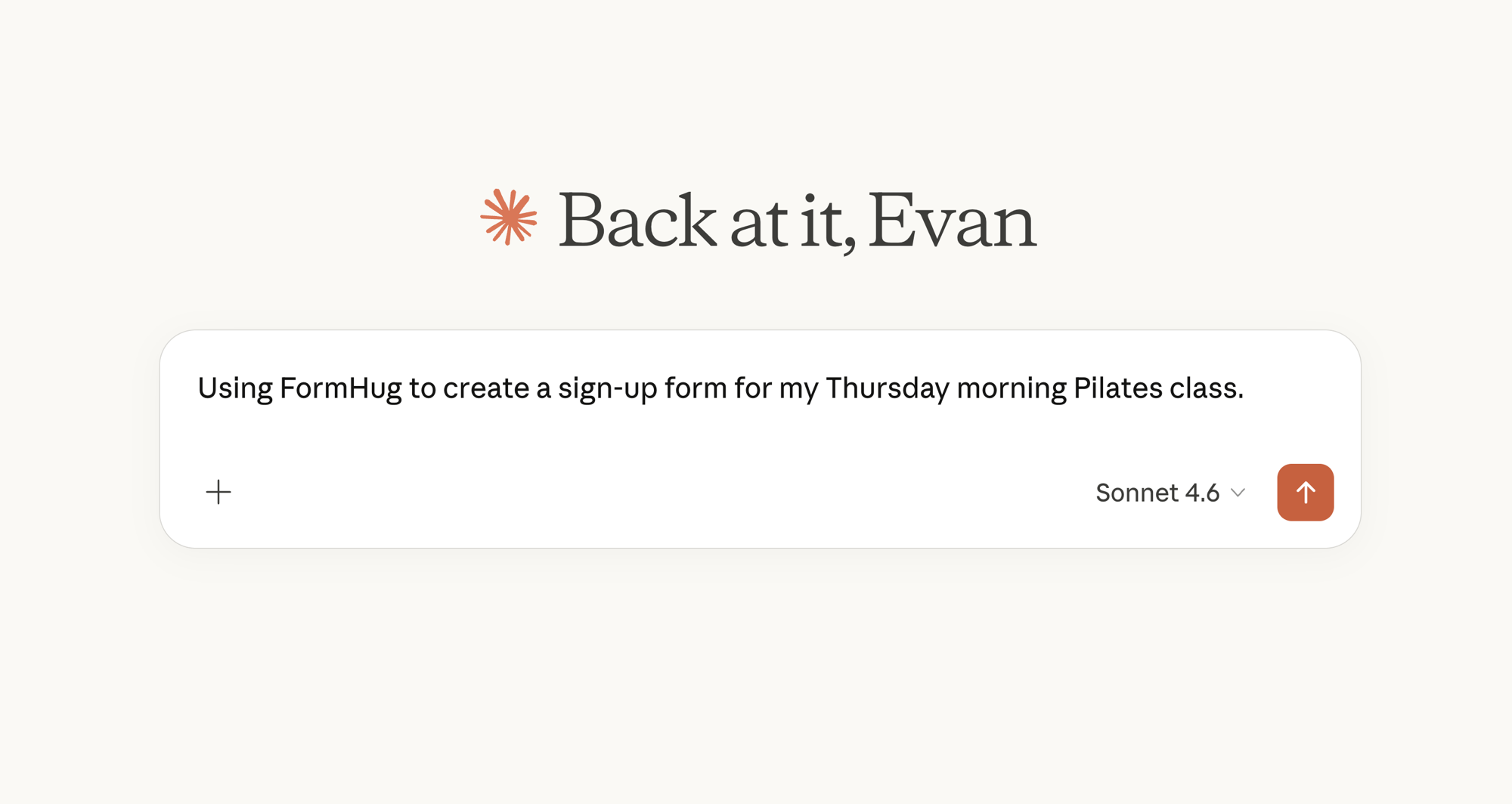
Not because FormHug’s form builder suddenly became less important. The opposite. FormHug still provided the form structure, publishing, scoring, submissions, and public experience. But Claude had the richer reasoning environment. It had more context, better taste in that moment, and a smoother path from idea to iteration.
The workflow felt different:
- I described the goal in Claude.
- Claude created the quiz through FormHug MCP.
- I refined the questions in the same conversation.
- The quiz existed as a real FormHug form.
- The agent could keep helping with copy, structure, and follow-up.
At that point, opening the FormHug dashboard was no longer the center of the workflow. It became the place where the result lives, can be reviewed, and can be trusted by the human filling it out.
That is a strange feeling as a SaaS builder. A strong MCP interface can make the product less visited and more useful at the same time.
Maybe the Product Is the Tool Layer
This does not mean SaaS products should stop building AI features.
There will still be users who want the product to help directly. A built-in AI flow is useful for onboarding, quick starts, lightweight generation, and moments when the user does not have an agent open.
But it may not be the highest-leverage layer.
The more important question may be:
- Can the user’s agent create things in your product?
- Can it inspect the current state?
- Can it update, publish, duplicate, or archive safely?
- Can it read the data back?
- Can permissions, auditability, and user intent stay clear?
- Can the human still get a polished UI when it matters?
That is not just an API question. It is a product interface question.
An API exposes capability. An MCP server turns that capability into an agent-facing workflow surface. The product becomes something an agent can understand and operate, not just something a human can click through.
The Joke Hidden in Our Name
The funny thing is that our domain may have been telling us this badly the whole time.
formhug.ai looked like a promise to put AI inside a form builder.
For a while, that is how we thought about it: AI form generation, AI quiz drafts, AI survey suggestions, AI help inside the product.
Maybe the better reading is slightly different.
Maybe it is form hug AI agents.
Forms should be something AI agents can hold, understand, and operate safely. The product should still be beautiful for humans. But it should also be friendly to the agent the user already trusts.
Beautiful for humans. Friendly for agents.
What This Means for SaaS
If this pattern is real, the future of SaaS AI is not only more AI buttons.
It is better agent interfaces.
The product still needs a great human UI. People still need to review, trust, share, and edit the final thing. But the starting point may move. The user’s intent may begin in Claude, Codex, Cursor, Hermes, or whatever agent they use most.
The SaaS product’s job is not always to pull that user back into its own AI feature.
Sometimes the product’s job is to be a reliable tool in the user’s existing agent workflow.
That is a humbler position. It may mean fewer dashboard visits. It may mean the most important product surface is not visible in the traditional way. But if the workflow becomes smoother, the product becomes more valuable.
Maybe your AI feature should be an MCP server.
Or more precisely: maybe your SaaS product needs an agent-facing tool interface strong enough that the user’s own AI can do real work with it.
Try It With FormHug MCP
This is why we have been investing in FormHug MCP.
If you already work in Claude, you should not have to leave the conversation just to create a form, collect structured input, or read submissions. Claude can carry the context. FormHug can provide the form layer. The workflow can stay in one place.
We wrote a practical walkthrough here: Claude Form Builder: Collect and Analyze Data in Chat.
Try it with your own agent workflow. Create a form, edit it, publish it, collect responses, and ask your agent to reason over the results.
If this thesis is right, the fastest way to understand it is not to read about it. It is to let your agent build something real.

Written by
FormHug TeamProduct, research, and form automation team
The FormHug Team brings together product builders, workflow researchers, and form automation practitioners who study how people collect, route, and act on information online. Our guides are based on hands-on product testing, template analysis, customer workflow patterns, and deep experience with forms, surveys, quizzes, AI-assisted creation, integrations, and results sharing.