A Quiz Is a Conversation, Not a List of Questions
Make it interactive
Turn these questions into a scored quiz
Build a quiz with answer keys, result pages, explanations, and a shareable link.
Most quizzes begin with the wrong question: how many questions should there be?
The more useful question is what the participant should understand when the interaction ends. A quiz can return a score, a personality type, a recommendation, a learning gap, or simply a new way to look at a familiar topic. The questions are the route. The result is the reason to take the route. This is also why the result page is where a quiz becomes useful, not merely the place where a score is displayed.
We keep coming back to this when we look at the quizzes people create with FormHug. A Wearable Technology Quiz is not only a list of facts about watches and sensors. Its questions move from release dates to early experiments, then turn the answers into four levels of familiarity. A makeup quiz does something different: it uses preferences and features to suggest a style.
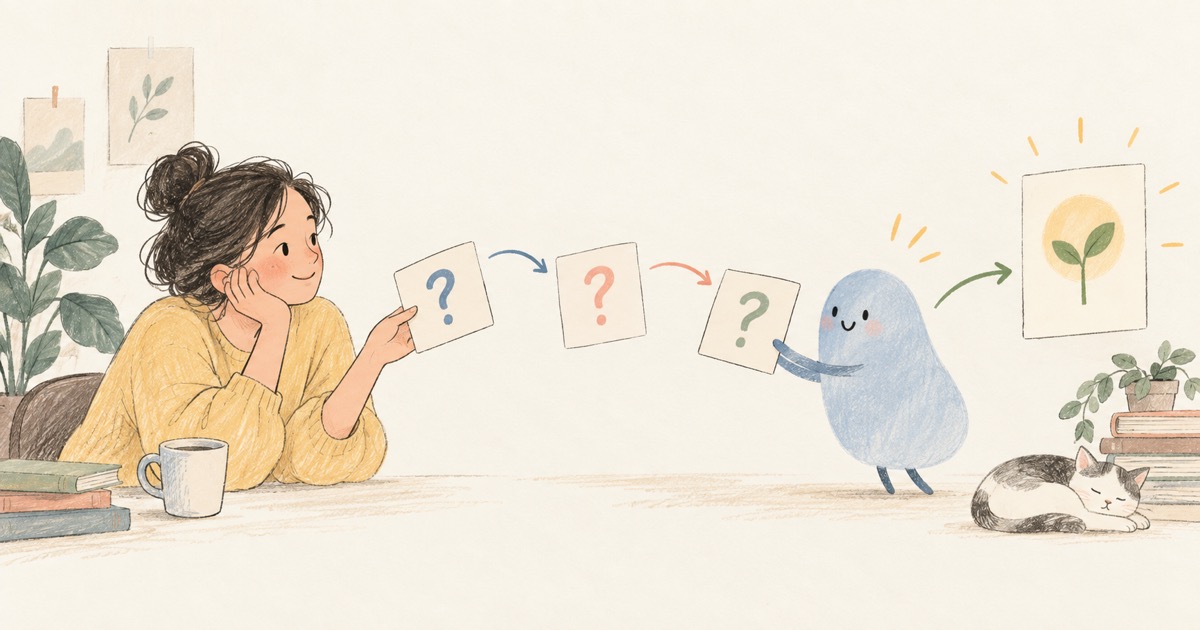
The structure is different, but the principle is the same. A good quiz is a small conversation with a point of view. Its result should make the participant understand something, choose something, or see a pattern more clearly.
Questions are signals, not inventory
When a quiz is designed as a list, every question competes for space. The author asks what else might be interesting and keeps adding. The result is usually longer, less coherent, and harder to finish.
When a quiz is designed as a conversation, each question has a job. It may establish what someone knows, reveal a preference, test a trade-off, or ask for context that changes the final recommendation.
That gives us a simple design test:
If removing a question does not change the result, the question probably does not belong in the quiz.
This does not mean every question must be dramatic. A quiet question about how often someone wears makeup can be more useful than a clever question about a trend if the result is supposed to recommend a realistic daily look.
The ending determines the shape of the interaction
The result comes first in a well-designed quiz. Not the final wording, but the final promise.
There are at least four common promises:
- Knowledge: show how much the participant knows and explain the misses.
- Reflection: give language to a preference, habit, or working style.
- Recommendation: narrow a broad choice into a useful next option.
- Assessment: show whether someone has reached a threshold or needs more practice.
The AI Collaboration Style Quiz promises reflection. Its results are The Delegator, The Co-Pilot, The Verifier, and The Experimenter. The questions are about prompting, reviewing, experimenting, and trusting AI because those behaviors support the promised result.
This is also why quiz makers need more than question generation. FormHug’s AI quiz workflow generates questions, scoring, result pages, and shareable links from an idea, but the creator still needs to decide what the interaction is for. AI can draft the conversation. A person has to choose its meaning.
A result should give something back
The participant has spent attention. A score alone is rarely enough compensation.
A satisfying result has three layers:
- Recognition: a name or score that makes the participant feel seen.
- Explanation: a short account of why the result fits the answers.
- Direction: a fact, suggestion, or next question to carry forward.
The wearable quiz calls its highest result “Wearable Tech Insider,” then connects that identity to the history of the category. The makeup quiz uses result profiles such as “Natural Beauty Look” and “Bold / Statement Look,” then adds strengths and practical makeup tips.
These are not just decorative endings. They are the part most likely to be remembered, copied into a message, or shared with someone else.
AI makes the first conversation cheaper
The most interesting change is not that an AI can write ten questions. Humans have been writing ten questions for a long time. The change is that a creator can test several possible conversations before committing to one.
One prompt can produce a rough version about a topic. A second prompt can make it easier for beginners. A third can change the result from a percentage into four meaningful profiles. The cost of trying an idea becomes small enough that more people can explore the format.
That matters for educators, marketers, community builders, and teams. They can start with a real question:
What do I want people to notice about themselves after answering this?
Then they can use AI to explore the possible structure, check for repetition, and turn the strongest version into a hosted quiz.
Our own preference is to keep the human review visible. Factual answers need checking. Personality labels need restraint. A result should not claim more certainty than ten lightweight questions can support.
Forms become more interesting when they have an ending
The boundary between a form and a quiz is not as fixed as it looks. A form collects structured input. A quiz adds interpretation and feedback. An assessment adds a threshold. A recommendation flow adds a next action.
The shared material is the same: questions, options, answers, and a response record. What changes is the meaning given to the response.
That is why we think AI forms for humans and agents should not be treated as a collection of separate categories. A form can be the front door to a decision. A quiz can be a lightweight learning loop. An agent can read the responses and continue the work after the participant leaves.
The best quiz is not the one with the most questions. It is the one that makes the participant glad they answered them.

Written by
FormHug TeamProduct, research, and form automation team
The FormHug Team brings together product builders, workflow researchers, and form automation practitioners who study how people collect, route, and act on information online. Our guides are based on hands-on product testing, template analysis, customer workflow patterns, and deep experience with forms, surveys, quizzes, AI-assisted creation, integrations, and results sharing.