

1. Start from a Template
Choose from a wide range of ready-made templates for different scenarios.1
Browse Templates
Click New Form and select Templates
2
Pick a Template
Browse by category or search for what you need
3
Customize
Edit the template to fit your needs
2. Create with AI
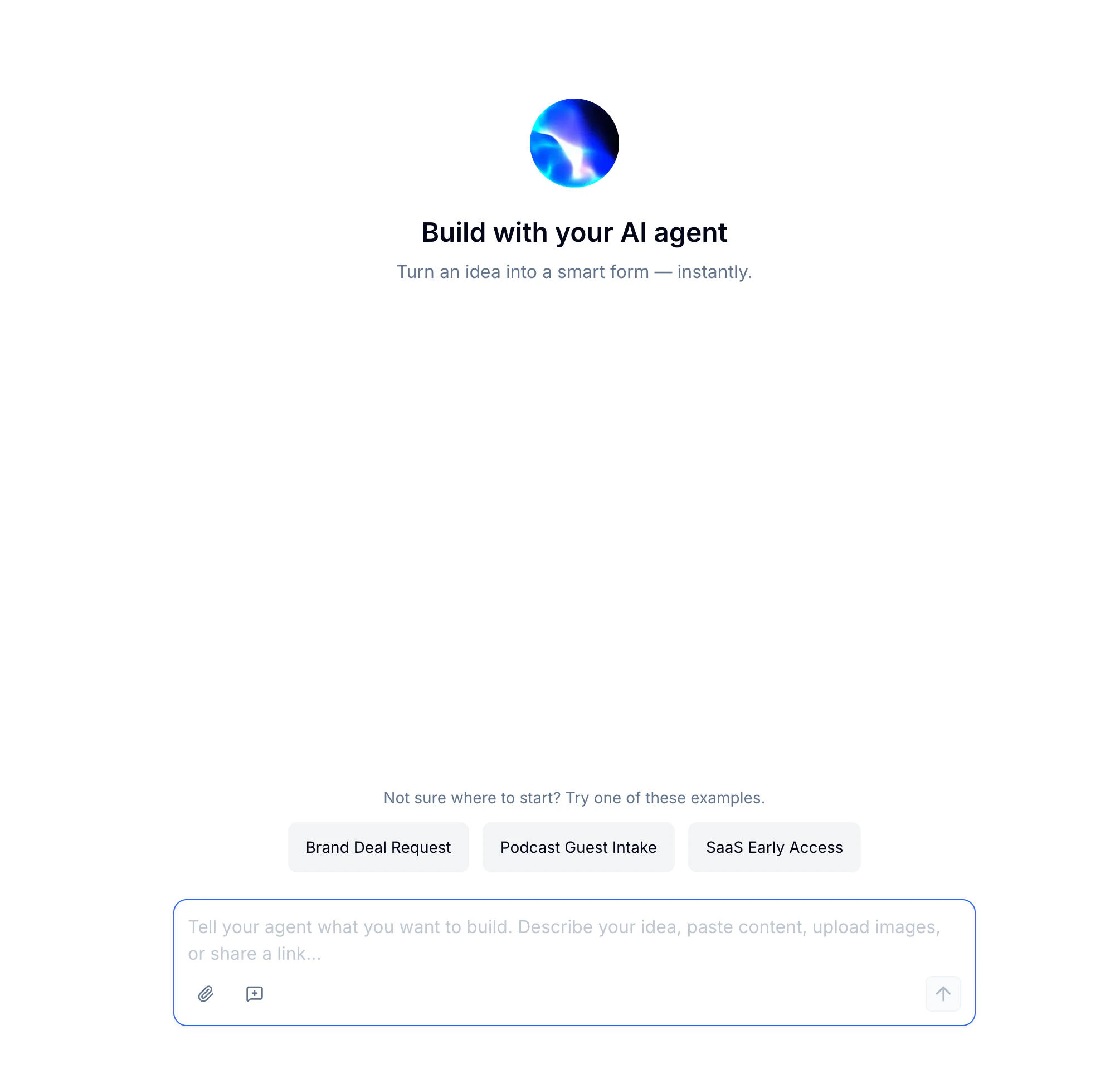
1
Describe Your Form
Tell FormHug what you need in a sentence
2
Upload (Optional)
Add a file or link for more context
3
Generate
AI builds your form with fields, descriptions, and even images
3. Import from Excel
Have your questions in a spreadsheet? Import them directly.1
Prepare Your File
Organize questions in rows with columns for field type, label, and options
2
Upload
Click New Form → Import → Excel
3
Review
Check the imported fields and make adjustments
4. Start from Scratch
Build your form from the ground up with full control.1
Create Blank Form
Click New Form → Blank Form
2
Add Fields
Drag fields from the left panel to your form
3
Configure
Set up each field’s properties in the right panel
Next Steps
Understanding the Editor
Learn the three-panel layout
Field Types
Explore 30+ field types
Create a Payment Form
Set up donations, product orders, ticket booking, and Stripe payment forms
Template Library
Browse templates by use case, role, industry, and form type
AI Form Builder
Generate a complete first draft from a short prompt