

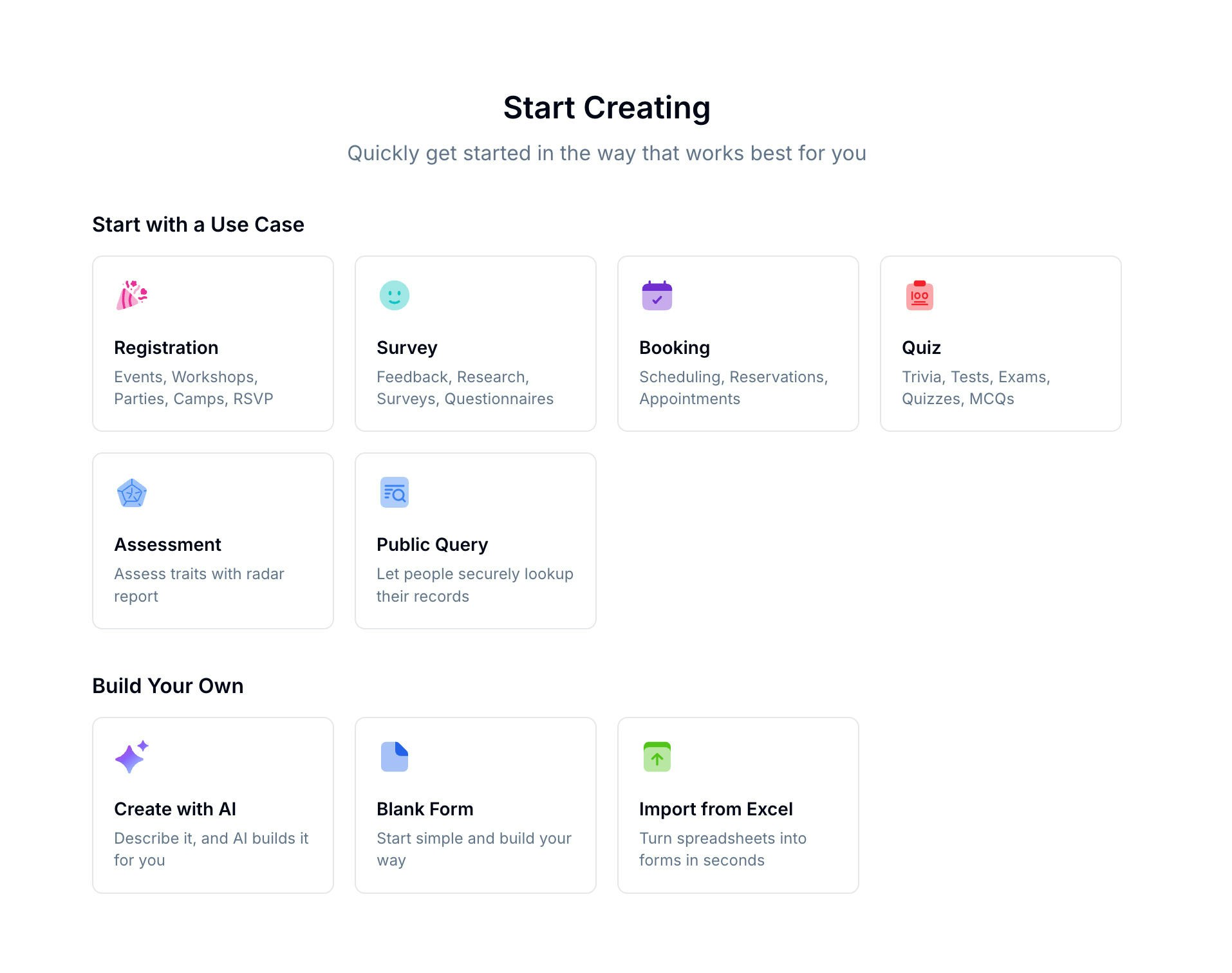
Creation Methods
Form Types
When creating a form, you select a scenario that shapes how the form works and what features are available:Using Templates
Browse 100+ ready-made templates organized by category. Pick one that matches your use case, then customize the fields, styling, and settings.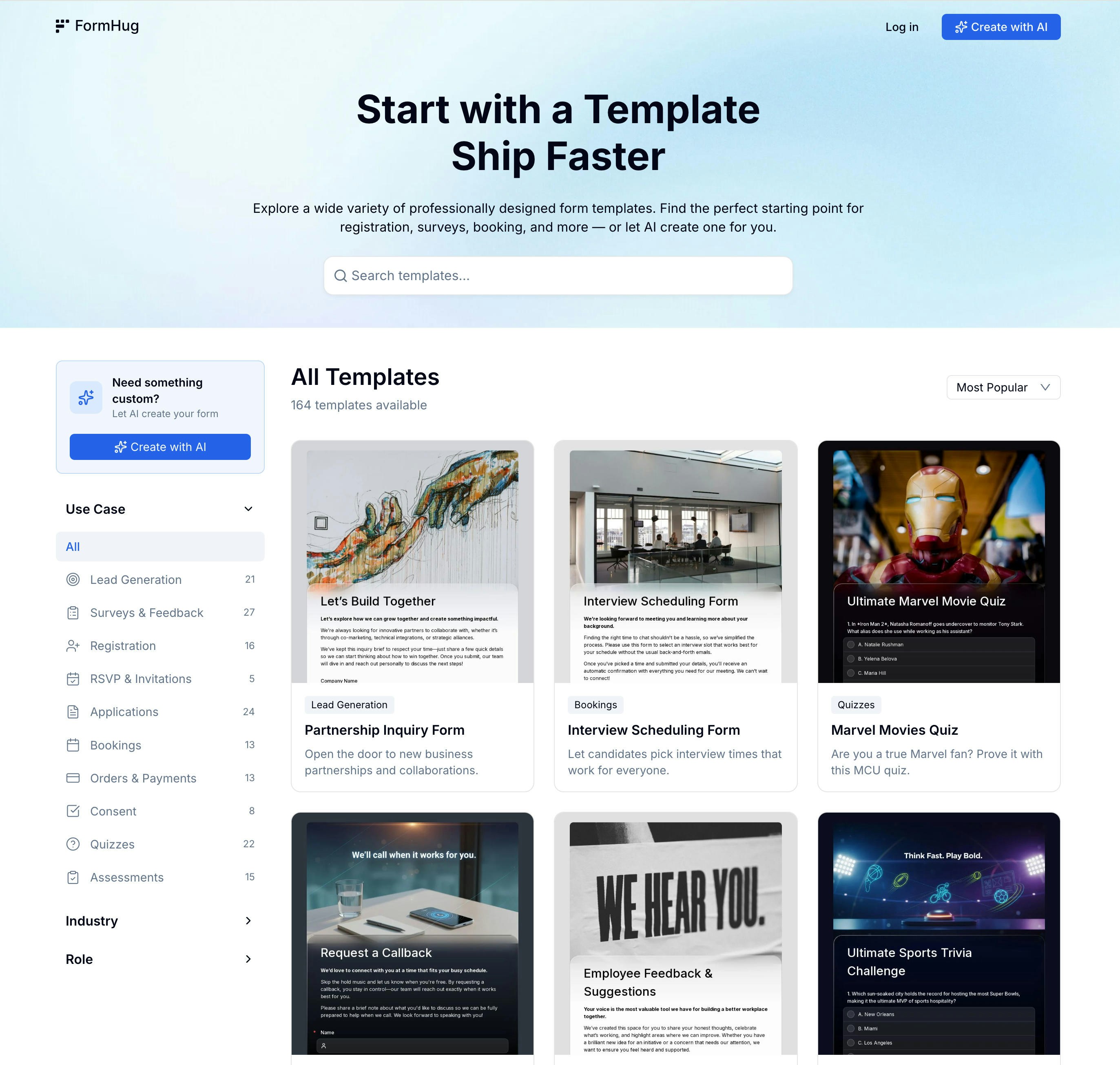
Using AI Builder
Type a short description of your form and Evan, FormHug’s AI agent, builds the structure, suggests fields, and can generate a header image. You can refine the result in the form builder or publish it as-is.AI Builder
Learn how Evan builds forms from a description
Related
Form Builder
Edit fields, pages, and layout
Field Types
Explore 30+ available field types
Template Library
Browse templates by use case, role, industry, and form type
AI Form Builder
Generate a complete first draft from a short prompt
Best Form Templates for Businesses
Compare common starting points before choosing a creation method