How to Create Coding Exit Tickets for Students
Create the assessment
Turn this into a scored assessment
Build an assessment with scoring, result pages, feedback, and records you can review later.
A programming lesson can look successful while students are still unsure how to apply its central idea. A quick coding exit ticket gives them a chance to show what they understood before they leave—and gives you a focused signal about what may need another example.
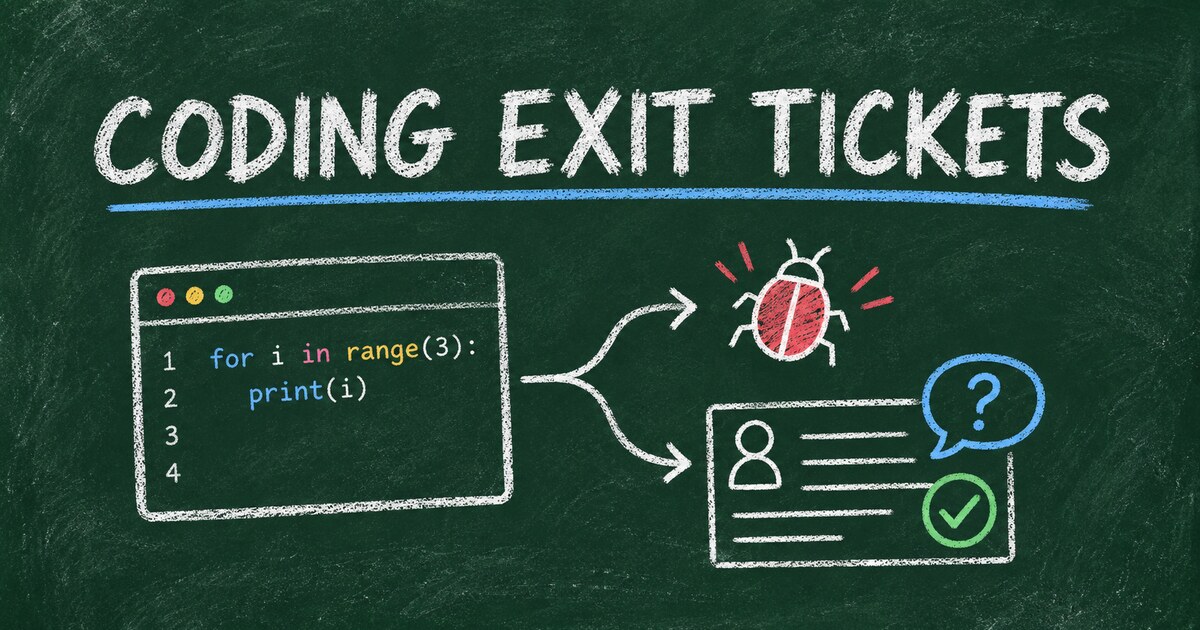
A coding exit ticket is a brief end-of-lesson check, not a full exam or a substitute for reviewing student work. It can ask students to trace a small snippet, identify a bug, explain a choice, or name what still feels unclear.
The useful version is short, tied to that day’s objective, and designed to inform what happens next. Here’s how to create one, with question examples you can adapt for programming classes.
TL;DR — A coding exit ticket is a short end-of-lesson assessment that checks how students understand a specific programming concept.
- Start with one objective — assess the idea students practiced today, not the whole unit.
- Mix evidence types — use code reading, debugging, explanation, or a small application prompt.
- Use responses to plan — decide whether to reteach, add practice, or move forward.
- Works for: introductory programming, computer science classes, coding clubs, bootcamps, and online lessons.
- Keep it low-stakes unless you have a clear reason to use it for formal grading.
What Is a Coding Exit Ticket?
A coding exit ticket is a brief question set students complete at the end of a programming lesson. It checks a small number of learning goals—such as tracing a loop, using a condition, or explaining a variable’s role—while the lesson is still fresh.
Unlike a project or unit test, an exit ticket is meant to provide a quick instructional check. It can include a scored question, a short written explanation, or a prompt about what the student would try next. The responses help a teacher spot patterns; one response alone should not be treated as a complete measure of a student’s coding ability.
The Objective–Evidence–Next Step Framework
Use the Objective–Evidence–Next Step framework to design a ticket that leads to an instructional decision:
| Part | Ask yourself | Example |
|---|---|---|
| Objective | What should students be able to do after this lesson? | Trace a loop that updates a counter |
| Evidence | What response would show their current understanding? | Predict the counter’s final value and explain why |
| Next step | What might I do with the response pattern? | Review loop boundaries or offer a challenge |
This framework keeps the questions focused. If you cannot say what a response would help you decide, revise the prompt or leave it out.
Choose Questions That Reveal Programming Understanding
A useful coding exit ticket goes beyond asking whether students enjoyed the lesson. Choose a prompt that reveals how they reason about the code.
Read or trace a short code snippet
Ask students to predict an output, describe a variable’s value after a line, or explain how a condition affects what runs.
Example: What does this code print, and what value does count have after the loop?
count = 0
for number in range(3):
    count += number
print(count)
The explanation matters: a student who gives the right output for the wrong reason may need a different follow-up than a student who can trace each iteration.
Find and explain a bug
Show a small example with one deliberate error. Ask students to identify the problem and describe a correction.
Example: A program should print numbers from 1 to 5, but it stops at 4. Which part of the loop would you inspect first, and why?
A debugging prompt can reveal whether students understand the behavior behind an error, rather than only whether they can recognize familiar syntax.
Apply the idea to a small variation
Change one requirement from the lesson and ask students what they would change in the code. Keep the task small enough to fit the time and the objective.
Example: The program currently checks whether a temperature is above 30. What condition would you use to include 30 as well?
Reflect on what remains unclear
An open-ended prompt can show where students are getting stuck, especially when the concept is new.
Try questions such as:
- What is one step in today’s code that you could explain to a classmate?
- Which part of the program would you like to practice again?
- What did you try when your code did not work?
Reflection is useful context, but it is not a replacement for evidence of whether students can use the programming concept.
How Many Questions Should a Coding Exit Ticket Have?
There is no single right number. Use only as many questions as needed to check the lesson objective and give students a reasonable chance to explain their thinking. For a narrow lesson, one carefully chosen prompt may be enough; a broader lesson may need a few different kinds of evidence.
A practical design is to combine one code-focused prompt with one brief explanation or reflection. Avoid turning the exit ticket into a second assignment. If students need to write a long program to answer it, the task may be better suited to a practice activity or project.
How to Create Coding Exit Tickets for Students
Step 1: Write the lesson objective
Describe the skill in observable terms. “Understand loops” is broad; “trace a loop and predict how a counter changes” gives you something specific to assess.
Step 2: Choose evidence that matches the objective
Select a code-reading, debugging, application, or explanation prompt. Make sure students can answer it using what they had a chance to learn and practice in the lesson.
Step 3: Check the prompt for ambiguity
Test the question yourself. Confirm that the code behaves as intended, the expected answer is clear, and any language-specific details are appropriate for the class. If more than one answer could be reasonable, say so in the prompt or adjust it.
Step 4: Decide how responses will shape the next lesson
Before handing out the ticket, decide what patterns would prompt a review, a new example, or an extension task. After students respond, look for shared misunderstandings rather than treating a single score as a complete diagnosis.
Coding Exit Ticket Examples by Topic
Adapt these prompts to the language and level you teach:
| Lesson topic | Exit-ticket prompt |
|---|---|
| Variables | What value does score hold after these two assignments? Explain your answer. |
| Conditionals | What input would make this if branch run? |
| Loops | Trace the loop and write the output. Which iteration changes the result most? |
| Functions | What information does this function receive, and what does it return? |
| Lists or arrays | Which index refers to the second item in this list? Show how you know. |
| Debugging | Identify one likely cause of the error and describe how you would test your fix. |
| Decomposition | What smaller task could you turn into a helper function? |
| HTML and CSS | Which selector targets the element shown, and what visual change would the rule make? |
For younger students or beginners, use a short, familiar snippet and plain language. For more advanced learners, ask them to justify a design choice or adapt a solution to a new condition.
Common Mistakes to Avoid
- Testing too many objectives at once. A ticket that samples the whole unit may be difficult to interpret after one lesson.
- Using only vocabulary questions. Knowing a definition does not always show whether a student can read or apply code.
- Making every ticket high-stakes. A quick check is often most useful when students can reveal uncertainty without treating it like a major exam.
- Asking for reflection without an actionable prompt. “Any questions?” can be hard to answer; ask what step or concept needs another example.
- Collecting responses without using them. Tell students what you noticed and how it will shape the next class when appropriate.
Frequently Asked Questions
What is a coding exit ticket?
A coding exit ticket is a short end-of-lesson check that asks students to show their understanding of a programming concept. It may use a code snippet, debugging prompt, small application task, or reflection question.
What should I put on a coding exit ticket?
Choose a prompt that matches one lesson objective. For example, ask students to trace a loop, explain a conditional, identify a likely bug, or describe what they would change in a small code example.
How many questions should a programming exit ticket have?
Use the fewest questions that give you useful evidence about the objective. One focused question may work for a narrow lesson; a small set can help when you need both a code response and an explanation.
Should coding exit tickets be graded?
They can be graded, but many teachers use them as low-stakes checks for understanding. Decide in advance whether you need a score, completion signal, or written evidence to plan instruction.
Can I use exit tickets in an online coding class?
Yes. A digital form or quiz can collect short answers, reflections, and responses to code-reading prompts. Make sure the code is readable on the device students use and give clear instructions for formatting answers.
Can I create a coding exit ticket with FormHug?
You can use FormHug to create a form for collecting student responses. Choose question formats that fit your prompt, and review the available product options before relying on any particular scoring or feedback workflow.
Related
- How to Create a Post-Class Quiz or Exam Form for Google Classroom — see ways to share and structure post-class checks.
- Mini Exam Questions: Examples for Training, Hiring, and Classrooms — adapt focused question patterns for classroom assessments.
- Student Perception Survey: Questions, Template, and Analysis Guide — gather feedback about learning conditions alongside evidence of understanding.
When students leave with an unspoken question about the code, the next lesson may start on shaky ground. A focused exit ticket can surface what needs attention while there’s still time to respond. Create a form →

Written by
FormHug TeamProduct, research, and form automation team
The FormHug Team brings together product builders, workflow researchers, and form automation practitioners who study how people collect, route, and act on information online. Our guides are based on hands-on product testing, template analysis, customer workflow patterns, and deep experience with forms, surveys, quizzes, AI-assisted creation, integrations, and results sharing.