Free Poll Maker: How to Create a Poll People Actually Answer
Start collecting responses
Turn this into a shareable survey
Draft the questions, publish a clean link, and keep every response organized in FormHug.
A good poll should take less than 10 seconds to answer. If people have to reread the question, compare overlapping options, or wonder what happens after they vote, the poll is already too much work.
That is why a free poll maker is different from a full survey builder. A survey explores a topic. A poll makes one decision visible: which date works, which idea wins, which session people want, which option the group prefers, or whether the audience agrees.
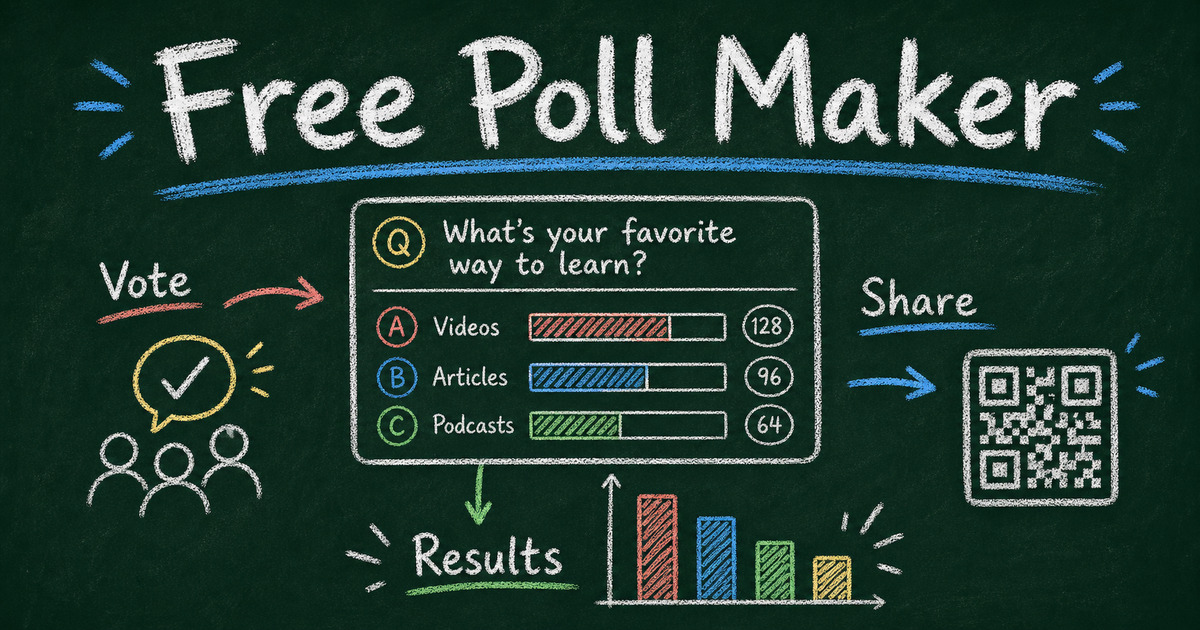
This guide shows how to create a free online poll people actually answer, when to use a poll instead of a survey, and how to build one in FormHug with a shareable link, QR-code-friendly distribution, and clear results.
TL;DR - FormHug lets you create a free poll with one clear question, fast answer options, shareable links, QR-code-friendly distribution, and lightweight results.
- Use polls for one decision - topic choice, date preference, feature priority, event vote, or quick sentiment.
- Keep options mutually exclusive - overlapping choices create noisy results.
- Share where people already are - email, chat, event slide, QR code, social post, or embedded page.
- Works for: meetings, events, classrooms, communities, creators, product teams, and quick customer feedback.
- Use a survey when you need reasons, segmentation, or multiple questions.
What Is a Poll?
A poll is a short voting form built around one primary question. Respondents choose from a small set of answer options, and the result is usually a simple count or percentage.
Examples:
- Which topic should we cover next?
- What time works best for the workshop?
- Which product concept should we test first?
- Did this support answer solve your problem?
- Which design direction feels clearer?
Polls work because they reduce the cost of participation. A respondent does not need to explain, remember, or write. They only need to choose.
What to Look for in a Free Poll Maker
The best free poll maker should help you publish quickly without forcing the poll into a bloated survey flow.
| Poll maker feature | Why it matters |
|---|---|
| One-question setup | Polls should be fast to create and fast to answer. |
| Multiple choice options | Most polls need clean single-select answers. |
| Shareable link | You can send the poll by email, Slack, social post, or class page. |
| QR code compatibility | Useful for events, classrooms, workshops, and physical spaces. |
| Embed support | Keeps website visitors on the page where the question matters. |
| Live or easy-to-read results | Polls are often useful because people can act on the result quickly. |
| Optional follow-up | A short “why?” question can turn a vote into feedback when needed. |
If a poll maker makes you configure ten settings before publishing, it is probably solving the wrong problem.
Free Poll Maker Use Cases
Most people searching for a free poll maker are not just looking for a generic voting widget. They usually have a channel, audience, and decision already in mind.
| Use case | Best poll type | Where to share it | What to watch |
|---|---|---|---|
| Voting poll | Single-choice vote with 2 to 5 options | Community post, email, website, class page | Keep options parallel so the winner is meaningful. |
| Online poll | One-question poll with a shareable link | Slack, Discord, newsletter, social post, landing page | Say when voting closes and what the result will decide. |
| Live poll | Fast audience vote during an event or meeting | QR code on a slide, webinar chat, workshop room | Make the question readable from a distance and keep voting open briefly. |
| Anonymous poll | Poll without name, email, or account fields | Workplace feedback, classroom check-ins, community moderation | Avoid asking questions that identify the respondent indirectly. |
| Scheduling poll | Date or time preference poll | Team chat, client email, event planning thread | Separate date and time if combining them would create messy answers. |
This is where a flexible online poll maker helps. A voting poll might need visible results. A live poll needs fast QR-code distribution. An anonymous poll needs fewer identity fields. A scheduling poll needs clean choices more than long comments. If the topic is sensitive enough that identity changes the answer, use the fuller anonymous survey workflow instead of treating anonymity as a checkbox.
Poll vs Survey: Which One Should You Use?
Use a poll when the question is narrow and the answer options are known.
Use a survey when you need context, multiple dimensions, segmentation, or open-ended feedback. For example, “Which session should we repeat?” is a poll. “What should we improve about the event?” is a survey.
The fastest rule: a poll helps you choose; a survey helps you understand.
Google Poll, Doodle Poll, or SurveyMonkey Poll?
Searches for “Google poll,” “Google poll maker,” “Doodle poll,” and “SurveyMonkey poll” usually point to the same intent: someone needs a fast vote without building a full survey.
Use Google Forms when the poll is simple and the audience already trusts a Google link. Use Doodle when the main job is scheduling. Use SurveyMonkey when the poll belongs inside a broader survey program. Use FormHug when the poll may need a QR code, an optional follow-up question, a cleaner embedded experience, or the ability to grow into a survey, quiz, registration form, or feedback workflow later.
The key is to avoid overbuilding. A poll should still feel like one question, even if the tool behind it can do more.
Poll Ideas That People Actually Answer
Meeting polls
- Which agenda item should we discuss first?
- How confident are you about this launch?
- Should we decide today or collect more input?
- What is the biggest blocker right now?
Event polls
- Which breakout session should we run next?
- What time works best for the follow-up workshop?
- Which speaker topic should get a deeper session?
- Was the session too short, just right, or too long?
Product polls
- Which feature should we prioritize next?
- Which pricing page headline is clearer?
- Which onboarding step felt hardest?
- Did this help article solve your problem?
Classroom polls
- Which topic should we review before the quiz?
- How confident do you feel about today’s lesson?
- Would you rather practice alone or in pairs?
- Which example should we solve first?
For lighter prompts, fun survey questions has poll-style icebreakers that work for meetings, classrooms, and events.
How to Write a Better Poll Question
Ask one thing
“Which day and time works best?” sounds efficient, but it combines two decisions. Split it into date first, then time.
Keep options parallel
Bad options: “Monday,” “Tuesday morning,” “Any weekday,” “Not sure.” Those do not belong to the same category.
Better options: “Monday,” “Tuesday,” “Wednesday,” “Thursday,” “Friday.”
Include an escape hatch only when needed
“Other” is useful when you genuinely might miss an option. It is not useful when you need a clean vote. For scheduling or ranking, force the known choices. If you need people to order several options instead of pick one winner, use a ranking survey question.
Say what happens with the result
People answer more carefully when the poll changes something. Add one sentence: “We will use this to choose the workshop topic” or “The top answer becomes next week’s discussion.”
How to Create a Free Poll in FormHug
Step 1: Name the decision
Write the decision before the question: “We need to choose the next webinar topic.” That keeps the poll from becoming a mini survey.
Step 2: Create the poll question
Open FormHug and use a short prompt such as: “Create a one-question poll asking customers which product feature we should prioritize next, with four answer options and an optional comment field.”
Step 3: Add optional context
If the vote needs explanation, add one optional open-ended field: “What made you choose that option?” Keep it optional so the poll still feels fast.
Step 4: Publish and share
Publish the poll and share the link. For a live room, turn the link into a QR code. For a website or help article, embed the poll near the decision point. For a community or social audience, include the result deadline.
How FormHug Compares for Polls
| Need | FormHug | Basic poll widgets |
|---|---|---|
| Free poll creation | Free to start with shareable links | Usually available |
| Question flexibility | Polls can grow into surveys, forms, and follow-ups | Often one question only |
| AI draft | Built in through the AI builder | Often missing |
| QR and embed workflow | Link can be shared, embedded, or converted to QR | Varies by widget |
| Results | Useful for poll and survey-style feedback | Often simple vote totals |
The practical difference: a basic poll widget is fine for a one-off vote. FormHug is better when today’s poll may become tomorrow’s survey, signup form, quiz, or customer feedback workflow.
Frequently Asked Questions
How do I create a free online poll?
Write one clear question, add 2 to 5 answer options, create it in a free poll maker like FormHug, publish the link, and share it by email, chat, social post, QR code, or embed.
What is the best free poll maker?
The best free poll maker is the one that lets you publish quickly, share by link or QR code, and read results without turning a one-question vote into a complicated survey. FormHug is a strong option when you also want AI help and follow-up fields.
Can I make a Google poll?
Yes. You can make a simple Google poll with Google Forms by creating one multiple choice question and sharing the form link. If you want a poll with QR sharing, optional follow-up fields, embeds, or room to become a fuller survey later, FormHug is a more flexible poll maker.
What is the difference between a poll and a survey?
A poll asks one focused voting question. A survey asks multiple questions to understand a topic more deeply. Use a poll to choose; use a survey to learn why.
Can I make an anonymous poll?
Yes. Leave out name, email, phone, and other identifying fields if you want anonymous voting. Anonymous polls work well for sensitive workplace, classroom, or community questions.
Can I create a poll with a QR code?
Yes. Publish the poll as a shareable link, then turn the link into a QR code. This works well for events, classrooms, retail feedback, workshops, and printed materials.
How many answer options should a poll have?
Most polls work best with 2 to 5 answer options. More than that slows people down and can split votes across options that mean almost the same thing.
Can I show poll results after voting?
That depends on the workflow you want. For public engagement, showing results can increase interest. For customer or employee feedback, you may want to keep results private until you review them.
Is FormHug free for polls?
Yes. You can start creating polls in FormHug for free, publish a shareable link, collect responses, and add optional follow-up questions when a vote needs more context.
Related
- Free Survey Maker - use a survey when one poll question is not enough
- Fun Survey Questions - use lightweight prompts for meetings and events
- Yes or No Survey Questions - write binary poll questions that stay clear
- Ranking Survey Questions - ask people to order priorities instead of choosing one winner
A poll works when answering feels easier than ignoring it. Keep the question narrow, make the options clean, and let the result change something visible. Create your poll ->

Written by
FormHug TeamProduct, research, and form automation team
The FormHug Team brings together product builders, workflow researchers, and form automation practitioners who study how people collect, route, and act on information online. Our guides are based on hands-on product testing, template analysis, customer workflow patterns, and deep experience with forms, surveys, quizzes, AI-assisted creation, integrations, and results sharing.