Multiple Choice Survey Questions: Examples, Answer Options, and Common Mistakes
Start collecting responses
Turn this into a shareable survey
Draft the questions, publish a clean link, and keep every response organized in FormHug.
Multiple choice survey questions look easy until the answers start overlapping. A respondent wants to choose two options, cannot find the right one, or picks “Other” because the list does not match reality. The question was closed-ended, but the data is still messy.
Strong multiple choice questions do two jobs at once: they make the respondent’s decision easy, and they make the result easy to analyze. That requires better answer options, not just better wording.
This guide shows when to use multiple choice survey questions, how to write answer options that do not fight each other, examples by use case, and how to build a cleaner multiple choice survey in FormHug.
TL;DR - Multiple choice survey questions work best when respondents need to choose one or more defined options from a clear list.
- Use single choice for one answer - best for primary role, top priority, source, status, or segment.
- Use checkboxes for multiple answers - best when several answers can be true at the same time.
- Make answer options mutually exclusive - overlapping choices create bad data even when the question is clear.
- Works for: customer research, product feedback, employee surveys, event registration, market research, and lead qualification.
- FormHug can generate multiple choice surveys with AI, then route follow-ups based on selected answers.
What Are Multiple Choice Survey Questions?
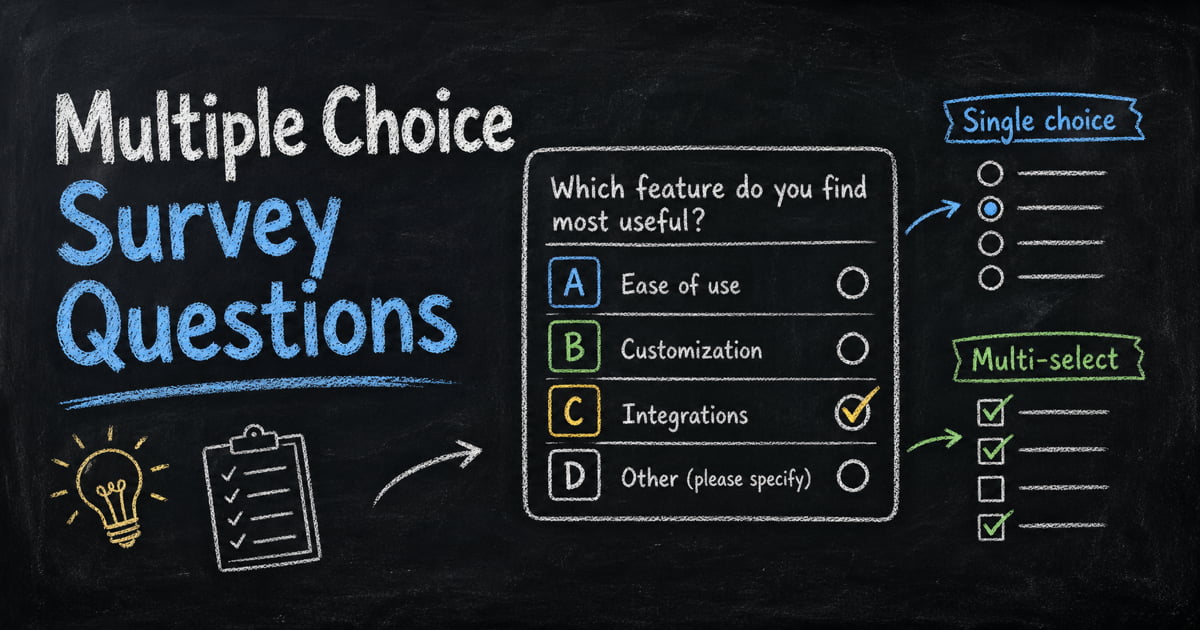
Multiple choice survey questions ask respondents to choose from a predefined list of answers. They can be single-select, where only one answer is allowed, or multi-select, where respondents can choose several answers.
If the question has exactly two answer options, it is usually better treated as a dichotomous survey question. Use multiple choice when the respondent needs three or more realistic options, or when more than one answer can be true.
Examples:
- Which best describes your role?
- Which product feature do you use most often?
- What prevented you from completing your purchase?
- Which channels do you use to discover new tools?
- What topics should we cover in the next training?
Multiple choice questions are useful because they produce structured data. You can count answers, compare segments, and spot patterns faster than you can with open-ended text.
Single Choice vs Multiple Select
The most important design decision is whether the respondent should choose one answer or multiple answers.
Use single choice when only one answer should be true
Single choice works for identity, status, priority, or any question where you need a primary answer.
- What is your company size?
- Which plan are you currently on?
- What is your main reason for choosing this product?
- Which option best describes your role?
- How did you first hear about us?
If you ask for a “main reason,” “primary goal,” or “best description,” single choice is usually the right format. If you need a full priority order rather than one top choice, use a ranking survey question instead.
Use multiple select when several answers can be true
Use checkboxes when the respondent may need to select more than one option.
- Which tools does your team currently use?
- Which topics would you like us to cover?
- What challenges are you facing?
- Which integrations would be useful?
- Which event sessions do you plan to attend?
If multiple answers can be true and you force one choice, the data will undercount important options.
Multiple Choice Survey Question Examples
Customer research examples
What is your main reason for using our product?
- Save time
- Reduce manual work
- Collect better data
- Improve customer experience
- Replace another tool
- Other
Which feature do you use most often?
- Form creation
- Survey collection
- Quiz scoring
- Conditional logic
- Email notifications
- Results export
What almost stopped you from signing up?
- Pricing
- Missing feature
- Trust or security concern
- Not enough time to evaluate
- Already using another tool
- Nothing almost stopped me
Product feedback examples
Which improvement would matter most to you?
- Faster setup
- More templates
- Better reporting
- More integrations
- More design controls
- Team collaboration
What best describes the issue you ran into?
- I could not find the setting
- I did not understand the wording
- The page loaded slowly
- The result was not what I expected
- I needed a feature that was not available
- I did not run into an issue
Employee survey examples
What is the biggest blocker to doing your best work right now?
- Too many meetings
- Unclear priorities
- Not enough context
- Missing tools or access
- Too much workload
- Waiting on another team
Which support would help most this quarter?
- More manager feedback
- Better documentation
- Training or coaching
- Clearer project priorities
- More team capacity
- Fewer ad hoc requests
Event and training examples
Which session format do you prefer?
- Short presentation
- Workshop
- Panel discussion
- Live Q&A
- Small group discussion
- Self-paced materials
What made the event less useful than expected?
- Topic was too basic
- Topic was too advanced
- Not enough examples
- Not enough time for questions
- Technical or logistics issue
- It met my expectations
Market research examples
Which tools are currently part of your workflow?
Use multiple select.
- Google Forms
- Typeform
- Jotform
- Tally
- SurveyMonkey
- Qualtrics
- Spreadsheet only
- No current tool
What matters most when choosing a survey tool?
Use single choice if you need the top factor.
- Price
- Ease of use
- Templates
- AI form generation
- Conditional logic
- Reporting
- Integrations
- Data privacy
How to Write Better Answer Options
Make options mutually exclusive
Overlapping options make results hard to trust.
Weak:
- Small business
- Startup
- Under 50 employees
Better:
- 1 to 10 employees
- 11 to 50 employees
- 51 to 200 employees
- 201 to 1,000 employees
- More than 1,000 employees
If categories overlap, respondents choose based on interpretation instead of reality.
Cover the realistic answer set
If the list misses common answers, “Other” becomes too large to analyze. Use “Other” as a safety valve, not as a place where half your data goes.
For product research, start with what you already know from support tickets, sales calls, analytics, or prior interviews. Then add “Other” for the unexpected answers.
Use “None of the above” carefully
“None of the above” is useful when every listed answer may be false. It is not the same as “Other.” Use both only when they mean different things.
- Other = my answer exists, but it is not listed
- None of the above = none of these answers apply
Randomize only when order bias matters
Randomization helps when answer order might influence selection, such as brand awareness or preference questions. Do not randomize ordered scales, plan tiers, company size ranges, or timelines.
How to Build a Multiple Choice Survey in FormHug
Step 1: Decide whether each question is single or multiple select
Mark each question before building. If the phrase “all that apply” belongs in the prompt, use checkboxes. If you need one primary answer, use single choice or dropdown.
Step 2: Generate a first draft with AI
Open FormHug and describe the survey: “Create a customer research survey with multiple choice questions about tool usage, buying criteria, and blockers.” The AI builder creates editable fields and answer options.
Step 3: Add follow-ups for high-value answers
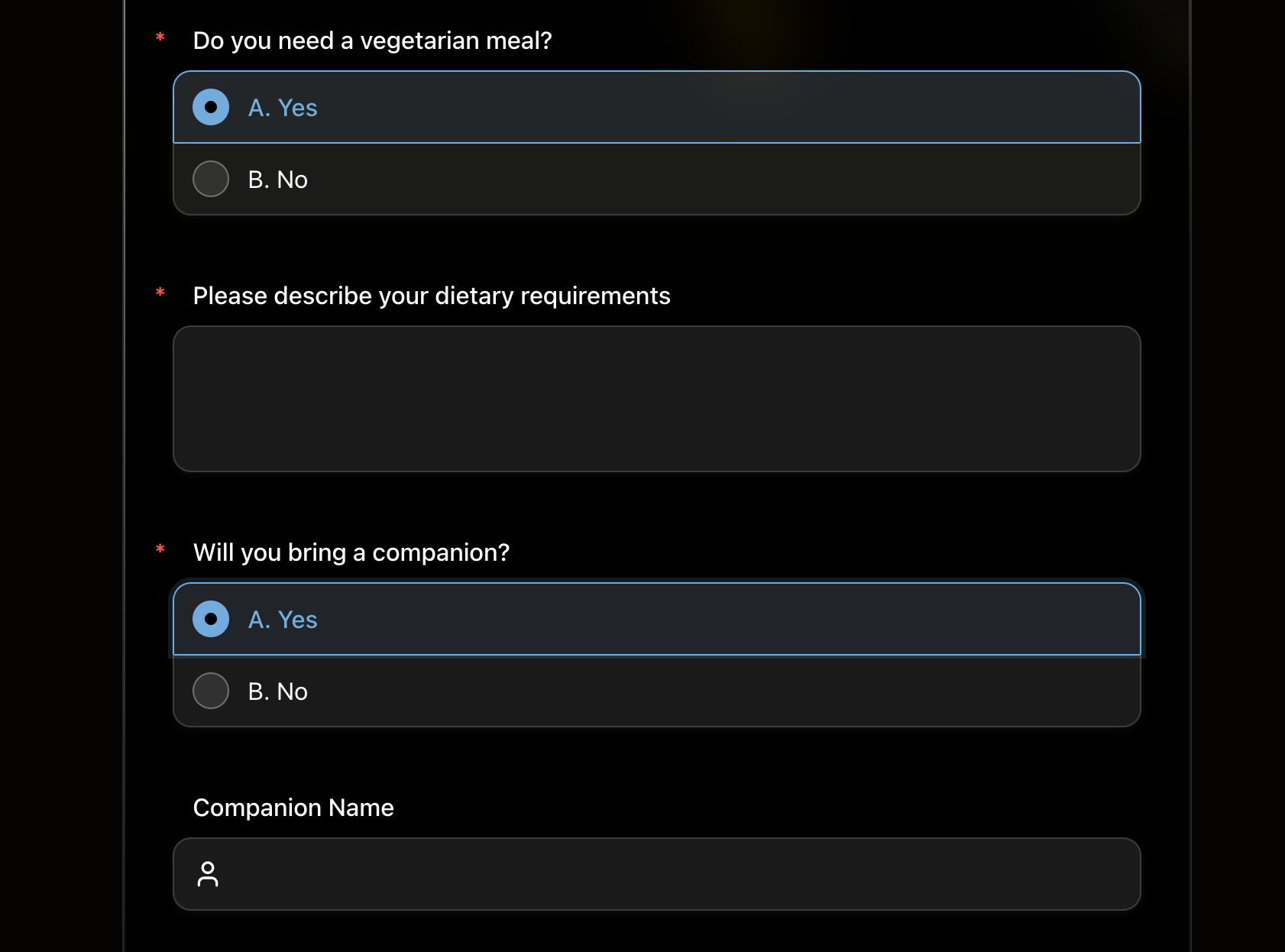
Use conditional logic to show a follow-up when someone chooses an important option. If they select “Missing feature,” ask which feature. If they select “Pricing,” ask what price range they expected.
Step 4: Test the answer list before sharing
Preview the survey and try to answer as several different respondent types. If you keep wanting two answers in a single-choice question, change the field type or rewrite the prompt.
For a broader survey workflow, start with the survey maker or browse FormHug’s surveys and feedback templates.
Frequently Asked Questions
What is a multiple choice survey question?
A multiple choice survey question asks respondents to choose from a predefined set of answer options. It can allow one answer or multiple answers depending on the field type.
What is the difference between single choice and multiple choice?
People often use “multiple choice” to describe both. In form builders, single choice usually means one answer is allowed, while multiple select or checkboxes means several answers can be selected.
How many answer options should a multiple choice question have?
Most survey questions work best with 4 to 8 options. More than that can be hard to scan unless the list is naturally long, such as countries, departments, or tools.
Should every multiple choice question include Other?
No. Use Other when you are not confident your answer list covers the realistic options. Avoid it for fixed categories like plan tier, age range, event session, or agreement scale.
Should I randomize multiple choice answer options?
Randomize answer options when order bias could affect the result, such as preference or awareness questions. Do not randomize ordered ranges, timelines, or scales.
Can FormHug create multiple choice questions automatically?
Yes. FormHug’s AI builder can generate multiple choice questions and answer options from a plain-language prompt. You can then edit the options, change field types, and add conditional follow-ups.
Related
- Open-Ended Survey Questions - when to use free-text prompts instead of predefined options
- Ranking Survey Questions - use rank-order prompts when priorities matter more than categories
- Dichotomous Survey Questions - use two-choice questions when the split is genuinely binary
- How to Use Conditional Logic in Forms - show follow-ups based on selected options
Every answer option is a promise that the respondent can find themselves in the list. Make the list clean, then use follow-ups where the story needs more detail. Create your survey ->

Written by
FormHug TeamProduct, research, and form automation team
The FormHug Team brings together product builders, workflow researchers, and form automation practitioners who study how people collect, route, and act on information online. Our guides are based on hands-on product testing, template analysis, customer workflow patterns, and deep experience with forms, surveys, quizzes, AI-assisted creation, integrations, and results sharing.