Client Intake Software for Small Teams: What to Look For
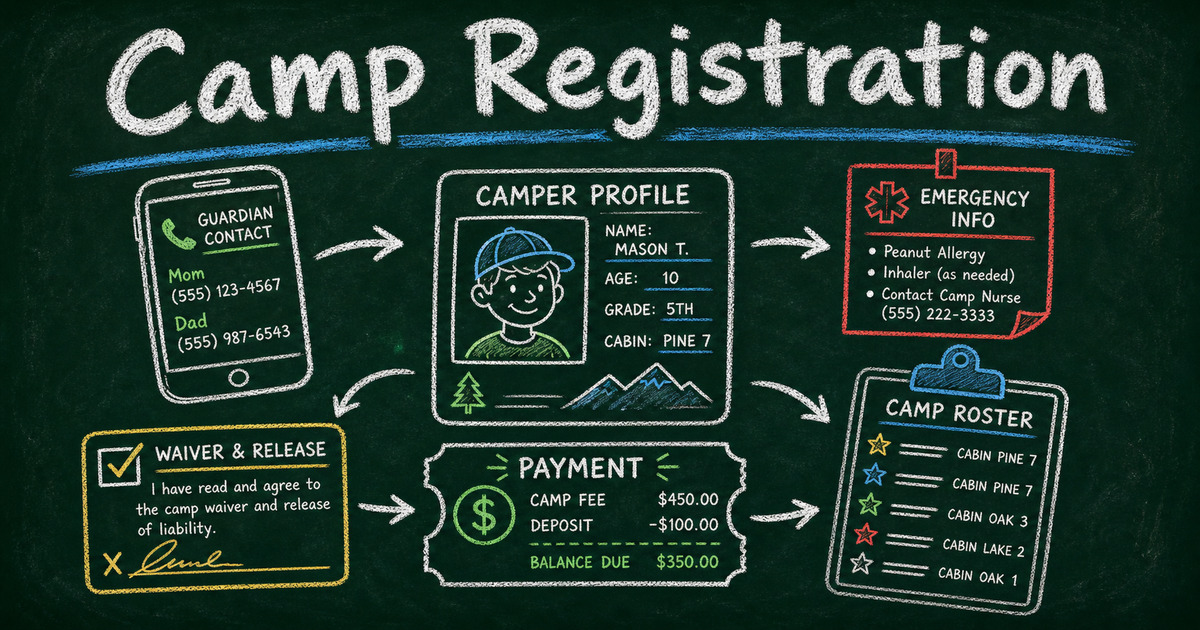
Start from a template
Use a ready-made form structure
Pick a registration, booking, intake, application, or order template and customize it for your workflow.
Client intake breaks quietly. A prospect fills out a contact form, someone replies from memory, the real context lives in email, and the team starts the first call by asking questions the client already answered. The problem is not usually effort. It is that the intake workflow was never designed as a system.
Client intake software should do more than collect a name and message. It should capture the details your team needs, qualify the request, route the next step, send a confirmation, and leave you with a usable client record.
This guide explains how to choose client intake software for consultants, agencies, coaches, clinics, studios, professional services, and small teams that need a cleaner first step with new clients.
TL;DR — Client intake software collects structured information from new or prospective clients so a team can qualify, prepare, route, and follow up without manual back-and-forth.
- Start with the decision — collect the fields needed to accept, schedule, quote, or decline the request.
- Use conditional questions — different client types should see different follow-up fields.
- Confirm immediately — the client should know what happens next after submitting the intake form.
- Works for: agencies, consultants, coaching, legal intake, wellness practices, clinics, studios, and service businesses.
- FormHug works well when the intake needs a custom form, AI-assisted setup, confirmation email, and clean submission list.
What Is Client Intake Software?
Client intake software is a tool for collecting information from new clients before a consultation, appointment, quote, project, or service relationship begins. It usually includes an intake form, client records, routing or review steps, confirmation emails, and exports.
An intake form is the front door. Client intake software is the workflow around that door.
For a simple example, see how to create an intake form. For teams choosing tools, the bigger question is whether your intake process needs qualification, scheduling, payment, documents, or follow-up after submission.
The Fit → Facts → Follow-Up Framework
Most intake workflows need to answer three questions:
| Stage | Intake question | Example field |
|---|---|---|
| Fit | Is this client or request a match? | Service needed, budget, location, eligibility |
| Facts | What should the team know before responding? | Goals, timeline, current problem, documents |
| Follow-Up | What happens after submission? | Confirmation email, booking link, review queue, payment request |
If your current form only collects “How can we help?”, the team has to recreate the intake process manually after every submission. A better intake system asks enough to make the next step obvious.
What to Look for in Client Intake Software
Custom fields that match the service
Good intake software should let you build forms around your real service model. A law office, design agency, therapist, personal trainer, and B2B consultant should not use the same intake form.
Common client intake fields include:
- Name and contact information
- Service or request type
- Goals or desired outcome
- Timeline
- Budget or project size
- Location or time zone
- Existing tools, providers, or context
- Consent or acknowledgement
- File upload or document link
- Preferred follow-up method
The rule is simple: ask for information that changes what your team does next. If a field does not affect qualification, preparation, scheduling, pricing, or service delivery, remove it.
Conditional logic for different client paths
Client intake often branches. A new coaching client may need a goal questionnaire. A returning client may only need an update. A project lead may need budget and timeline questions. A support request may need screenshots or account details.
Use conditional logic forms when one intake form needs multiple paths. This keeps the form short for each client while still collecting the right details.
Useful branching patterns include:
| If the client selects… | Then ask… |
|---|---|
| ”New project” | Timeline, budget, scope, decision maker |
| ”Existing client” | Account name, current issue, priority |
| ”Consultation” | Preferred times, goals, background |
| ”Emergency or urgent” | Best phone number and immediate risk details |
| ”Not sure” | A short open-ended description |
Booking or scheduling support
Some intake forms should end with a booking step. Others should end with manual review.
Use a booking-style workflow when the request is low-risk and the team wants clients to choose a time immediately. Use manual review when the team needs to qualify the request first, confirm fit, check location, or review sensitive details.
If scheduling is central to the workflow, connect the intake form to a booking form or a follow-up booking link. If the intake is mainly a request or application, keep the first form focused and send the scheduling step after review.
Confirmation and next-step emails
The moment after submission matters. A client intake form should not leave people wondering whether anyone saw it.
A useful confirmation email includes:
- What was received
- When the client should expect a response
- Whether they need to prepare anything
- How to correct or update information
- What happens if the request is urgent
FormHug can send confirmation emails after submission and follow-up reminders later. For the workflow, see how to send confirmation and reminder emails after form submission.
Clean records and exports
Client intake data should be easy to review. Choice fields should be filterable. Dates should be dates. Budget ranges should be structured. Long answers should be reserved for context that truly needs prose.
This is where many intake processes fail. A beautiful form that creates messy records still leaves the team doing manual cleanup.
Client Intake Form Fields by Use Case
| Use case | Recommended intake fields |
|---|---|
| Agency project | Company, website, project type, goals, budget range, timeline, decision maker |
| Coaching | Name, goals, current challenge, preferred session type, availability, consent |
| Consulting | Business type, problem, urgency, budget range, tools used, desired outcome |
| Wellness practice | Contact, reason for visit, appointment preference, relevant history, consent |
| Legal inquiry | Matter type, jurisdiction, timeline, opposing party, urgency, conflict check details |
| Studio or creative service | Project type, inspiration links, deliverables, deadline, budget, file upload |
Use this table as a starting point, not a script. Intake works best when every field earns its place.
How to Build a Client Intake Workflow in FormHug
Step 1: Describe the client decision
Before building the form, write the decision the form should support:
- Should we accept this client?
- Which service do they need?
- Should they book immediately or wait for review?
- What should we know before responding?
- Should the request trigger payment, an estimate, or a consultation?
In the AI form builder, you can start with a prompt like:
Create a client intake form for a small web design agency. Ask for contact details, company website, project type, goals, timeline, budget range, current website problems, and preferred follow-up method. If the budget is under $2,000, ask whether they want a template-based option.
Step 2: Add fields and branches
Use structured fields for anything you will sort or filter later: service type, budget range, timeline, urgency, location, and preferred contact method. Use open text for goals, background, and context.
If different services need different questions, add conditional fields instead of making every client answer every question.
Step 3: Decide the next step
After submission, choose one clear path:
- Send a confirmation and review internally
- Send a booking link
- Request payment or a deposit with a payment form
- Ask for missing documents
- Route the request to a specific team member
Do not make the confirmation email vague. “We received your request and will reply within two business days” is better than “Thanks for contacting us.”
Step 4: Reuse the record
The intake submission should become the first client record. Use it in the sales call, consultation, onboarding checklist, or project brief. If you need clients to later look up status or results, FormHug’s Public Query can turn form records into a simple lookup page.
Client Intake Software vs CRM
A CRM tracks the relationship over time. Client intake software captures the first structured request. Many small teams need both eventually, but they do not need to start with a heavy CRM just to collect better intake information.
Use intake software when the problem is “we do not collect the right details up front.” Use a CRM when the problem is “we need to manage a long sales pipeline, accounts, tasks, and ongoing relationship history.”
For many small teams, a strong intake form, confirmation email, and clean submission list solves the immediate problem.
Frequently Asked Questions
What is the best client intake software for small teams?
The best client intake software for small teams is flexible enough to collect custom fields, branch by request type, send confirmation emails, and keep submissions organized without requiring a full CRM setup.
What should a client intake form include?
A client intake form should include contact information, service needed, goals, timeline, budget or urgency when relevant, background details, consent or acknowledgement, and the preferred next step.
Is client intake software the same as a CRM?
No. Client intake software collects and organizes the first request. A CRM manages contacts, deals, accounts, and relationships over time. Intake often feeds a CRM, but it can also stand alone for small teams.
Can I use Google Forms for client intake?
Google Forms can work for basic intake. It becomes limiting when you need conditional fields, polished client-facing forms, payment, confirmation emails, or workflow automation around each submission.
Should a client intake form include pricing questions?
Yes, if budget changes whether the request is a fit. Use ranges instead of requiring an exact number when clients may not know the full scope yet.
Can client intake forms collect payment?
Yes. Some teams collect a consultation fee, deposit, or application fee as part of intake. If payment is part of qualification, keep the pricing and refund terms clear.
Related
- How to Create an Intake Form — plan the fields and structure of an intake form.
- Contact Us Page Examples That Turn Visitors Into Leads — turn the website contact page into a better intake path.
- Conditional Logic Forms — show different intake questions to different client types.
- How to Create an Online Booking Form — add scheduling after an intake request.
Every weak intake process creates the same cost: repeated questions, slower replies, and first calls that start from zero. Build the intake once, then let every new client start with context. Create your client intake form →

Written by
FormHug TeamProduct, research, and form automation team
The FormHug Team brings together product builders, workflow researchers, and form automation practitioners who study how people collect, route, and act on information online. Our guides are based on hands-on product testing, template analysis, customer workflow patterns, and deep experience with forms, surveys, quizzes, AI-assisted creation, integrations, and results sharing.