How to Create an Event Feedback Form That Gets Useful Answers
Start collecting responses
Turn this into a shareable survey
Draft the questions, publish a clean link, and keep every response organized in FormHug.
“Great event!” is pleasant feedback. It does not tell you whether to keep the same speakers, fix the sound, shorten the sessions, or change the venue. An overall satisfaction score can hide the same problem: several very different experiences collapse into one number.
An event feedback form should help an organizer decide what to keep and what to change. That means separating the value of the content from the experience of attending, then giving people room to explain the issue that mattered most.
Use the question set below for a workshop, conference, webinar, or community event. Adapt it to what people actually attended and to decisions your team can make.
TL;DR — An event feedback form is a post-event survey that collects attendee evaluations to guide improvements to future events.
- Ask about usefulness, content, organization, and one priority for improvement.
- Use consistent, labeled scales and a “not applicable” option where needed.
- Make identity and follow-up optional when they are not necessary for the review.
- Report the number of responses alongside scores and explain who the results represent.
What Should an Event Feedback Form Measure?
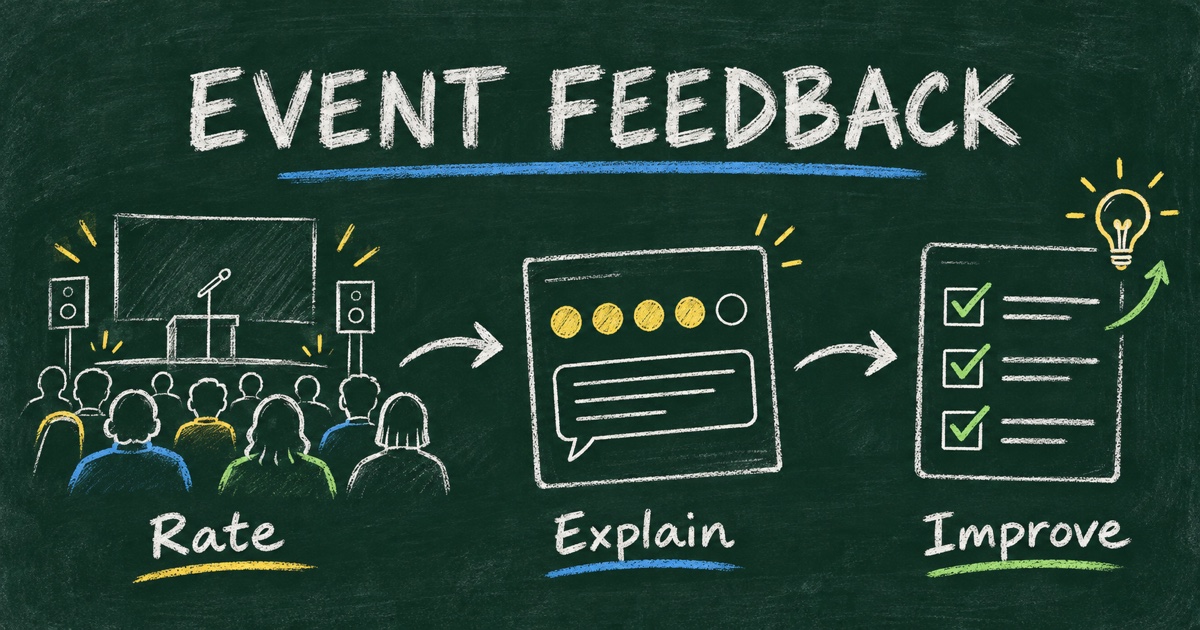
A useful post-event survey distinguishes three questions: did people get value, could they participate comfortably, and what should change next time?
Content questions tell you whether the subject, level, and delivery matched the audience. Experience questions reveal access, timing, sound, navigation, or technical problems. An improvement question asks respondents to prioritize, so the team does not treat every suggestion as equally urgent.
Keep registration separate. Event registration questions help plan attendance before the event; feedback questions evaluate the experience afterward. Requiring attendees to re-enter their entire registration profile usually adds work without improving the decision.
A Ready-to-Use Event Feedback Question Set
Here is a proposed eight-question starting point. It is a sample instrument, not a validated scale or a guarantee of response rates. Keep only the questions relevant to your event.
| Question | Suggested answer format | What the answer supports |
|---|---|---|
| 1. Overall, how useful was this event for you? | Not at all, slightly, moderately, very, extremely useful | Whether the event delivered value |
| 2. How relevant was the content to what you wanted to learn or do? | Five labeled relevance options | Topic and audience fit |
| 3. How was the pace of the event? | Much too slow through much too fast | Session length and pacing |
| 4. Which session or activity was most useful, and why? | Optional short comment | What to preserve or expand |
| 5. How easy was it to participate? | Very difficult through very easy; not applicable | Access and organization |
| 6. What, if anything, made participation difficult? | Optional multi-select plus other | Specific operational obstacles |
| 7. What is the one thing we should improve next time? | Optional long text | A practical improvement priority |
| 8. What would you like a future event to cover? | Optional text or topic choices | Future programming |
For question 6, use options that match the event. A webinar could list joining the call, audio, captions, finding materials, participating in discussion, no difficulties, and other. An in-person event could cover arrival information, wayfinding, sound, seating, and session access. Do not force everyone to evaluate food or networking when neither was part of their experience.
If you add “no difficulties” to a multi-select question, explain that it should be selected alone. Review contradictory combinations before counting them; do not silently interpret “no difficulties” plus “audio problems” as a clean response.
For separate sessions, include “I did not attend” rather than using the middle of the scale to represent non-attendance. A neutral evaluation and a missing experience are different data.
Adapt the Survey to the Event’s Purpose
The same eight questions should not become a permanent template for every event. Start with the outcome people expected.
Workshops and training sessions
Ask whether participants can apply a skill: “What is one thing you expect to use from this workshop?” If the purpose was learning, satisfaction alone does not demonstrate understanding. Pair feedback with a separate knowledge check when appropriate, rather than turning the feedback survey into an unexpected exam.
Conferences and multi-session programs
Collect the sessions attended before requesting session-specific ratings. A short overall survey plus a focused session follow-up may be easier to interpret than a long grid of sessions most respondents never saw. Keep speaker delivery distinct from topic relevance.
Webinars and online events
Separate content from platform experience. “Was the webinar useful?” and “Could you hear the presenter clearly?” describe different problems. Ask about recordings or materials only if you offered them or are deciding whether to do so.
Networking and community events
Ask whether people had opportunities for the interactions they wanted. “Did you meet someone you would like to stay in touch with?” is more specific than “Was networking successful?” Avoid demanding the names of other attendees to prove a connection occurred.
Write Questions People Can Answer Honestly
Replace “How inspiring and well organized was our excellent event?” with two neutral questions. The original leads the respondent and combines content with logistics. If someone liked the talks but could not hear them, a combined rating has no clear interpretation.
Keep scale direction consistent. If the left side means poor in one question, do not make it mean excellent in the next. Label the endpoints and, when practical, the intermediate options. Our guide to writing unbiased survey questions covers wording problems that apply to event surveys too.
Introduce the form with a concrete purpose:
Help us decide what to keep and improve for the next workshop. Please answer only about the sessions you attended. Comments are optional. We will review responses as a team to plan future events.
Only promise anonymity when your actual collection setup supports it. A form with a required email, login, or identifying combination of fields should not be described as anonymous. If attendees can volunteer contact details, explain why and who will use them.
Build an Event Feedback Form in Four Steps
Step 1: Choose the decisions and cut the question list
Write down the decisions the results will inform: keep the format, change the pace, improve access, or choose future topics. Connect each question to one of those decisions. Remove any field that serves no review purpose.
An Event Feedback Form template provides a starting structure. Keep its useful questions and remove anything your event did not include.
Step 2: Draft the form and inspect the answer options
You can build the form manually or use an AI prompt:
Create a post-event feedback form for a half-day professional workshop. Ask about usefulness, content relevance, pace, ease of participation, the most useful activity, and one improvement. Use labeled scales. Make comments optional and do not collect names or email addresses. Include not-applicable choices where relevant. Say responses will help plan the next workshop; do not claim they are anonymous without checking settings.
Review generated scales for balance and remove invented event details. A template or AI draft is a first pass; neither knows whether your workshop had breakout groups, lunch, or a recording.
Step 3: Test participation and prepare the invitation
Complete the public form on a phone and with the same access conditions attendees will encounter. Check that long session names fit, optional comments can be skipped, and the confirmation message accurately describes what happens next.
Share the survey while the experience is still reasonably fresh. For a short event, a closing slide or follow-up message is a practical starting point. Choose a deadline that matches your review meeting instead of claiming there is one universally best send time.
Step 4: Review the results and assign changes
Count responses before drawing conclusions. Separate attendance groups only when you have enough responses to make the comparison useful. Read comments alongside ratings and record the action, owner, and next review point for each accepted change.
For the operational details of collecting answers, see FormHug’s survey setup guide.
Turn Feedback into Decisions Without Overstating It
Suppose an event had 120 attendees and 24 survey responses. If 18 respondents chose “very useful” or “extremely useful,” report “18 of 24 respondents,” or 75% of respondents. Do not say 75% of attendees found the event useful. This is an illustrative calculation, not a FormHug customer result.
Also check who replied. People who attended the closing session may be easier to reach than those who left early. A response count does not remove self-selection bias, and a few critical comments can reveal a real access problem even when the overall rating is positive.
Use a simple action log:
| Finding | Evidence to retain | Possible action |
|---|---|---|
| Some people could not hear questions | Relevant comments and affected sessions | Change microphone handling |
| Content felt too introductory | Ratings and comments by experience level | Clarify level or add an advanced session |
| Attendees want more practice | Specific activity suggestions | Replace part of a lecture with an exercise |
These are example responses to findings, not conclusions to assume before reading your data. Our survey analysis guide explains how to move from answer patterns to decisions without losing the denominator or the exceptions.
Frequently Asked Questions
What questions should I ask in an event feedback form?
Ask about overall usefulness, content relevance, pace, ease of participation, what was most valuable, and one improvement. Add future-topic questions when the team can use the answers for programming.
How many questions should a post-event survey have?
Use the smallest set that supports your decisions. The eight-question example above is a starting point, not a required length; remove questions about activities or services the event did not include.
When should I send an event feedback survey?
Send it while attendees can still recall the experience and before your team makes planning decisions. A closing-session invitation or a follow-up message is a practical option; the right timing varies with the event and audience.
Should event feedback be anonymous?
Anonymous feedback can be appropriate when identity is unnecessary, but the actual access and data collection settings must support that promise. If you collect optional contact details for follow-up, explain the purpose clearly.
How do I calculate event satisfaction from survey results?
Define the measure, count the answers that meet it, and divide by valid responses to that question. State the numerator and denominator, and distinguish survey respondents from the full attendee population.
Can I create an event feedback form with FormHug?
Yes. Start from the event feedback template or generate a draft, edit the questions and scales, test the public form, and share the link with attendees. FormHug stores submissions for review and provides reports for exploring responses.
Related
- Feedback Form Questions — compare examples for events, customers, products, and teams.
- Event Registration Questions — collect planning information before people attend.
- How to Analyze Survey Results — connect answer patterns to a decision.
The next event needs more than “great event” in an inbox. Ask questions that lead to a specific improvement, then create your feedback form →.

Written by
FormHug TeamProduct, research, and form automation team
The FormHug Team brings together product builders, workflow researchers, and form automation practitioners who study how people collect, route, and act on information online. Our guides are based on hands-on product testing, template analysis, customer workflow patterns, and deep experience with forms, surveys, quizzes, AI-assisted creation, integrations, and results sharing.