13 Free Order Form Templates for 2026 (with Online Payment)
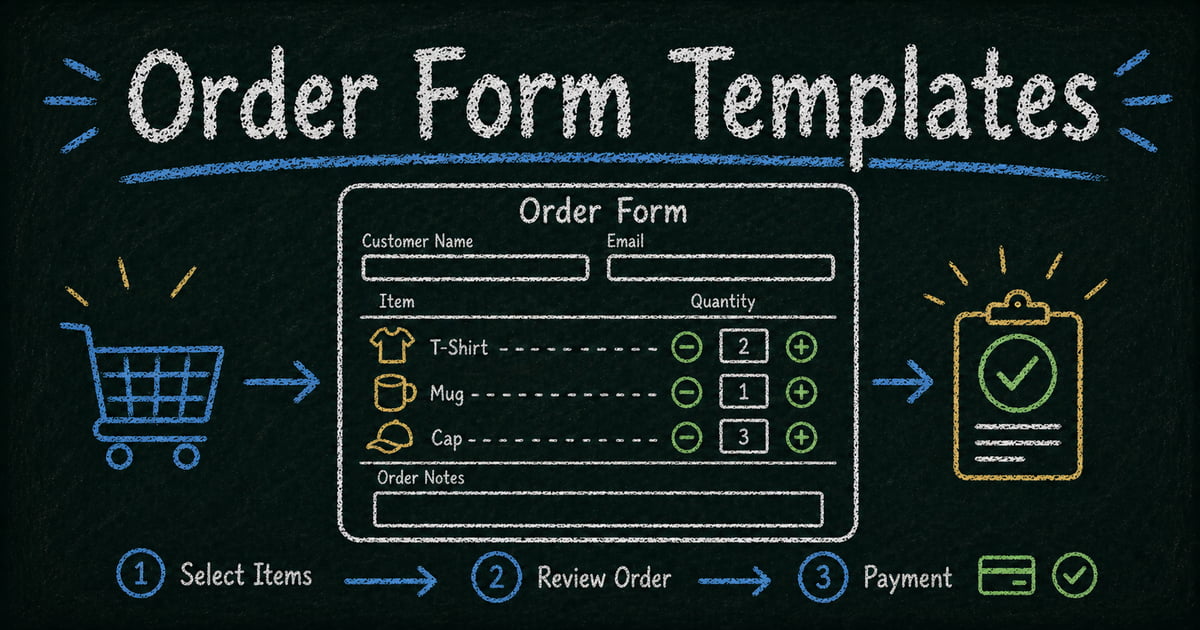
Build the paid workflow
Collect payment with the form
Turn the registration, order, booking, or donation flow into a payment-ready FormHug form.
You’ve already done the hard part — convinced someone to buy. Then you send a form to collect the order details, and a separate email with a payment link, and wait for them to complete both steps before you can confirm anything. Between the form and the payment link, orders stall. The customer loses momentum, the invoice sits unopened, and you’re the one following up on a transaction that should have closed in a single step.
An order form with payment built in solves this at the source. The customer fills in what they want and pays in the same flow — no “I’ll send you a link,” no follow-up invoice, no second step. You get the order and the payment simultaneously. For freelancers, small businesses, restaurants, and event organizers, collapsing those two steps into one is the difference between orders that close and orders that drift.
These 13 templates cover the full range of order form use cases: physical products and merchandise, digital pre-orders, food and hospitality, services and freelancer booking, donations, and the financial admin forms (invoices, refunds, expenses) that businesses need alongside the selling flow. Each template links to a ready-made FormHug form you can customize and publish in minutes — with Stripe payment embedded directly in the form, no redirect required.
TL;DR — Order forms with payment built in eliminate the two-step friction (collect details → send invoice → wait) by handling order information and Stripe checkout in a single submission.
- Physical products & merchandise — product orders, T-shirt drops, pre-orders with deposit
- Food & hospitality — restaurant ordering, catering customization, hotel room service
- Services & freelancers — service selection + deposit collection in one form
- Financial admin — invoice requests, refund processing, expense reimbursement
- Works for: small businesses, freelancers, restaurants, event organizers, nonprofits, HR teams
- All payment templates use Stripe inline checkout — no redirect, PCI DSS Level 1 compliant
Quick Comparison: 13 Order Form Templates
| Template | Best for | Payment |
|---|---|---|
| Order Form | General product orders | ✅ Stripe |
| Product Order Form | Small business catalogs | ✅ Stripe |
| T-Shirt Order Form | Merch drops and group orders | ✅ Stripe |
| Pre-Order Form | Product launches and reservations | ✅ Stripe |
| Food Order Form | Restaurants and caterers | ✅ Stripe |
| Room Service Order Form | Hotels and hospitality | ✅ Stripe |
| Service Order Form | Appointment-based businesses | ✅ Stripe |
| Payment Form | Freelancers and ad-hoc invoicing | ✅ Stripe |
| Donation Form | Nonprofits and fundraising | ✅ Stripe |
| Invoice Request Form | B2B billing and purchase orders | — |
| Refund Request Form | Customer service and returns | — |
| Expense Reimbursement Form | Employee expense submission | — |
| Expense Report Form | Finance team expense tracking | — |
Product & Merchandise Order Forms
Four of the most common small business order scenarios — general product sales, catalog-based ordering, merchandise drops, and pre-launch reservations — share the same underlying problem: you need to collect what someone wants and get paid before you ship or produce anything. A full e-commerce platform is overkill for most of these situations. What you actually need is a form that handles order details and payment in one step.
We built these templates for businesses that operate between “sharing a payment link” and “maintaining a Shopify store” — the large middle ground where a structured order form is exactly enough infrastructure, without the overhead.
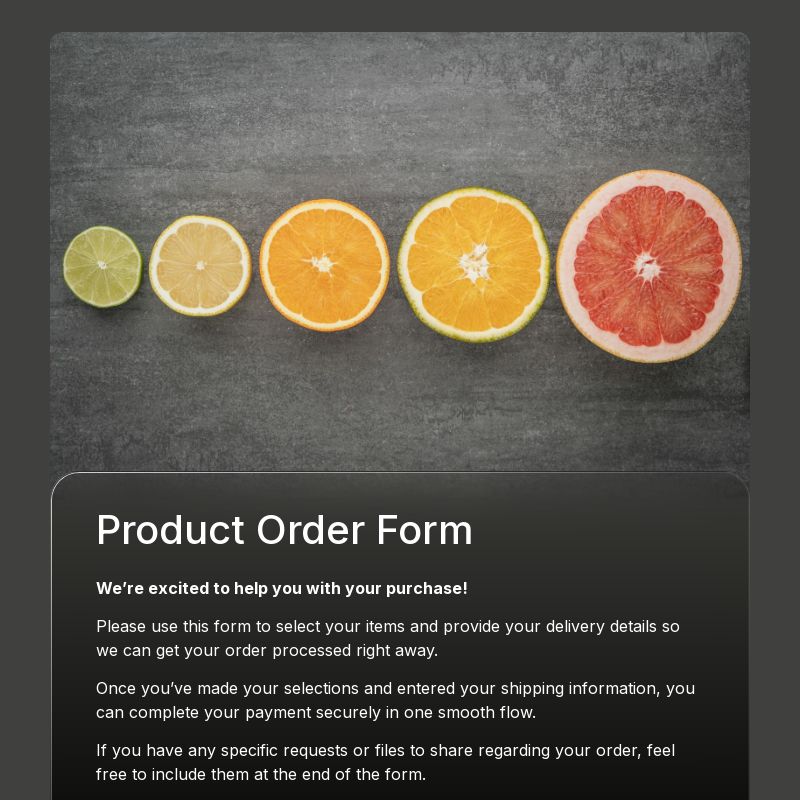
The general-purpose starting point for any product or service order. It collects what the customer wants, contact and delivery information, and payment — all in a single flow. FormHug’s Product field type displays items with images and quantity selectors, letting customers build their order interactively before reaching checkout. The Stripe payment screen appears inline, inside the form, after the customer completes the order fields — no redirect to a separate payment page. For businesses selling a small catalog without an e-commerce platform, this is the most efficient order-to-payment path available.
Designed for small businesses with an established product catalog — a baker with 10 SKUs, a studio with three membership tiers, a market vendor taking pre-orders. The template emphasizes product presentation: images, descriptions, and pricing are displayed together so customers can browse before selecting. Payment follows immediately, in the same step. FormHug is PCI DSS Level 1 compliant — the highest tier of payment security — which means payment data is handled at the same security standard as major e-commerce platforms, without requiring one.
For merchandise drops, sports team kits, school events, and any situation where a group is ordering the same item in different sizes, colors, or quantities. The template collects size selection, quantity, optional personalization (name, number), and payment per item at checkout. Works equally well for a 10-person team ordering matching jerseys and a 500-person company-wide swag drop. The form can be shared as a link, embedded in an email, or posted to a Slack channel — no app or account required from respondents.
The fastest way to validate real demand before you produce anything. A pre-order form that collects payment — even a small deposit — converts aspirational interest into committed buyers, removing the guesswork from production planning. This template captures item selection, quantity, and deposit or full payment upfront. For small-batch producers, it tells you exactly how many units to make before you commit to materials. For digital product creators, it functions as a pre-launch validation tool: if nobody will pay a deposit for the thing, the thing isn’t ready.
Food & Hospitality Order Forms
Phone orders and email threads are still the default for many food businesses — and the cost is invisible until it compounds. Missed items, incorrect customizations, and payment chased separately from the order create friction on both sides of every transaction. A form that handles selection, customization, and payment together eliminates the coordination step entirely and creates a paper trail for every order.
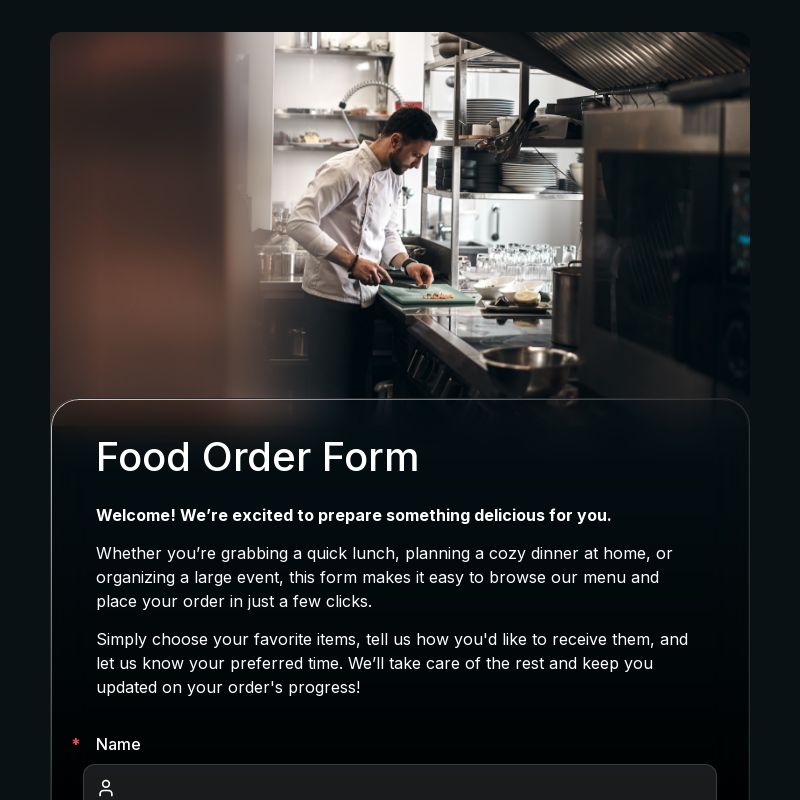
Built for restaurants, caterers, meal prep services, and any food business that takes orders ahead of pickup or delivery. It captures menu item selection, quantity, customization (dietary restrictions, substitutions, add-ons), pickup or delivery time preference, and payment — all without a phone call. Particularly valuable for catering orders where customization is complex and the payment should accompany the order to confirm it. The form works on any device; customers complete it from a table after scanning a QR code, or from a link in your booking confirmation email.
A specialized template for hotels, bed-and-breakfasts, and hospitality properties that want to offer room service ordering without phone infrastructure. It collects room number, menu selections, delivery time preference, and any special requests — with payment processed at the time of order rather than appended to a room bill. For boutique properties and vacation rentals, this is a guest-facing ordering tool that requires no POS system or front desk coordination. Guests get a cleaner experience; operators get confirmed, pre-paid orders.
Service & Freelancer Order Forms
Service businesses have a specific version of the two-step problem: they collect inquiry information in one form, send a quote, wait for approval, and request payment separately. Each handoff is a chance for the client to delay or drop off. A service order form that collects scope, timing, and deposit in one submission cuts that process to a single interaction — and turns a booking into a confirmed booking.

The primary template for appointment-based businesses: photographers, designers, coaches, cleaning services, tutors, and any freelancer or small agency that bills by project or session. It captures service type, preferred date and time, scope of work notes, and collects a deposit or full payment before confirmation is sent. The deposit step is particularly valuable: a booked slot without payment is an unconfirmed slot. This template makes payment a condition of confirmation rather than a follow-up request. For the complete Stripe setup and field configuration walkthrough, see how to create a payment form.
More flexible than the Service Order Form — built for situations where the scope is already agreed on and you need to collect payment for a specific amount. Useful for sending to existing clients after a project closes (a structured alternative to a bare payment link), collecting deposits without a full service selection flow, or handling ad-hoc payments that don’t fit a standard template. The Price-Only field type sets a fixed amount; the Text Product field lets the client confirm what they’re paying for before submitting. On FormHug’s Pro plan, there are no platform transaction fees — you pay only Stripe’s standard processing rate of 2.9% + $0.30 per transaction. For a full overview of FormHug’s payment form capabilities, see the payment form feature page.
Fundraising & Nonprofit Forms
The donation use case has a specific design requirement that most order forms don’t address: flexible amounts. Donors want to choose their own contribution level rather than select from a fixed menu — forced tiers create friction and reduce average gift size. FormHug’s Price-Only field type handles this natively: donors enter their preferred amount, and the form processes it through Stripe without requiring a minimum or forcing a tier selection.
The template also captures donor information (name, email, optional dedication message) alongside the payment, which most nonprofit CRM workflows require for gift acknowledgment and tax receipt generation. For organizations already using FormHug for event registration or volunteer intake, the donation form connects to the same dashboard — response data from all forms is visible and exportable in one place.
Financial Admin & Back-Office Forms
Not every financial form is about collecting payment. Four templates in this collection work in the other direction — helping businesses manage the financial side of operations: documenting expenses, requesting invoices, processing refunds, and tracking reimbursements. These forms don’t need Stripe; they need structure.
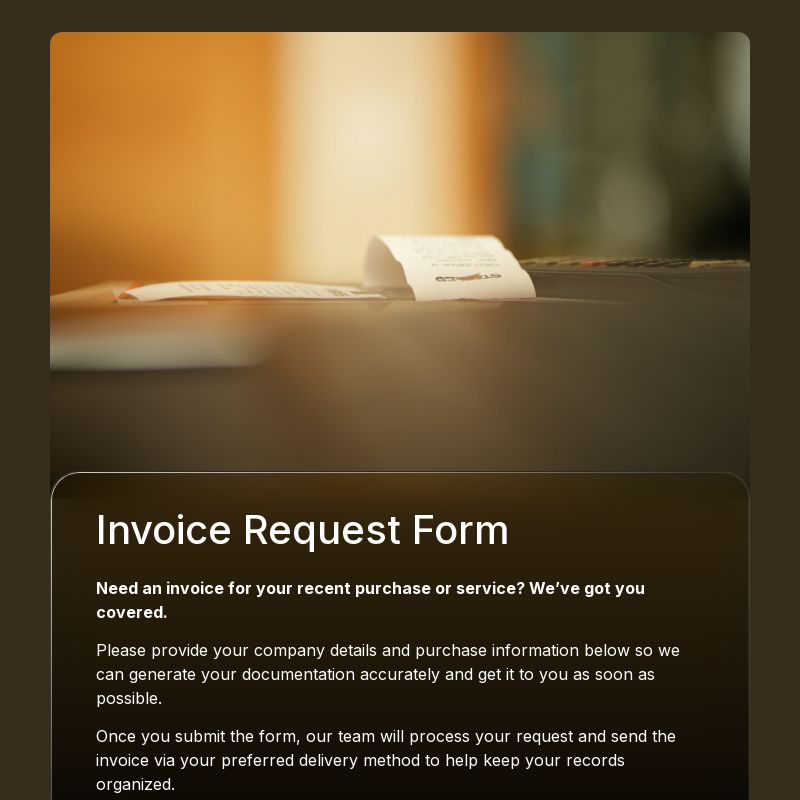
For B2B businesses that bill on net terms — consultancies, agencies, SaaS companies with enterprise contracts — collecting complete billing information from clients is typically a multi-email exchange. This template standardizes it: company name, billing contact, purchase order number, billing address, and preferred invoice format, all collected in one submission at the start of an engagement. The data flows to your FormHug dashboard and exports directly to your accounting workflow, skipping the manual re-entry that turns one 10-minute invoice into a 45-minute administrative task.
A structured refund intake form for e-commerce and service businesses. It captures order number, purchase date, the specific issue, and preferred resolution (full refund, exchange, or store credit) — giving customer service teams everything they need to process the request without follow-up questions. For businesses routing support tickets, the form data can be sent directly to your ticketing queue. A fast, frictionless refund process is a retention signal: customers who experience a clean resolution are measurably more likely to purchase again than those who had to chase one.
For employees submitting expense claims — receipts, categories (travel, meals, software, office supplies), amounts, and business purpose. The template is structured around the information finance teams actually need to approve a reimbursement without requesting follow-up documentation. Fields for project code, department, and manager approval allow the form to fit into existing approval workflows. For distributed or remote teams where expense submission happens asynchronously across time zones, a structured form submission is significantly faster than email chains.
A more comprehensive version of the expense workflow — designed for periodic reporting rather than individual claim submission. It collects multiple expense line items within a single submission, along with the reporting period, project or cost center allocation, and total amount. Appropriate for monthly reporting cycles, project-based expense tracking, and organizations where expenses are batch-approved rather than reviewed individually. The structured data makes it easier to run category-level spending analysis without manually extracting figures from email attachments.
How to Choose the Right Order Form Template
Do you need to collect payment at the same time as the order?
If yes, use one of the nine payment-enabled templates (any template with ✅ Stripe in the table above). The key distinction within that group: use the Product Order Form or Order Form for catalog-style selling, the Service Order Form for appointment and scope-based services, the Food Order Form for menu-based ordering, and the Payment Form for flexible-amount or ad-hoc invoicing. If you’re new to form-based payment collection, see how to create a payment form for a full Stripe setup walkthrough — and FormHug for Claude if you want an AI agent to build and manage the form for you.
Is this a one-time collection or an ongoing ordering channel?
For a one-time drop, event, or campaign (a merchandise launch, a fundraiser, a pre-order window), any of the payment templates work — share as a link and close submissions when the window ends. For ongoing ordering (a restaurant taking weekly catering orders, a baker fulfilling regular custom orders, a coach booking sessions continuously), build a FormHug form that lives at a permanent URL and handles submissions indefinitely. The same template handles both scenarios; the difference is in how long you leave it live.
Are you the one collecting money or the one documenting costs?
The financial admin templates (Invoice Request, Expense Reimbursement, Expense Report, Refund Request) are for the back-office side of operations — documentation and workflow, not payment collection. If you’re building a form to receive money, use one of the Stripe-enabled selling templates. If you’re building a form to manage financial documentation internally, the admin templates are the right starting point.
How complex is the product or service selection?
For simple, fixed-price offerings — a single service, a donation, a flat deposit — the Payment Form or Pre-Order Form are the fastest to set up. For catalog-based selection where customers browse multiple options with images and quantities, the Product Order Form or Order Form create a better buying experience. For highly customized products where the customer needs to specify variations (sizes, colors, dietary restrictions, personalization), the T-Shirt Order Form and Food Order Form include the customization fields that general templates leave out.
Final Recommendation
For most small businesses and independent operators starting with order forms, the Product Order Form covers the broadest range of situations: catalog-style selling with images and quantity selectors, inline Stripe checkout, and no e-commerce infrastructure required. Start here if you know what you sell but haven’t yet committed to a platform.
For service businesses and appointment-based operators, the Service Order Form is the better starting point — it’s structured around scope and timing, and the built-in deposit step prevents the unconfirmed-booking problem that costs service businesses recoverable revenue every week.
For food businesses and hospitality operators, start with the Food Order Form — the only template in this collection designed specifically around menu-based customization and pickup or delivery logistics.
All 13 templates are free to customize and deploy. Browse the full orders and payments template collection, or start building your order form →
Frequently Asked Questions
What is an order form with online payment?
An order form with online payment collects both order details (product selection, quantity, contact information, customization) and payment in a single submission — unlike a traditional order form that captures details and follows up with a separate invoice or payment link. The payment is processed through Stripe inline, meaning the customer never leaves the form to complete the transaction. This eliminates the two-step handoff that causes incomplete orders and delayed payments.
Do I need a Stripe account to use these order form templates?
Yes. FormHug’s payment forms process transactions through Stripe, which requires a free Stripe account. You pay only the standard processing fee — 2.9% + $0.30 per transaction in the US — when you collect payments. On FormHug’s Pro plan, there are no additional platform fees on top of Stripe’s rates. Stripe is PCI DSS Level 1 certified, the highest level of payment security, so customer payment information is handled at the same security standard as major e-commerce platforms.
Can I customize these templates for my specific products or services?
Yes. Every template is fully editable in FormHug: add or remove fields, upload product images, adjust pricing, reorder sections, and add your branding. You can also use FormHug’s AI form builder — describe your products or services in plain language and it generates the appropriate field structure, including product cards, quantity selectors, and price configuration, without manual setup.
What’s the difference between the Order Form and the Product Order Form?
The Order Form is the more general template — useful when you have a simple offering or a single product and want a clean, flexible structure. The Product Order Form is designed for catalog-style selling: multiple products displayed with images and prices, where customers browse and select before checking out. If you’re selling one type of service or a single item, start with the Order Form. If you have a product catalog with multiple distinct items, use the Product Order Form.
Are these order form templates free to use?
All 13 templates are free to access and customize in FormHug. You can edit fields, configure products, set pricing, and publish without a paid subscription. Payment collection requires a connected Stripe account. FormHug’s Pro plan removes any platform transaction fee, leaving only Stripe’s standard processing rate.
Can I embed an order form on my existing website?
Yes. FormHug forms can be embedded on any website using a script tag or iframe — no coding required. The embedded form maintains the Stripe inline checkout experience, so customers complete the full order and payment without leaving your site. Forms can also be shared as standalone links (for email campaigns, social posts, or messaging apps) or opened in a popup overlay triggered by a button on your page.

Written by
FormHug TeamProduct, research, and form automation team
The FormHug Team brings together product builders, workflow researchers, and form automation practitioners who study how people collect, route, and act on information online. Our guides are based on hands-on product testing, template analysis, customer workflow patterns, and deep experience with forms, surveys, quizzes, AI-assisted creation, integrations, and results sharing.