FormHug Is Now Available on ChatGPT Apps

Create with AI
Describe the workflow and get a form draft
Use FormHug to create forms from prompts, then share, automate, and reuse the structured responses.
FormHug is available as a connected app in ChatGPT.
July 14 update: OpenAI replaced the App Directory with the Plugin Directory on July 9, 2026. Existing FormHug app connections continue to work; plugins are now the primary discovery layer and may package underlying apps. See OpenAI’s current plugin guidance for availability by plan, workspace, role, region, and surface.
That means you can install FormHug directly from ChatGPT and ask it to create real forms, surveys, quizzes, registrations, assessments, bookings, and feedback workflows from a conversation.
The important word is real. ChatGPT can already help draft questions. With FormHug installed, it can help turn those questions into a hosted form people can actually fill out, then help you refine the workflow and analyze responses after submissions come in.
FormHug is a ChatGPT App that lets users create, publish, manage, and analyze forms, surveys, and quizzes directly inside ChatGPT. It is useful for workflows where ChatGPT can understand the goal, but the result needs to become a structured, shareable form with fields, responses, and follow-up analysis.
What Changed
FormHug now appears in ChatGPT Apps. You can open the Apps page in ChatGPT, search for FormHug, or use the direct app link:
Install FormHug from ChatGPT Apps ->
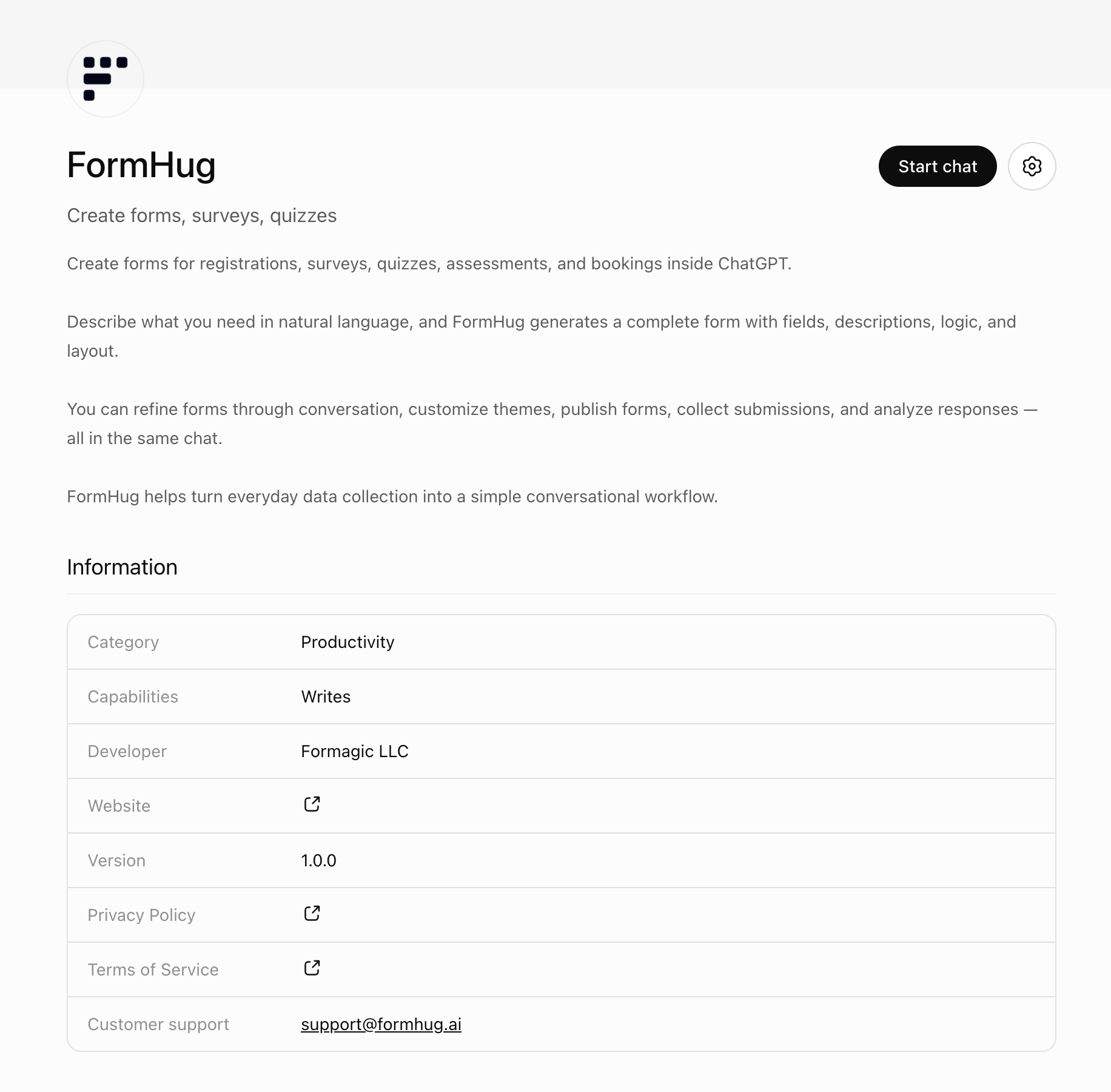
For many users, this is the simplest way to use FormHug with AI. You do not need to start with MCP setup or a developer workflow. Install the app, start a chat, and describe the form you want.
We still care deeply about agent workflows. FormHug MCP remains the right path for Claude, Cursor, Codex, and other MCP-compatible tools. But ChatGPT Apps gives regular ChatGPT users a more direct entry point: open ChatGPT, install FormHug, and create a working form from the conversation you are already having.
Why This Matters
People already use ChatGPT to plan surveys, write registration questions, draft lead qualification flows, and brainstorm quiz ideas. The gap has always been the last mile.
A draft in chat is not a form. It does not have a public link. It does not validate fields. It does not collect submissions. It does not give you a response table you can read later. And it usually creates copy-paste work at exactly the moment you wanted the AI to reduce work.
FormHug turns that draft into a real workflow:
- ChatGPT helps understand what you need.
- FormHug creates the hosted form, survey, quiz, or registration flow.
- People respond through a normal public form.
- ChatGPT can help summarize, categorize, and interpret the responses.
That is the product shift we care about: ChatGPT becomes the conversation layer, and FormHug becomes the form layer.
What You Can Build Inside ChatGPT
FormHug on ChatGPT Apps is designed for everyday structured-data workflows, not only technical demos.
You can ask ChatGPT to create:
- a product feedback survey for a new feature;
- a webinar or workshop registration form;
- a customer intake form for a service business;
- a lead capture form for a campaign;
- a quiz with answer choices and scoring structure;
- a booking request form;
- a job application or volunteer application form;
- a course evaluation or training assessment;
- a post-purchase survey;
- a community signup or membership application.
The shared pattern is simple: if the workflow needs clear questions, field types, a public link, and responses you can review later, it is a good fit for FormHug in ChatGPT.
How It Works
Start with the outcome, not the field list.
For example:
Create a registration form for a 90-minute AI workshop. Ask for name, email, company, job title, AI experience level, what they want to learn, dietary restrictions, and consent to receive workshop updates.
ChatGPT can use FormHug to turn that request into a form structure. From there, you can keep refining it in natural language:
Make the AI experience question a single-choice field with Beginner, Intermediate, and Advanced.
Add a short intro that explains the workshop is beginner-friendly.
Make the dietary restrictions question optional.
Show me the latest responses and summarize what people want to learn.
That loop is the reason this belongs inside ChatGPT. The first prompt creates the workflow, and the follow-up prompts shape it as your thinking gets clearer.
Example Prompts to Try
Use these as starting points after installing FormHug from ChatGPT Apps.
Product feedback
Create a product feedback survey for our beta launch. Ask users what they tried, what confused them, how valuable the feature felt, and what they would improve.
Event registration
Create an event registration form for a community meetup. Collect name, email, organization, attendance mode, dietary restrictions, and whether they want follow-up materials.
Lead capture
Create a lead capture form for a consulting offer. Ask about company size, current challenge, budget range, timeline, and preferred contact method.
Quiz
Create a 10-question training quiz about AI safety basics. Use multiple-choice questions and include the correct answer for each question.
Customer intake
Create a customer intake form for a design agency. Ask about the project goal, website URL, timeline, budget range, decision maker, and any existing brand assets.
These prompts are intentionally plain. You should not need to know field schemas, API names, or form-builder settings to get started. Describe the job; let the app create the first structured version.
For a complete walkthrough, follow how to create a form in ChatGPT with FormHug. If you are asking where ChatGPT stops and the form app begins, read Can ChatGPT Create a Real Online Form?. If you are still choosing a workflow, explore 10 forms you can build inside ChatGPT, with copyable prompts for feedback, registration, intake, quizzes, applications, and more. To compare the available options, read our review of the best ChatGPT form builder apps.
Watch the Demo
Watch the FormHug ChatGPT Apps demo on YouTube ->
The demo shows FormHug working inside ChatGPT: starting from a prompt, creating a form, refining the workflow, and moving toward a real form people can use.
Where This Fits with MCP
This launch does not replace FormHug MCP. It makes the first path much clearer.
Use FormHug on ChatGPT Apps when you want the simplest way to create and manage forms from ChatGPT.
Use FormHug MCP when you want to connect FormHug to Claude, Cursor, Codex, or other MCP-compatible agent workflows.
Underneath both paths is the same product point of view: forms are still the best way to collect structured information from people, and AI agents are becoming much better at creating, reading, and acting on that information. For the broader category view, see AI Form Builder: How to Create Real Forms From a Prompt.
Try FormHug in ChatGPT
If you are already planning a survey, registration page, quiz, feedback form, or intake workflow in ChatGPT, try turning the conversation into the actual form.
Install FormHug from ChatGPT Apps ->
Once it is installed, start with one plain request:
Create a form for the thing I am trying to organize.
That is the moment FormHug is built for: turning a useful prompt into a form people can actually complete.

Written by
FormHug TeamProduct, research, and form automation team
The FormHug Team brings together product builders, workflow researchers, and form automation practitioners who study how people collect, route, and act on information online. Our guides are based on hands-on product testing, template analysis, customer workflow patterns, and deep experience with forms, surveys, quizzes, AI-assisted creation, integrations, and results sharing.