Best Registration, Application, Booking, and Request Form Templates for Teams and Businesses
Start from a template
Use a ready-made form structure
Pick a registration, booking, intake, application, or order template and customize it for your workflow.
Each field added beyond what a workflow actually needs reduces form completion rates by roughly 11% — a pattern documented consistently across HubSpot’s form research and Formstack’s annual form data. Most business forms ask for more than they need, not because the team was careless, but because building from a blank page makes every field feel necessary. Starting from a template that was designed for your specific use case removes that pressure: the structure already reflects what works for that workflow.
Form templates give you the established shape. Registration forms need names and preferences. Application forms need background and context. Booking forms need timing and logistics. Lead capture forms need just enough to qualify without adding friction. Opening the right template means you spend your time adjusting labels to fit your situation — not deciding which fields to include.
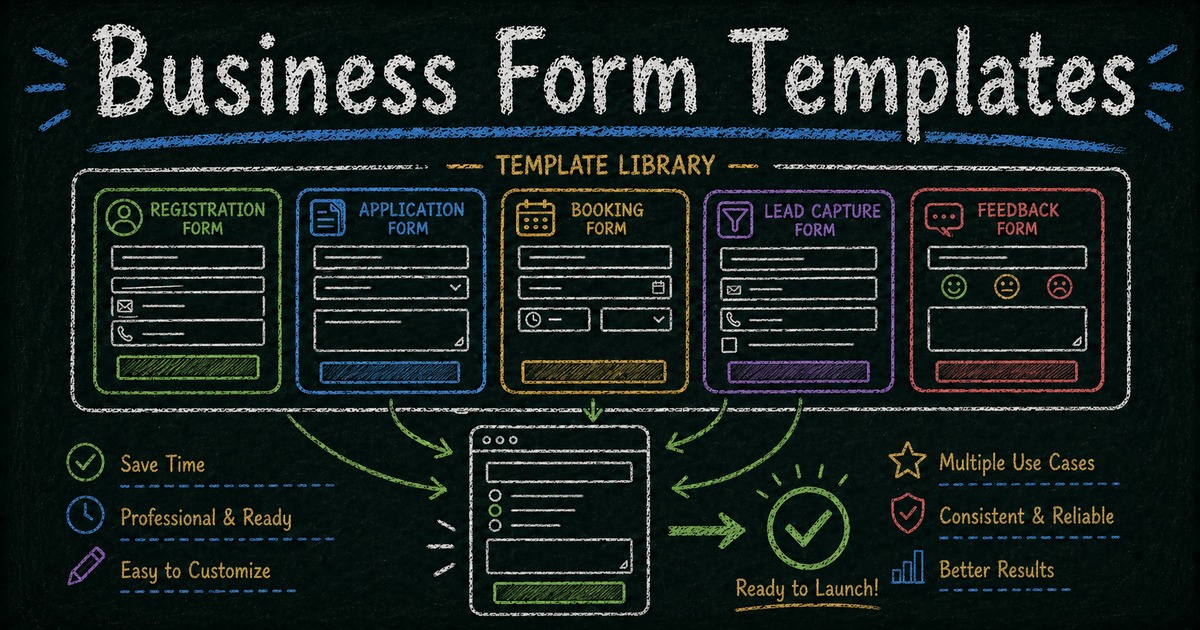
This guide covers 28 form templates across five categories: registrations, applications, bookings, lead capture, and customer feedback. Each one links directly to a ready-made template you can open, customize, and publish in minutes. If you already know the category you need, use the deeper guides for registration form templates, online application forms, or feedback form questions.
TL;DR — Pre-built form templates let you skip the blank-page problem: the right template already has the correct fields, structure, and grouping for a specific use case — no guessing required.
- 28 templates across 5 categories — registration, application, booking, lead capture, and customer feedback
- Each template matches a specific workflow — registration confirms a spot, application feeds a review process, booking coordinates logistics
- Works for: events, hiring, services, SaaS, nonprofits, and internal teams
- Not sure which type fits? The “How to Choose” section at the end breaks it down by what happens after submission
Registration Form Templates
Registration forms work best when someone is joining a specific event, session, or program and the outcome is straightforward: submission confirms a spot. The form’s job is to collect the right attendee information and reduce back-and-forth once someone has submitted.
Registration forms that capture preference data at signup — session track, skill level, dietary requirements — produce fewer post-submission support requests than those that collect contact details only. We’ve structured these templates to gather that information upfront, so your team isn’t chasing it later by email.
If you’re running a recurring event or managing ongoing invitations, it’s also worth seeing how a well-structured RSVP form compares — they share many of the same fields but serve a slightly different workflow.
Event Registration Form Template
A flexible starting point for meetups, workshops, community events, and business gatherings. This template works well when you need to collect attendee names, contact details, participation preferences, and basic event logistics.
Webinar Registration Form Template
A good fit for online sessions, product demos, and virtual learning events. It helps you collect the details you need before sending confirmation emails, access links, or reminders.
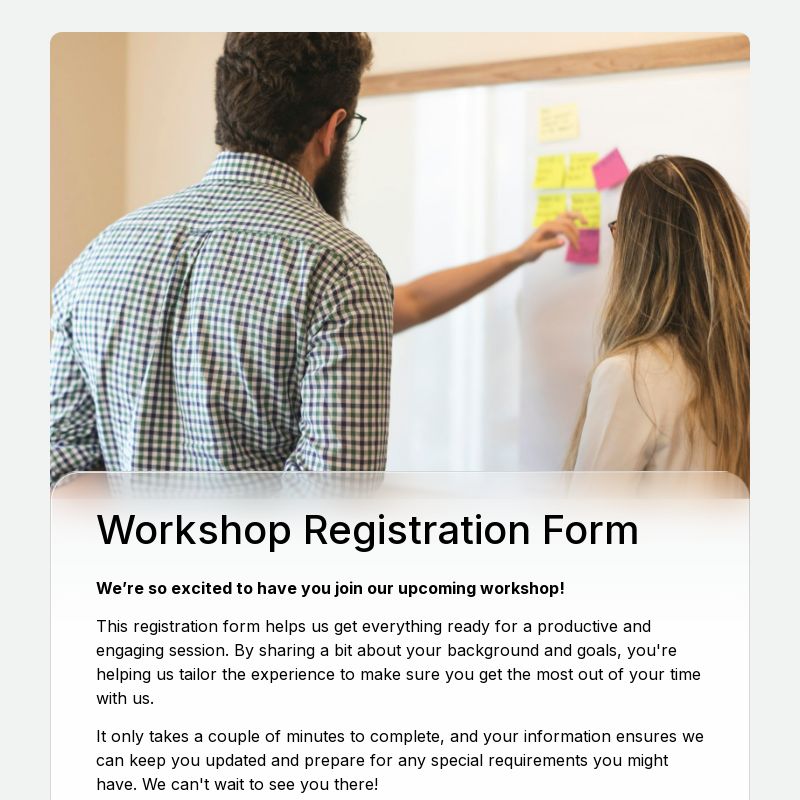
Workshop Registration Form Template
Useful for hands-on sessions, cohort-based learning, or small-group events. This template is especially helpful when you want to capture attendee goals, skill levels, or limited-seat preferences.
Course Registration Form Template
Designed for education programs, training providers, and instructors offering structured learning experiences. It helps collect participant background information before enrollment.
Training Registration Form Template
A practical template for internal team training, onboarding sessions, and professional development programs. It works well when you need a straightforward sign-up flow for staff or participants.

Student Registration Form Template
A useful template for schools, tutoring programs, and education services that need to capture student and guardian information clearly.
Membership Registration Form Template
Best for communities, associations, clubs, and recurring programs that need a structured member sign-up process.
Account Registration Form Template
A simple template for account creation or user onboarding scenarios where you want a cleaner registration experience with structured fields.
Application Form Templates
Application forms are for workflows that require review before anything moves forward. Unlike registration forms — where a submission confirms a spot — application forms feed a decision process. The person submitting is requesting consideration, not confirmation.
The most effective application forms separate required fields from optional ones and group questions by category: contact details first, qualifications next, logistics last. Applicants who see a clearly organized form complete it at a higher rate than those who face an undifferentiated list, even when the total number of fields is identical.
This is the same logic behind a well-designed intake form — the structure is built not just to capture information, but to give reviewers everything they need to act on a submission.
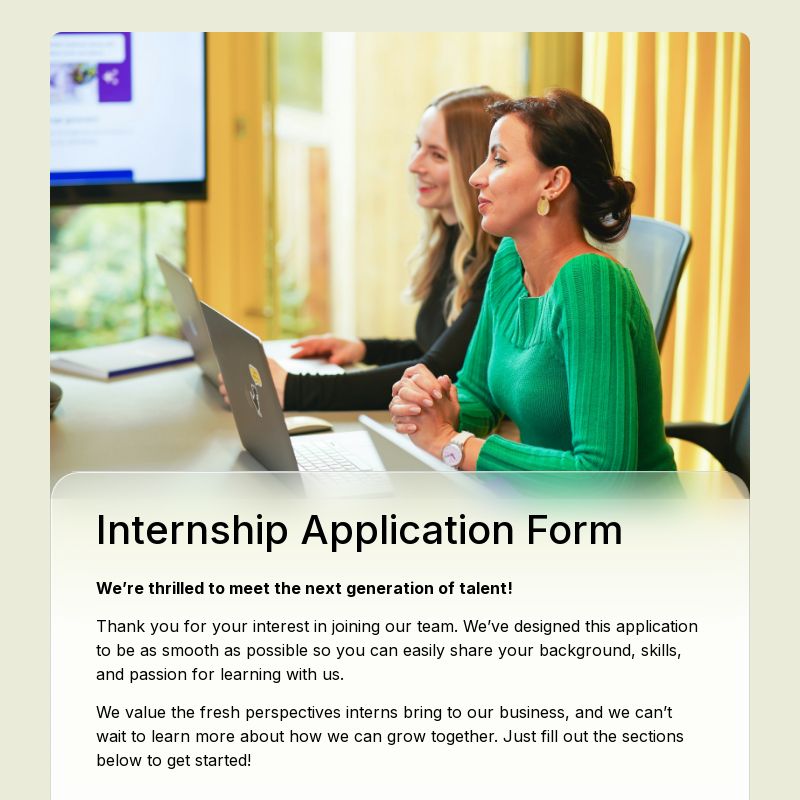
A strong starting point for hiring flows when you want to collect candidate details, experience, and background in a structured format.
Internship Application Form Template
Well suited for early-career programs, student opportunities, and internship recruitment. It gives teams a clean way to review applicants consistently.
Vendor Application Form Template
Helpful for marketplaces, events, procurement processes, and partner programs that need to evaluate external vendors before approval.
Grant Application Form Template
A useful template for nonprofits, foundations, education initiatives, and community programs that accept structured project or funding proposals.
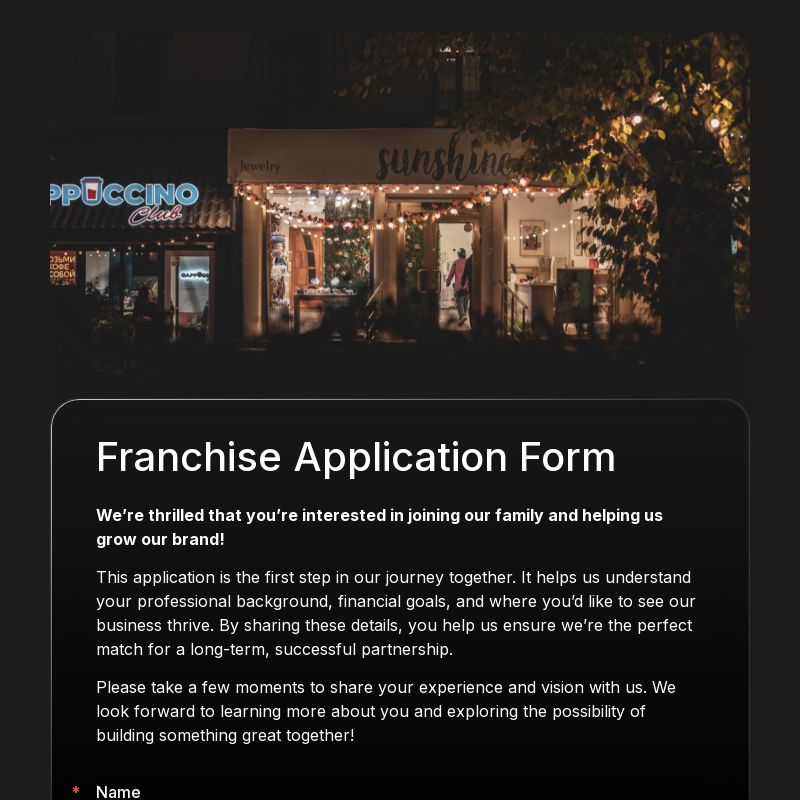
Franchise Application Form Template
Designed for businesses that need to review potential franchise partners, gather qualifications, and standardize their intake process.
Loan Application Form Template
A practical template for collecting borrower information and core application details in a more organized way.
Booking and Request Form Templates
Booking and request forms coordinate logistics, not commitments. The person submitting isn’t joining a program or requesting consideration — they’re asking for time, space, or access, and the form needs to capture enough context for someone to follow up and confirm.
The key design principle: collect only what’s needed to schedule or route the request. Every additional field is friction that reduces submission rates — and most booking workflows need fewer fields than teams initially assume.
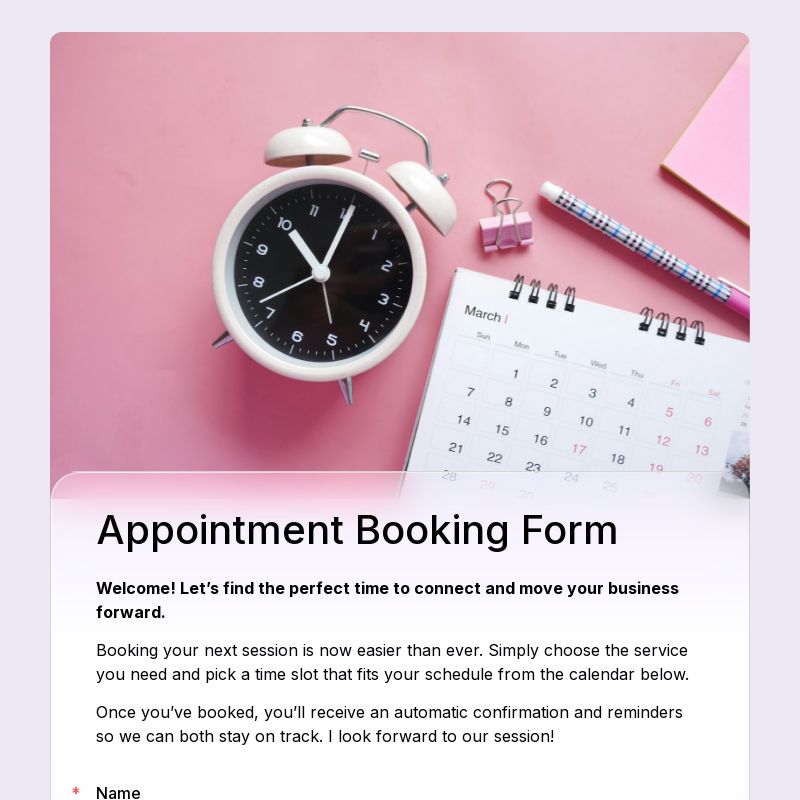
Appointment Request Form Template
A solid option when you want to let users request time slots without exposing real-time availability. This works well for clinics, service providers, and consultation-based teams.
Meeting Scheduling Form Template
Useful for teams that need to collect preferred time slots, participant details, and meeting context before confirming a session.
A practical template for accommodation requests, reservation intake, and guest information collection.
Restaurant Booking Form Template
A good fit for reservations, party size details, special requests, and guest contact information.
Useful for shared spaces, venues, internal meeting rooms, or facility reservations where request details need to be reviewed before confirming.
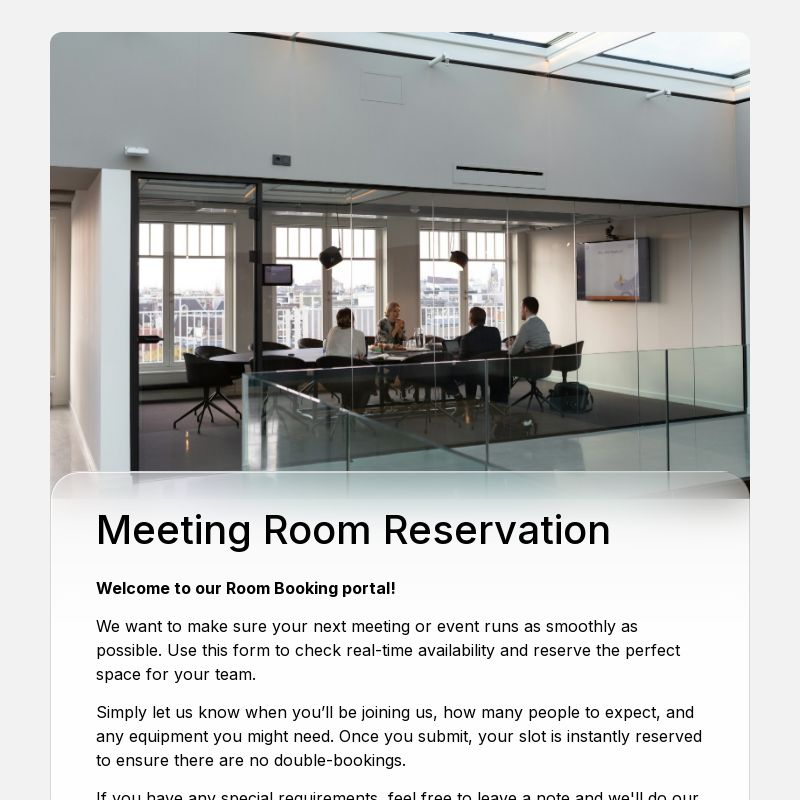
A helpful template for businesses and organizers that receive event-related questions before a formal booking or registration step.
Ideal for B2B SaaS, software tools, and service companies that want a more structured way to collect inbound demo interest.
Lead Capture and Contact Templates
Lead capture forms follow the opposite design logic from application forms: fewer questions, faster to complete, lower commitment. Research from HubSpot consistently shows that forms with 3–4 fields convert at roughly twice the rate of forms with 7+ fields when the goal is initial contact. The purpose here isn’t to qualify deeply — it’s to start a conversation.
These templates are especially useful for marketing, sales, and inbound acquisition where the goal is top-of-funnel contact — not a formal commitment.
A simple and effective template for collecting contact details, company information, and top-of-funnel interest.
Free Trial Signup Form Template
A strong fit for SaaS onboarding flows and product-led acquisition. It helps you structure early user signup without adding too much friction.
Newsletter Signup Form Template
Useful when your main goal is audience growth, content distribution, or email list building.
Callback Request Form Template
A lightweight option for businesses that prefer to follow up by phone or want to make it easier for potential customers to start a conversation.
Customer Feedback Templates
Feedback forms are often the closing step in the same workflow where the forms above were the opening one. After a customer signs up, books, purchases, or submits a request, a feedback form helps teams learn what worked and what didn’t.
Timing matters: according to response rate benchmarks from SurveyMonkey and Medallia, feedback completion drops significantly when a request arrives more than 48 hours after the interaction. We built these templates to be short enough to send immediately — typically 5–8 questions — so the experience is still fresh for the person responding.
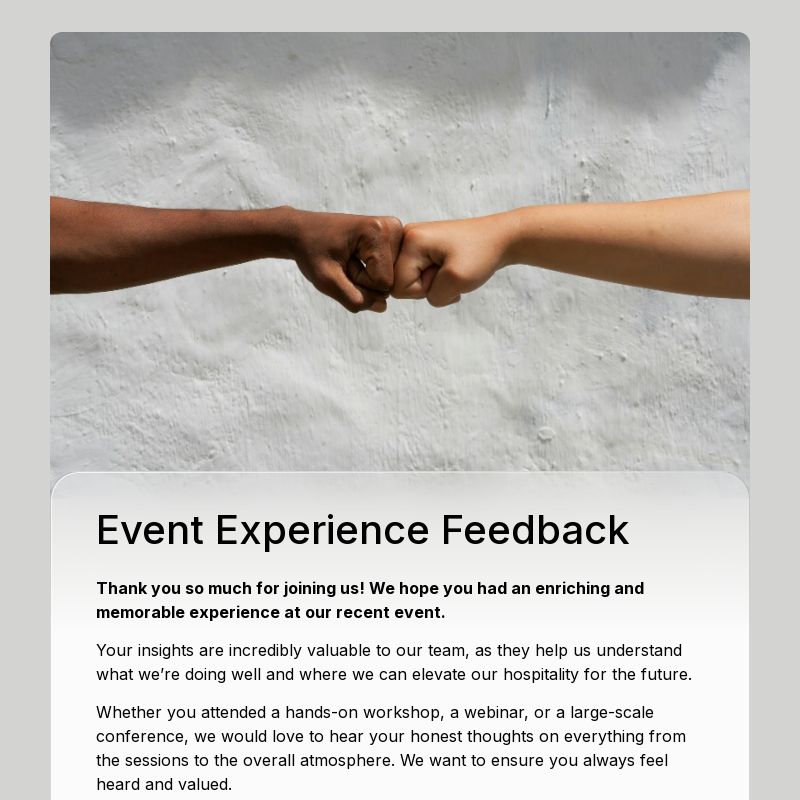
Customer Feedback Form Template
A flexible feedback template that works for many businesses, from product teams to service providers.
Customer Satisfaction Survey Template
Useful for measuring service quality, experience, and post-interaction sentiment in a more structured format.
A simple format for tracking loyalty and overall satisfaction over time. NPS (Net Promoter Score) surveys typically ask one core question and a short follow-up, making them easy to complete.
How to Choose the Right Template
The right form type is determined by what happens after someone hits submit. Use this post-submission decision rule:
Use a registration form when someone is signing up to attend, join, or participate in something. The outcome is automatic: submission confirms a spot. Key signal: is there a specific event, session, or program they’re joining? If yes, start with the registration template collection.
Use an application form when submissions need review or approval before anything moves forward. Application forms collect more context than registration forms and are designed to help a reviewer make a decision — not just confirm a place. Browse application form templates when the next step depends on review, or read how to create an online application form for the review-ready structure.
Use a booking or request form when timing, availability, or follow-up matters. These forms are not about approving someone — they’re about coordinating logistics and confirming details before the work begins.
Use a lead capture or contact form when your goal is to start a conversation or qualify interest. These forms sit at the top of the funnel, before any commitment is made on either side. Keep them short: 3–4 fields is almost always enough.
Use a feedback form after a workflow has completed its cycle. Feedback is the closing step, not the opening one — but it connects directly back to the forms that started the interaction. Send it within 24 hours for the best response rate.
If you’re still not sure, start with the simplest template that covers your required fields and add complexity from there. A shorter form almost always gets more completions than a longer one.
Frequently Asked Questions
What form templates does every business need?
Most businesses need at least four types: a registration or intake form to collect sign-ups and new inquiries, an application or request form for workflows that require review before anything moves forward, a booking or scheduling form for managing appointments and reservations, and a feedback form to close the loop after a service or event. Lead capture forms are useful for any business with an online presence. These five types cover the vast majority of business form needs.
What’s the difference between a registration form and an application form?
A registration form is typically used when the outcome is automatic — someone signs up and gets a confirmation. An application form is used when submissions need to be reviewed before a decision is made. Application forms usually collect more background information and are designed to help a team evaluate each submission.
Can I customize a form template after opening it?
Yes. Every template in FormHug is fully editable. You can add, remove, or reorder fields, update labels and placeholder text, apply conditional logic, and adjust the design. The template is a starting point, not a constraint.
Do FormHug form templates work on mobile devices?
Yes. All FormHug templates are responsive and work on any device. Respondents can fill them out on mobile, tablet, or desktop without any layout or display issues.
Are FormHug form templates free to use?
Yes. FormHug has a free plan that includes access to all templates. You can open any template, customize it, and start collecting responses without entering a credit card.
How many fields should my form have?
This depends on the use case. A lead capture form typically needs only 3–4 fields — enough to qualify without creating friction. An application form might need 10–15 to give reviewers sufficient context. The practical rule: only ask for information you will actually use in the workflow that follows.
Can I use the same template for multiple campaigns or events?
Yes. You can duplicate any form in FormHug and create a separate version for each event or campaign. This keeps your submission data organized while reusing the same structure.
Related
- How to Create an RSVP Form for Any Event (Free Template Included) — a deeper guide to RSVP forms with conditional logic, confirmation messaging, and guest management
- How to Create an Intake Form That Actually Collects the Right Information — how to structure forms designed for review and follow-up rather than simple collection
- How to Create a Payment Form — Add Stripe to Any Registration, Booking, or Order Form — for when your registration or booking form also needs to collect payment at the same time
Every extra hour spent designing a form from scratch is an hour not spent on the workflow it’s supposed to support. Browse all templates →

Written by
FormHug TeamProduct, research, and form automation team
The FormHug Team brings together product builders, workflow researchers, and form automation practitioners who study how people collect, route, and act on information online. Our guides are based on hands-on product testing, template analysis, customer workflow patterns, and deep experience with forms, surveys, quizzes, AI-assisted creation, integrations, and results sharing.