

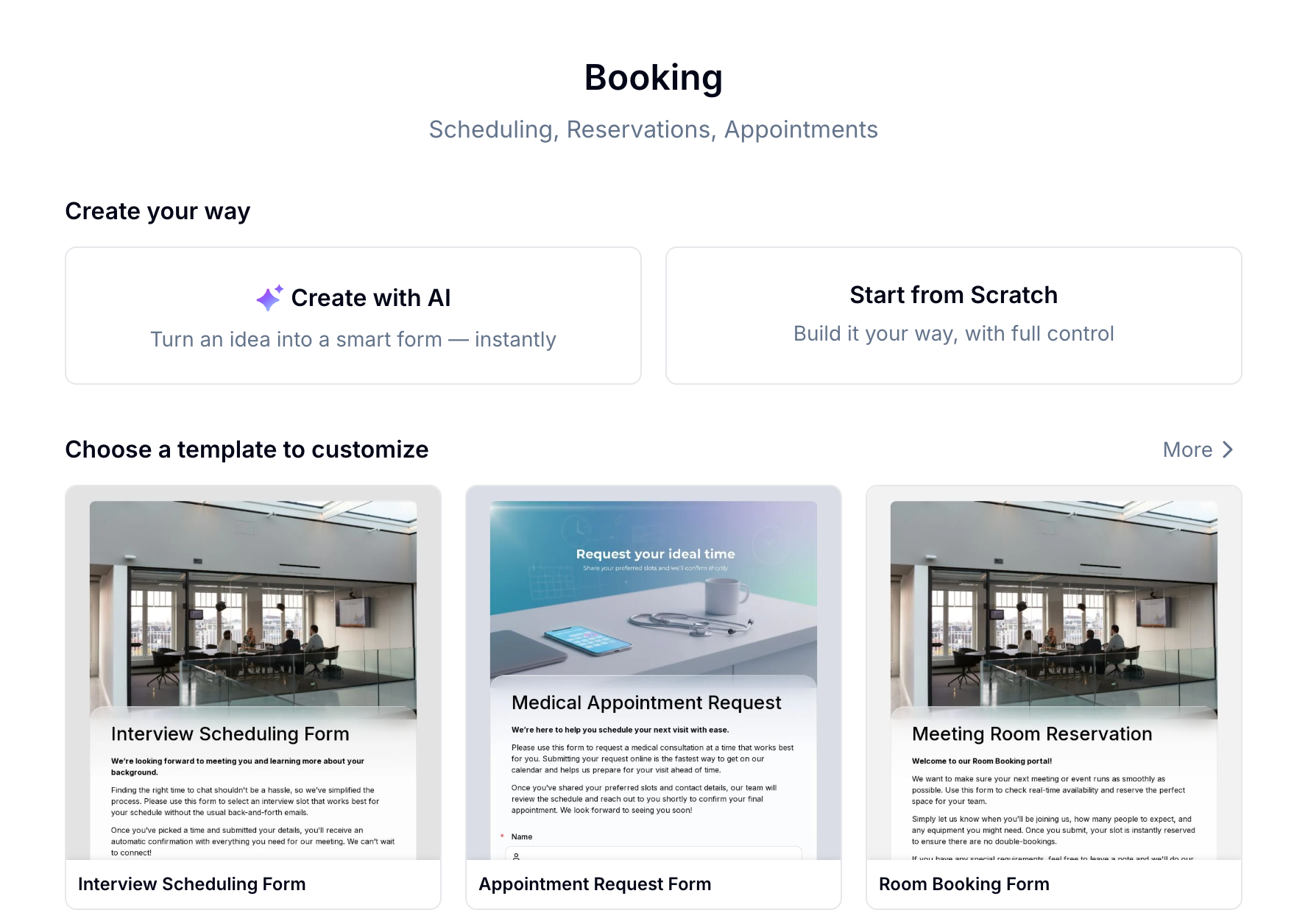
What You Can Build with Booking
Booking works best for in-person services and scheduled activities where time and capacity matter.Try a Live Booking
Yoga Class Booking
Experience a real booking form — pick a session, select a time slot, and see how it works end to end
Create a Booking Form Your Way
Create with AI
Describe what you need in one sentence — Evan sets up the form, booking items, and time slot structure for you instantly.
Start from a Template
Pick from 13+ booking templates for interviews, appointments, consultations, venues, and more. Customize and publish in minutes.
Build from Scratch
Add a Booking field manually and configure every item, time slot, and availability rule yourself.
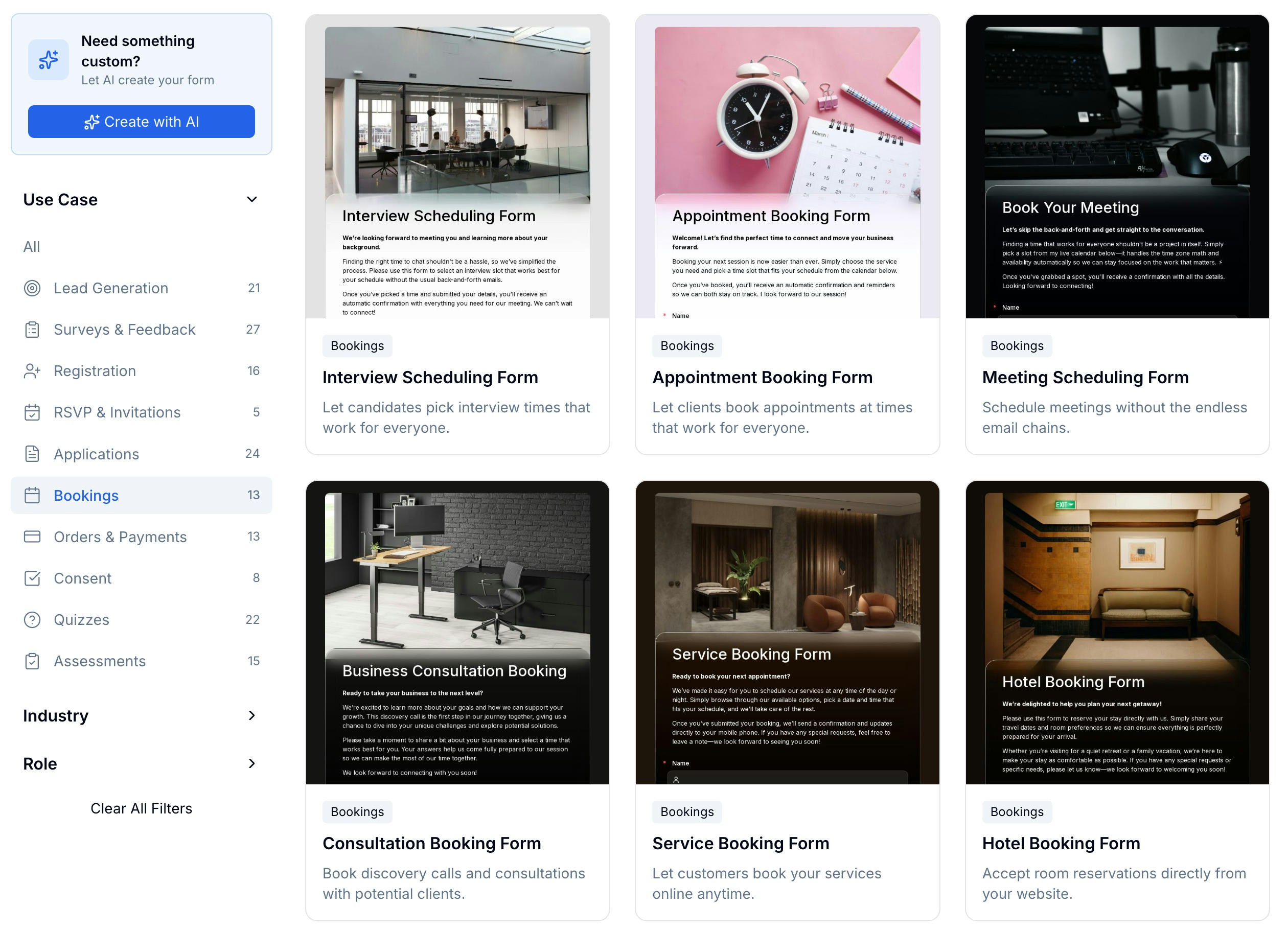
Browse Booking Templates
13+ templates — classes, appointments, venues, and professional services
The Booking Field
The Booking field is the core of every booking form. Add it like any other field, then configure one or more bookable items directly inside it.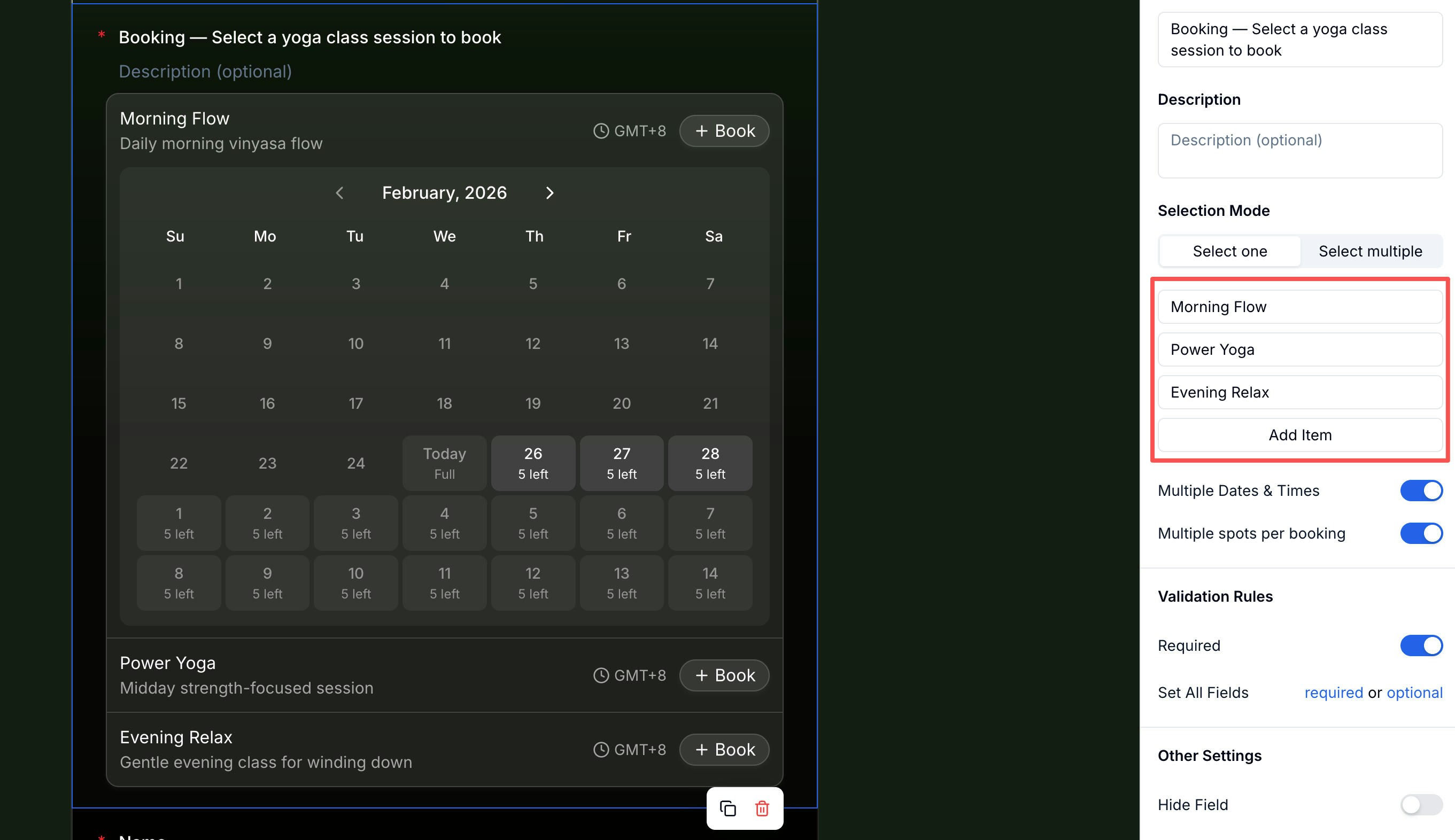
Setting Up Booking Items
Each bookable option — a class, time slot, room, or service — is a Booking Item. One Booking field can hold multiple items. Every item is configured independently across four tabs.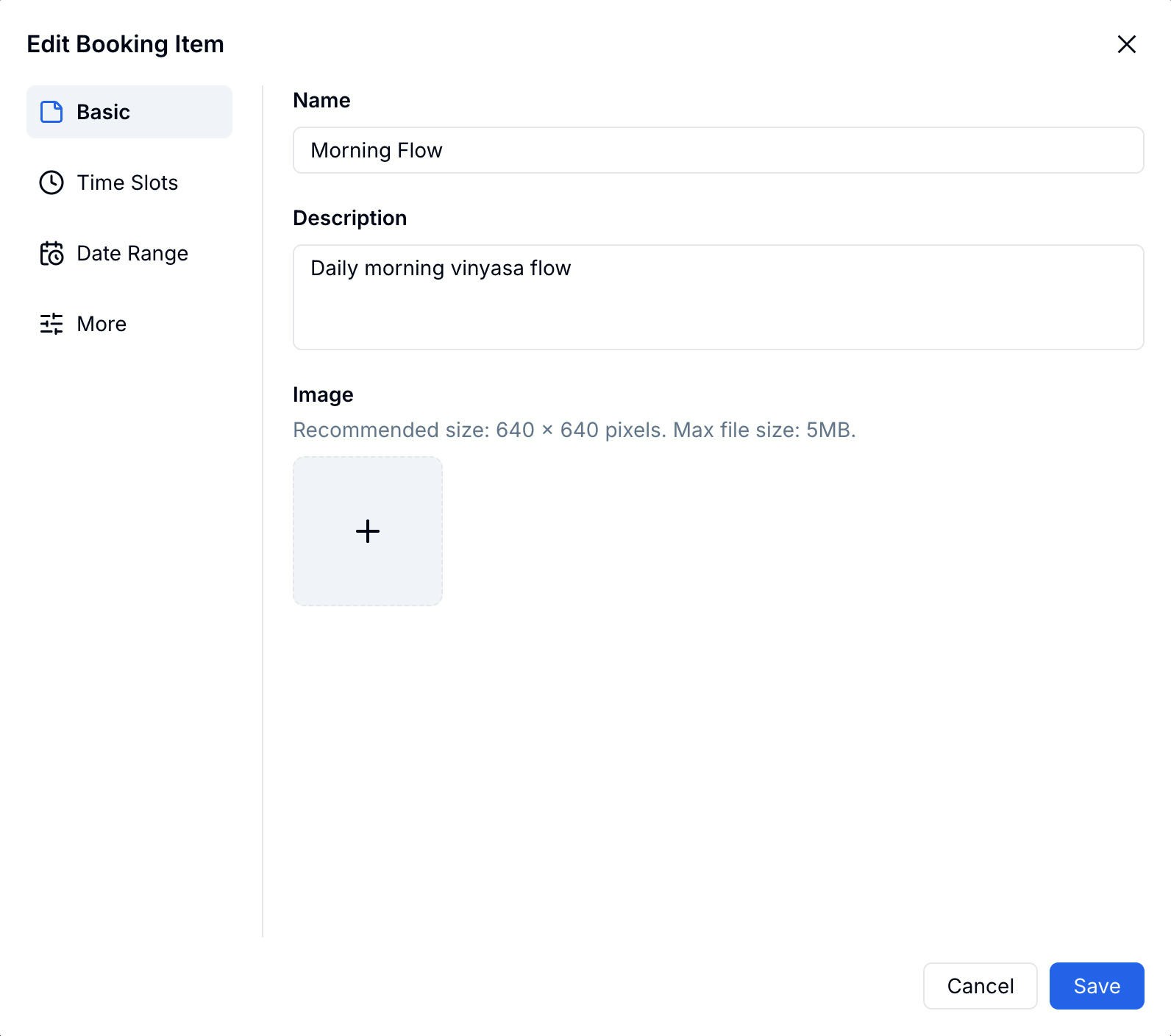
Time Slots
Choose how participants select time on the calendar: By Date (date-only selection) or By Time Slot (date + specific time window). With By Time Slot, set a weekly schedule — toggle each day on or off and define the available hours and number of slots per day.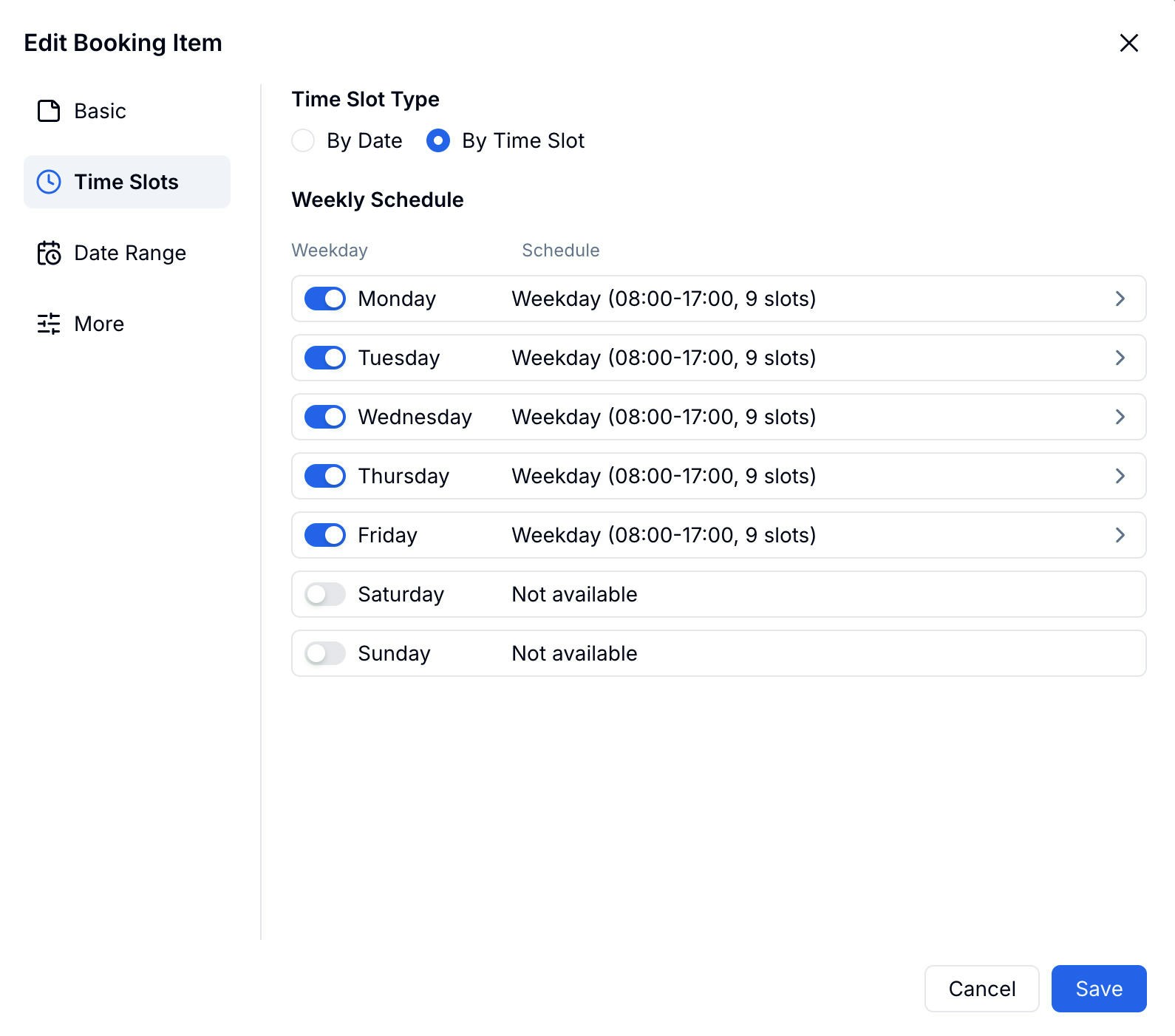
Date Range
Control how far ahead participants can book and block off unavailable periods.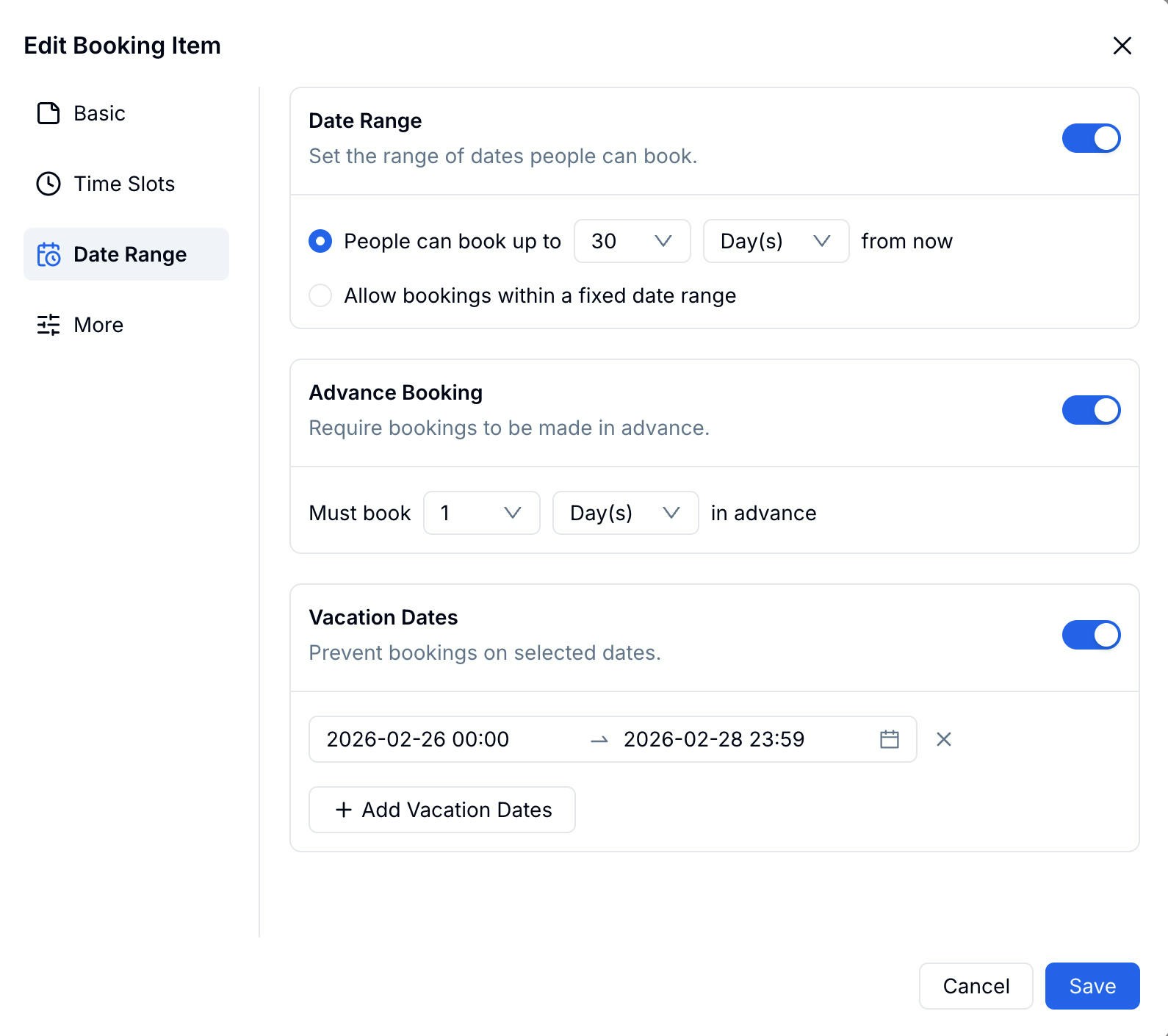
More
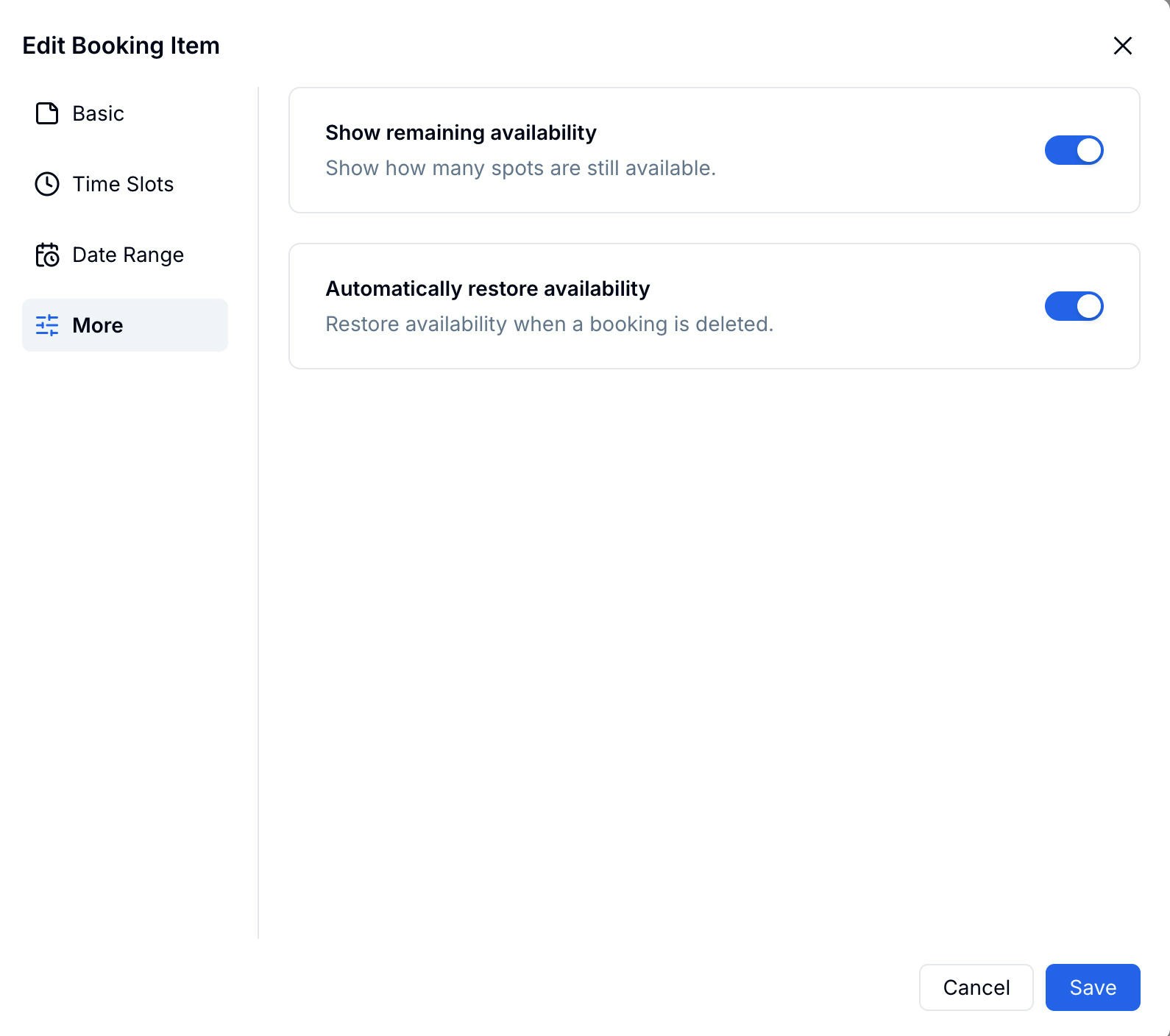
What Participants See
The booking form works smoothly on both mobile and desktop. Participants see each item with its calendar, select an available date, choose a time slot, and confirm their booking — all in one flow.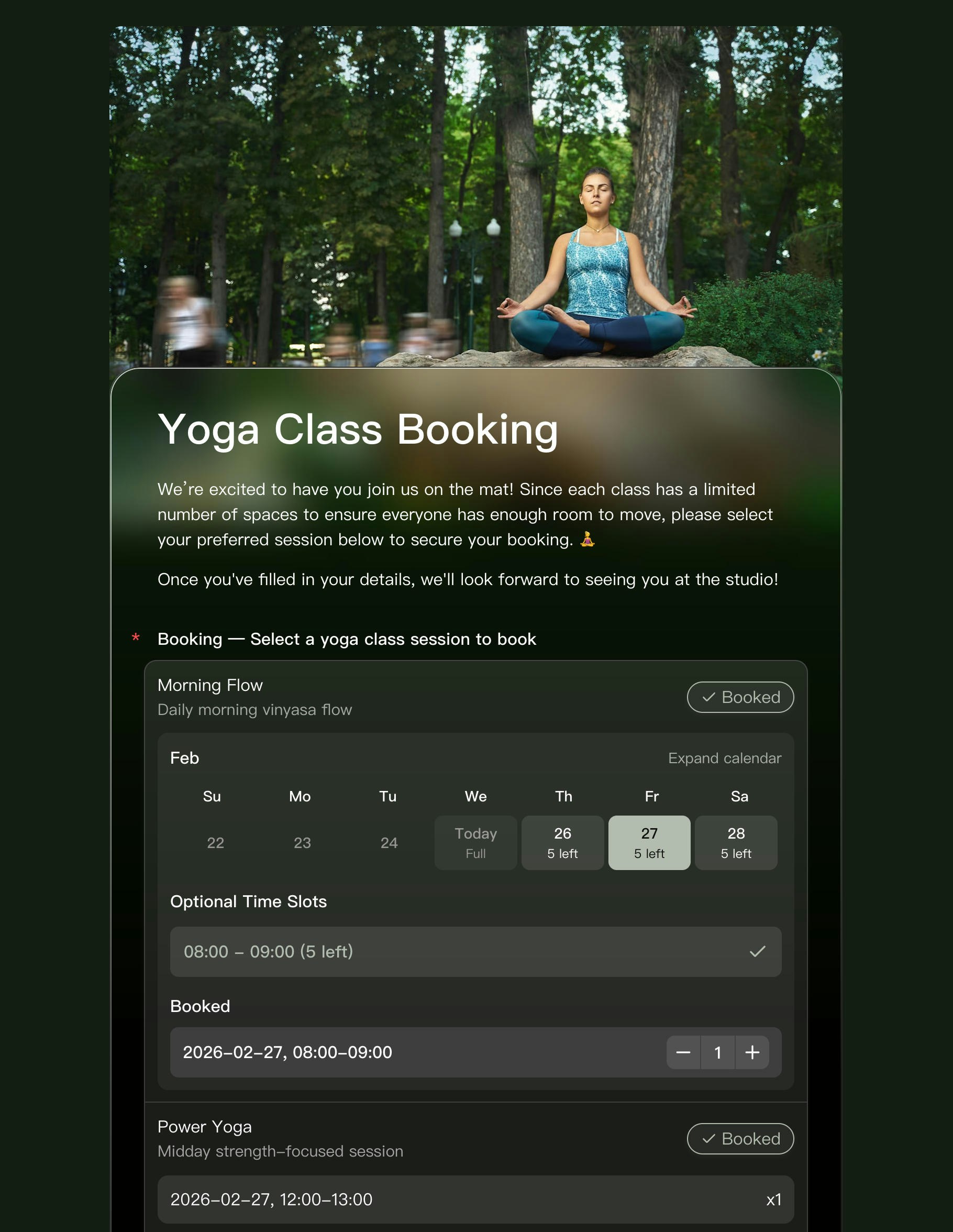
A Complete Booking System
The Booking field handles scheduling, but you can pair it with other FormHug features to build a full end-to-end system:- Email & SMS notifications — Send automatic confirmation messages to participants when they book, and alert yourself of new reservations
- Public Query — Let participants look up their own booking details anytime using their ID, phone, or email — no need to contact you
Related
Booking Form Guide
Step-by-step: build and publish a booking form
Public Query
Let participants look up their own booking records
Booking Form Builder
See the product workflow for appointments, classes, and reservations
Appointment Reminder Emails
Write reminder emails for bookings, classes, and consultations