

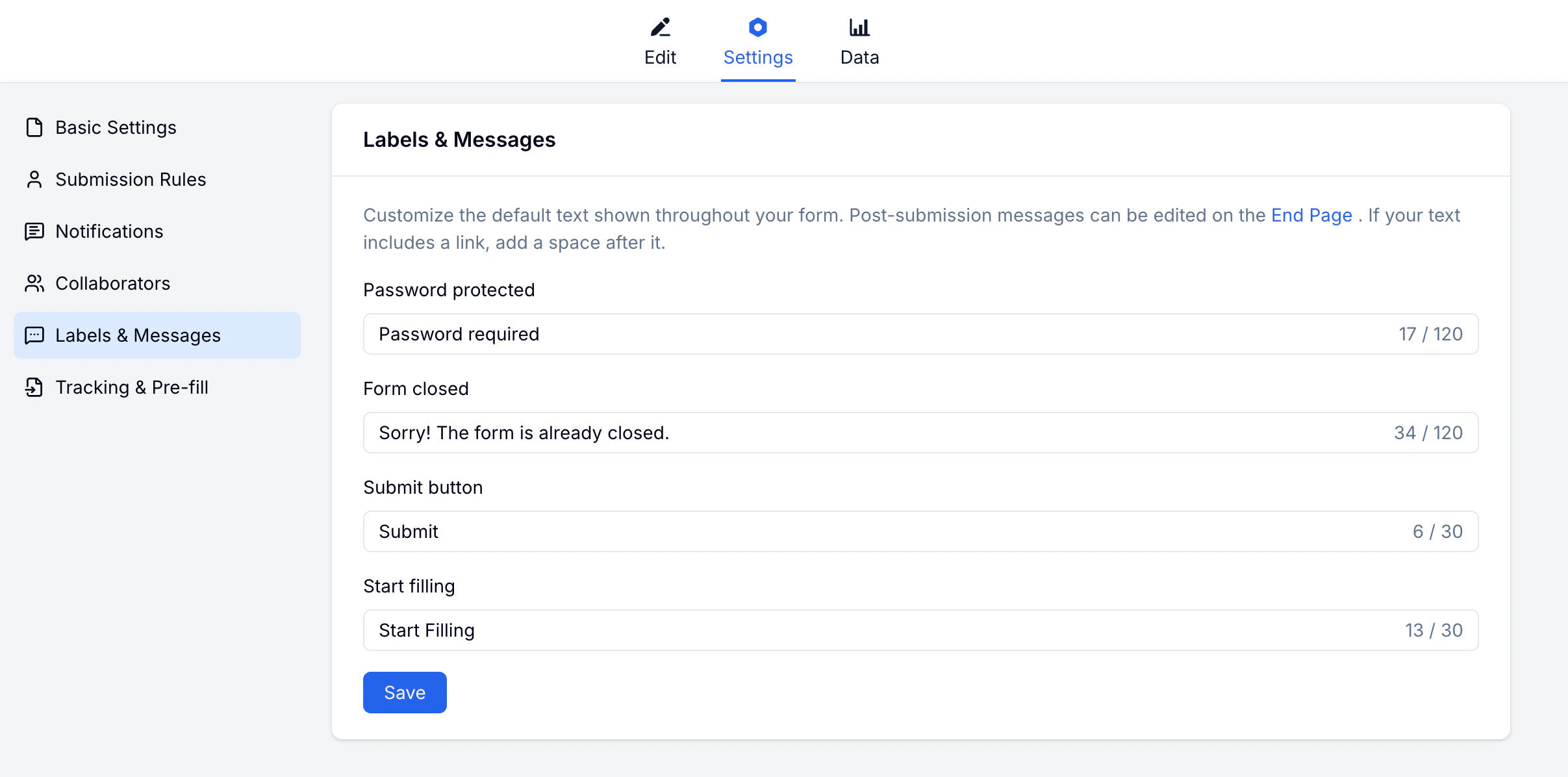
What You Can Customize
How to Customize
1
Open Settings
Go to your form → Settings → Labels & Messages.
2
Find the text
Locate the label or message you want to change.
3
Enter your text
Type your custom wording in the field.
4
Save
Changes apply to the live form immediately.
Related
Basic Settings
Control form access and scheduling
Themes
Customize colors and visual style
Custom Branding
Match form wording with your brand identity
Lead Generation Templates
Customize button labels for campaign and signup forms