

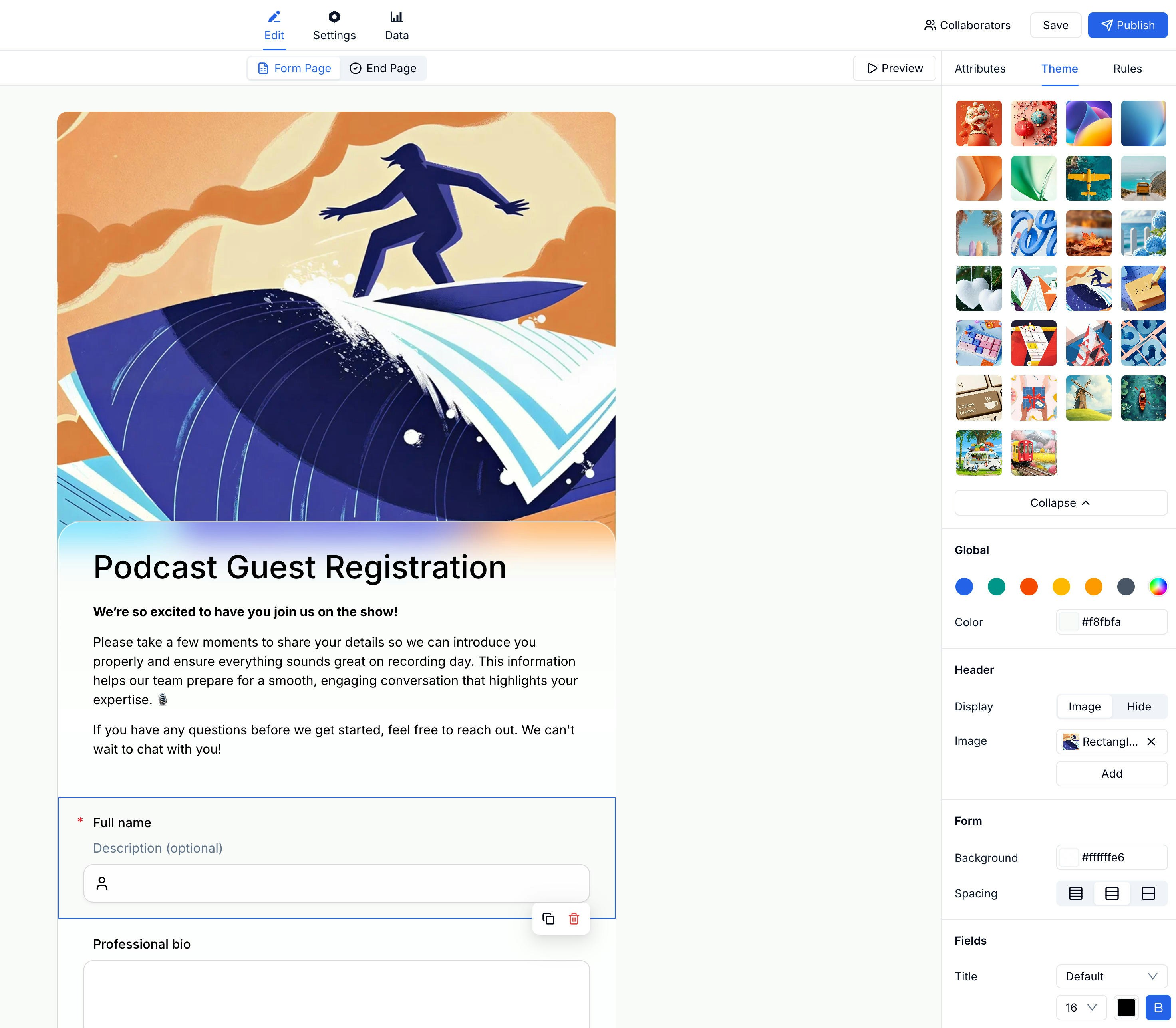
Applying a Preset Theme
1
Open the Theme panel
In the form editor, click the Theme tab in the right panel.
2
Browse presets
Scroll through the theme grid and click any theme to preview it on your form.
3
Confirm
The form updates instantly. Continue customizing below the presets if needed.
Global Colors
Below the preset grid, the Global section lets you set a color palette for the entire form. Changes here affect all elements at once.Header Settings
Control how the form header looks:Form Background & Spacing
Adjust the form container:Fields Appearance
Style individual fields:Related
Custom Branding
Add your workspace logo and brand identity
Form Builder
Edit form structure and content
Lead Generation Templates
Apply themes to campaign forms, waitlists, demo requests, and quote forms
Template Library
Start from a template, then adjust visual style