

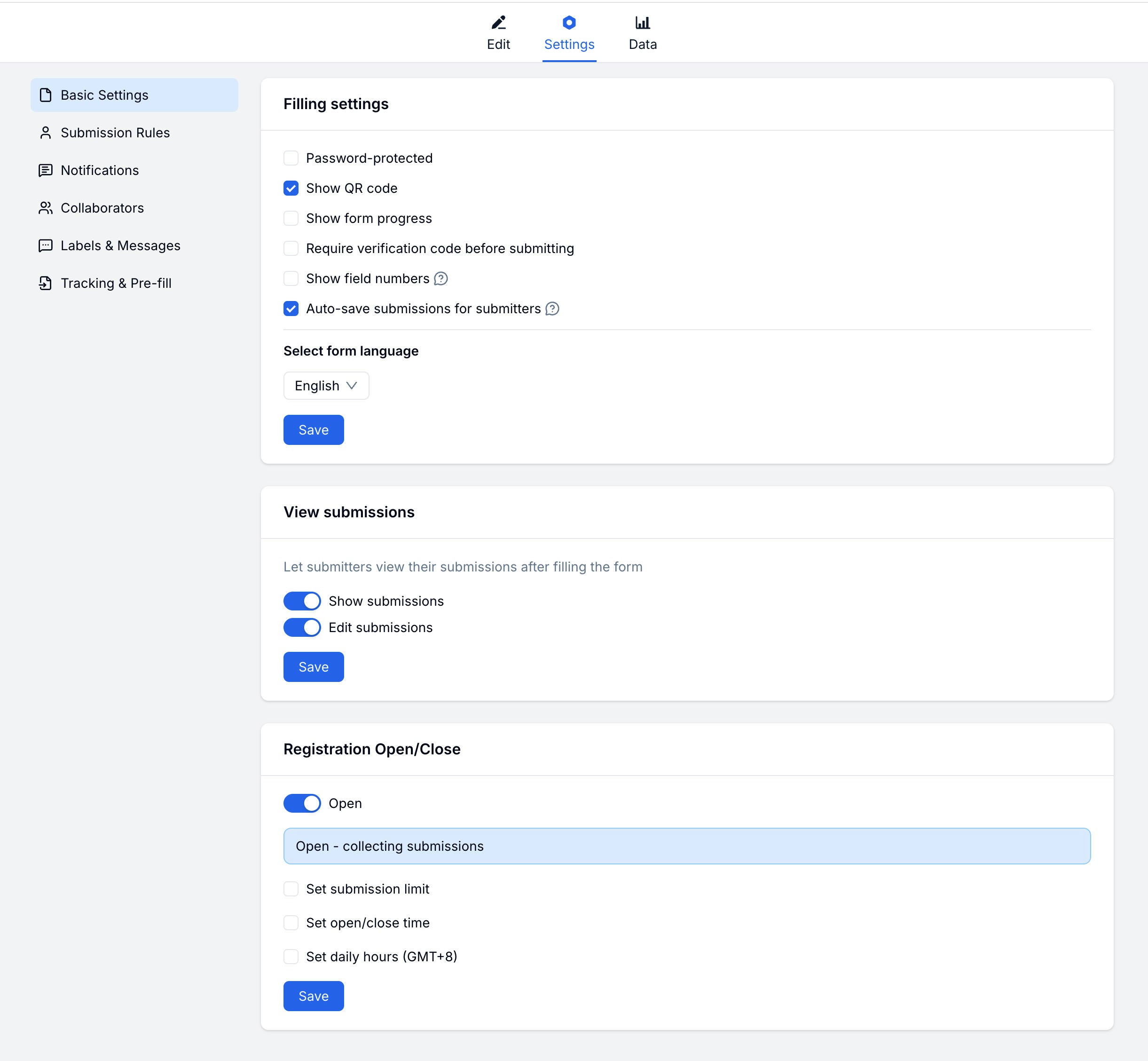
Filling Experience
Shape how submitters interact with your form:Password Protection
Restrict access to your form with a password.1
Enable Password
Go to Settings → Basic → Password Protection and toggle it on.
2
Set Password
Enter the password submitters will need to access the form.
3
Share
Share the password with authorized submitters separately.
Auto-save
Let submitters save progress and continue later. Progress is saved as they fill the form — they can close the browser and return without losing their answers.Submission Access & Editing
Decide what submitters can do after submitting:Open & Close Rules
Control when your form accepts submissions:Setting a Schedule
1
Enable Schedule
Go to Settings → Basic → Open & Close Rules and enable scheduling.
2
Set Open Date
Choose when the form should start accepting submissions.
3
Set Close Date
Choose when the form should stop accepting submissions.
Submission Limit
Cap the total number of accepted submissions:- Enable Submission Limit
- Enter the maximum number
- Optionally customize the message shown when the form is closed
Related
Submission Rules
Control who can submit and how often
Notifications
Set up email alerts for new submissions
Registration Form Guide
Configure access, limits, and close rules for sign-up forms
Registration Templates
Start from event, course, webinar, and membership registration templates