

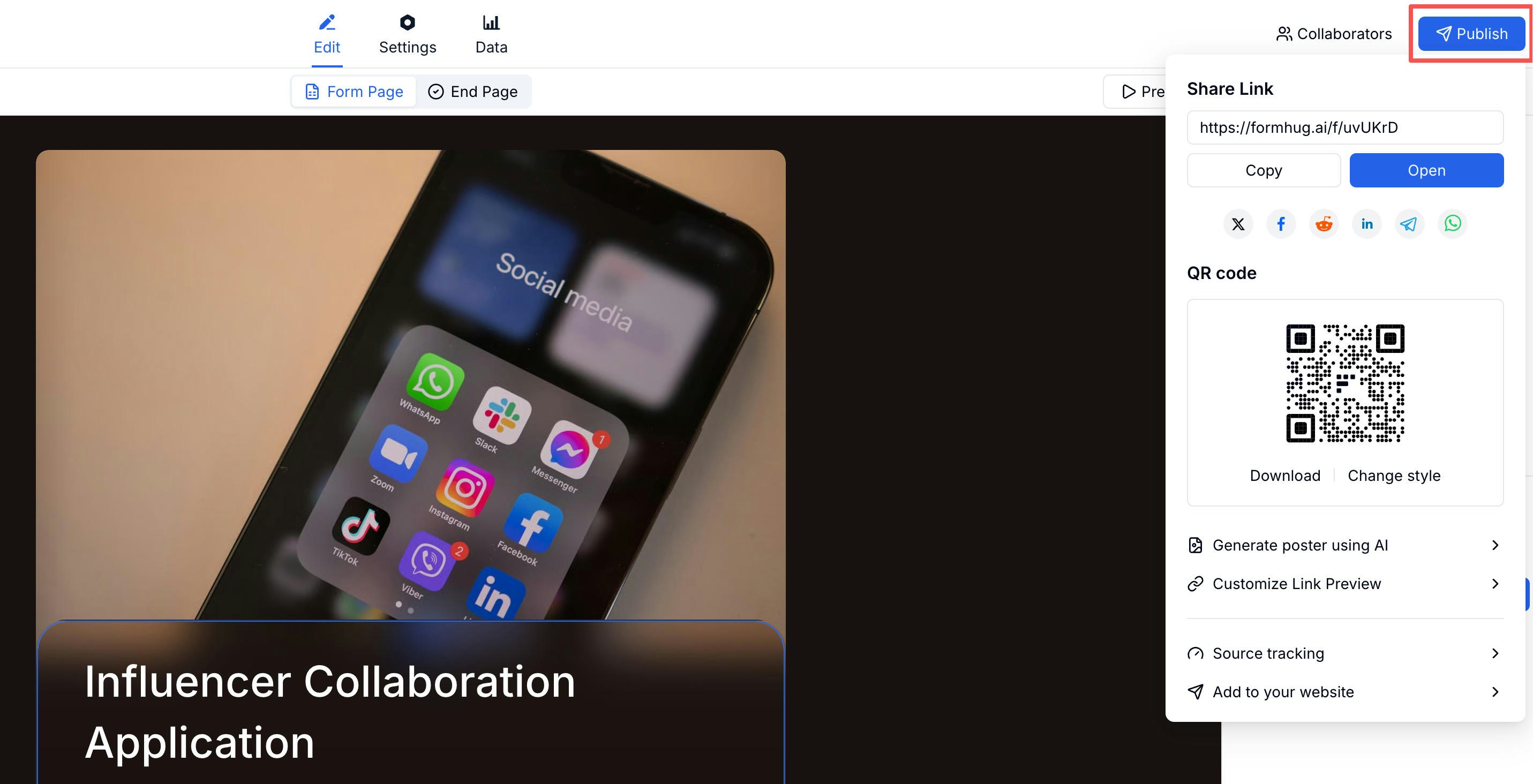
Publishing Your Form
Click Publish in the top-right corner of the form editor. Once published, your form is live and accepting submissions.Sharing Options
The Share panel gives you everything in one place:Customizing the Link Preview
When someone shares your form link on social media or messaging apps, they see a preview card. You can control what that card looks like.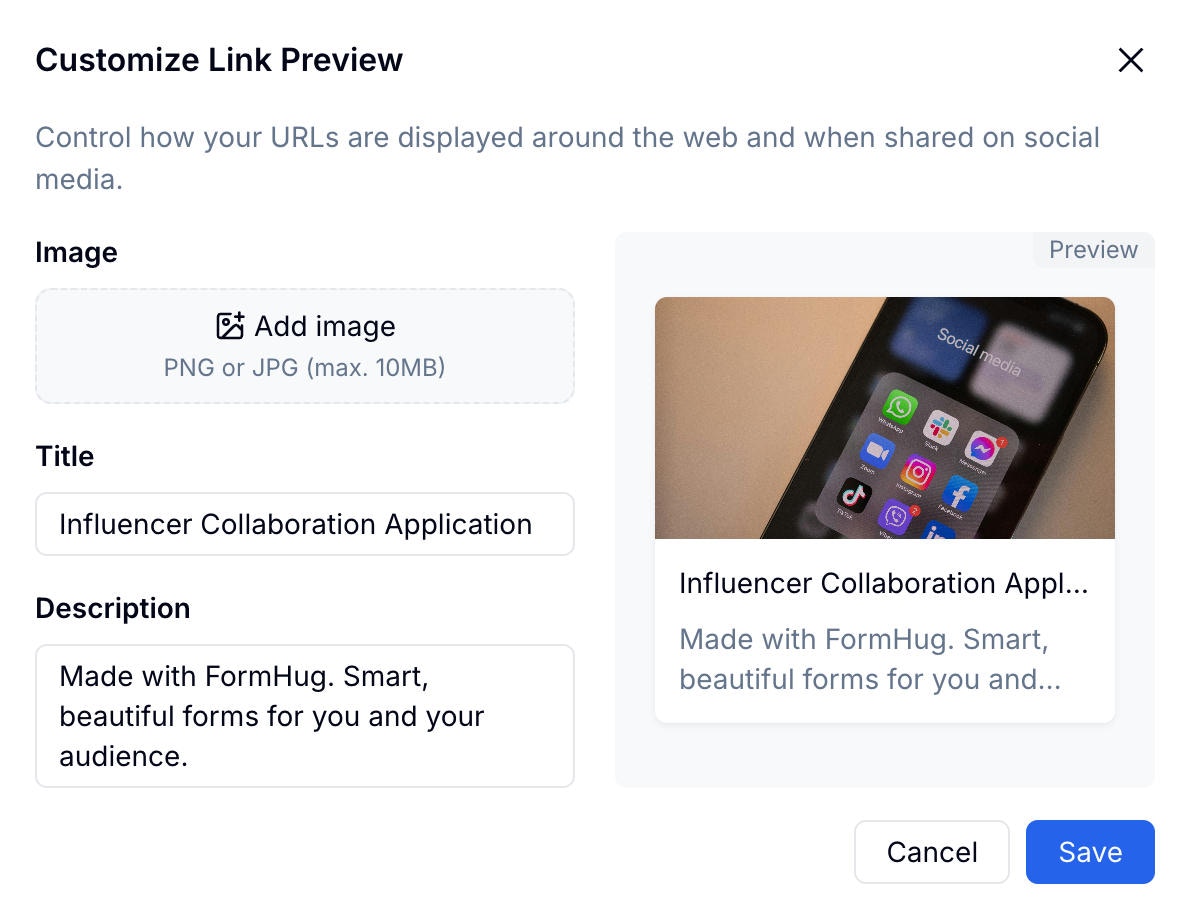
1
Open Customize Link Preview
In the Share panel, click Customize Link Preview.
2
Upload a preview image
Choose an image that represents the form. This appears as the card thumbnail.
3
Set the title and description
Enter the title and description text shown in the preview card.
4
Check the preview
Review how the card will look in the preview pane on the right.
Related
Embed Options
Add your form directly to a website
Tracking & Pre-fill
Create source tracking links
QR Code
Download and customize your form QR code
Registration Templates
Share event, workshop, course, and membership sign-up forms
Lead Generation Templates
Publish forms for demos, callbacks, quotes, and early access
Create a Payment Form
Share donation, product order, ticket, deposit, and paid registration forms
Lead Generation Guide
Connect source links, form fields, and follow-up around one campaign goal