

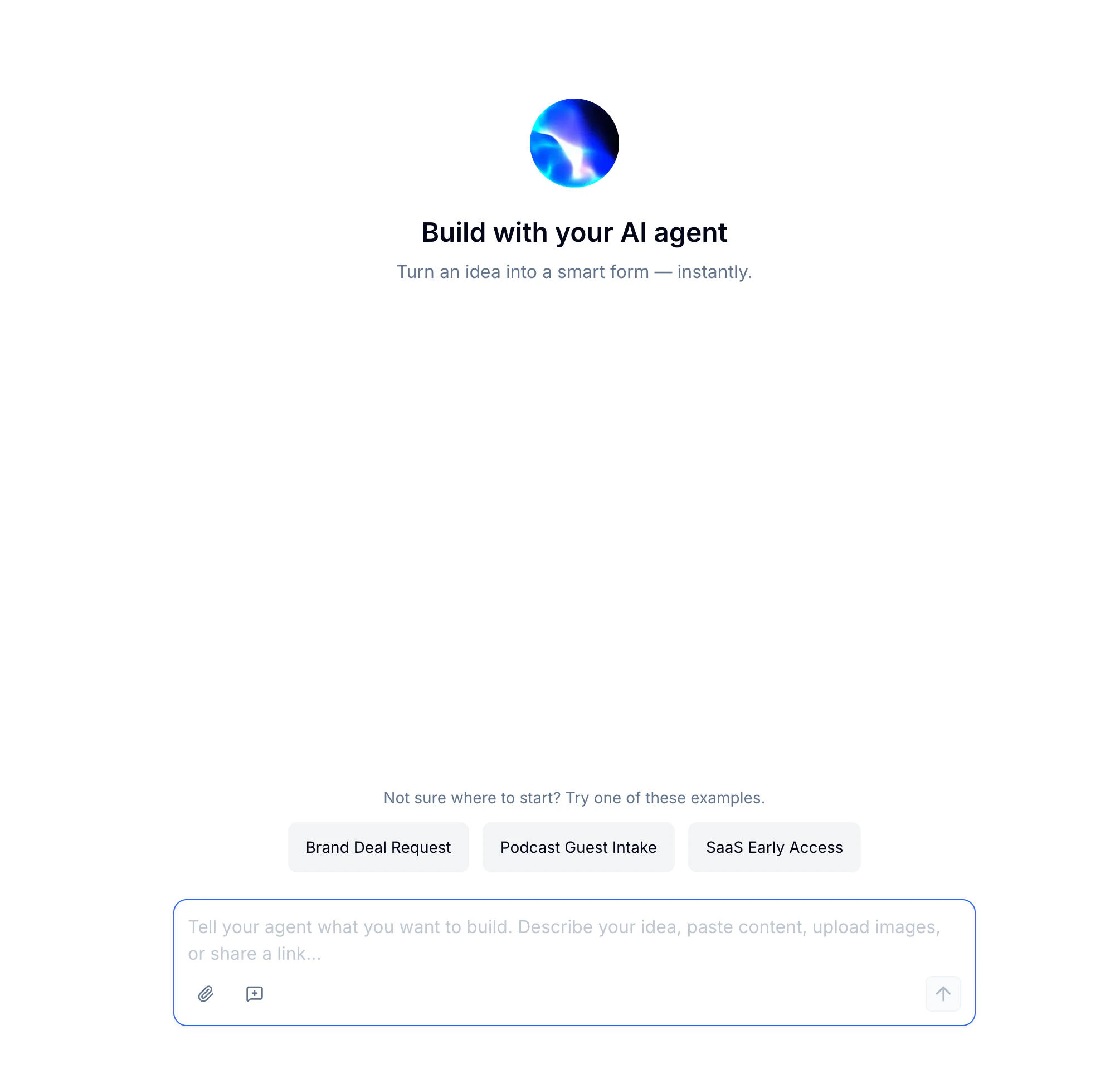
What You Can Build with Evan
Evan works across every form type and scenario:How to Build a Form with AI
Describe your idea in the chat — plain language works best. You can also paste content, upload a reference file, or share a URL for more context. Not sure where to start? Pick one of Evan’s built-in example prompts. Evan thinks through your request and generates the complete form — fields, description, header image, and structure — in the preview panel on the right. The Thought process indicator shows what Evan is working on in real time.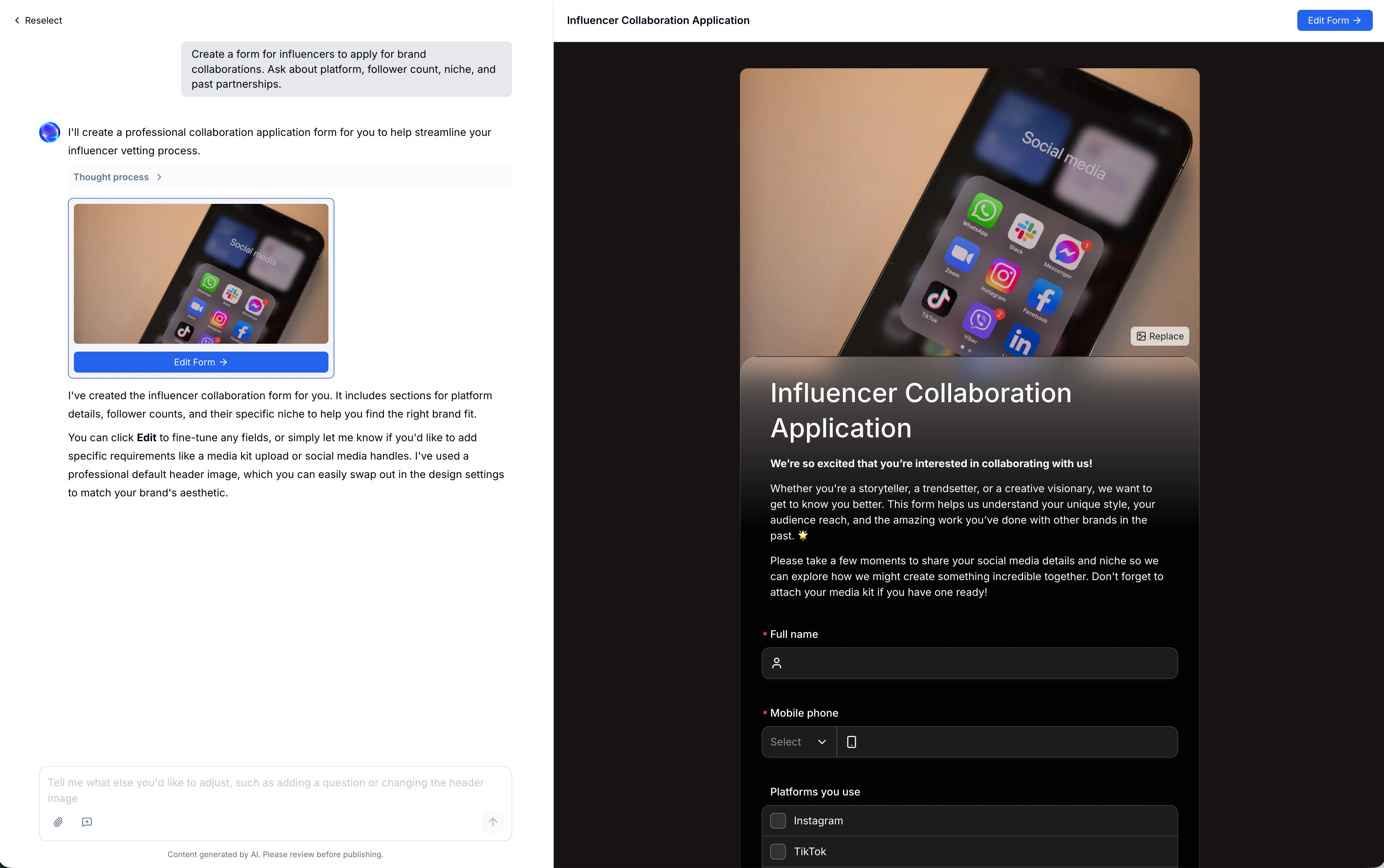
AI-Powered Content Tools
Beyond the initial form, Evan can generate and refine specific pieces of content directly inside the editor.Form Description
Click AI Generate Description in the editor to regenerate or rewrite the intro text that appears at the top of your form. After Evan produces a draft, use the one-click actions to adjust the tone: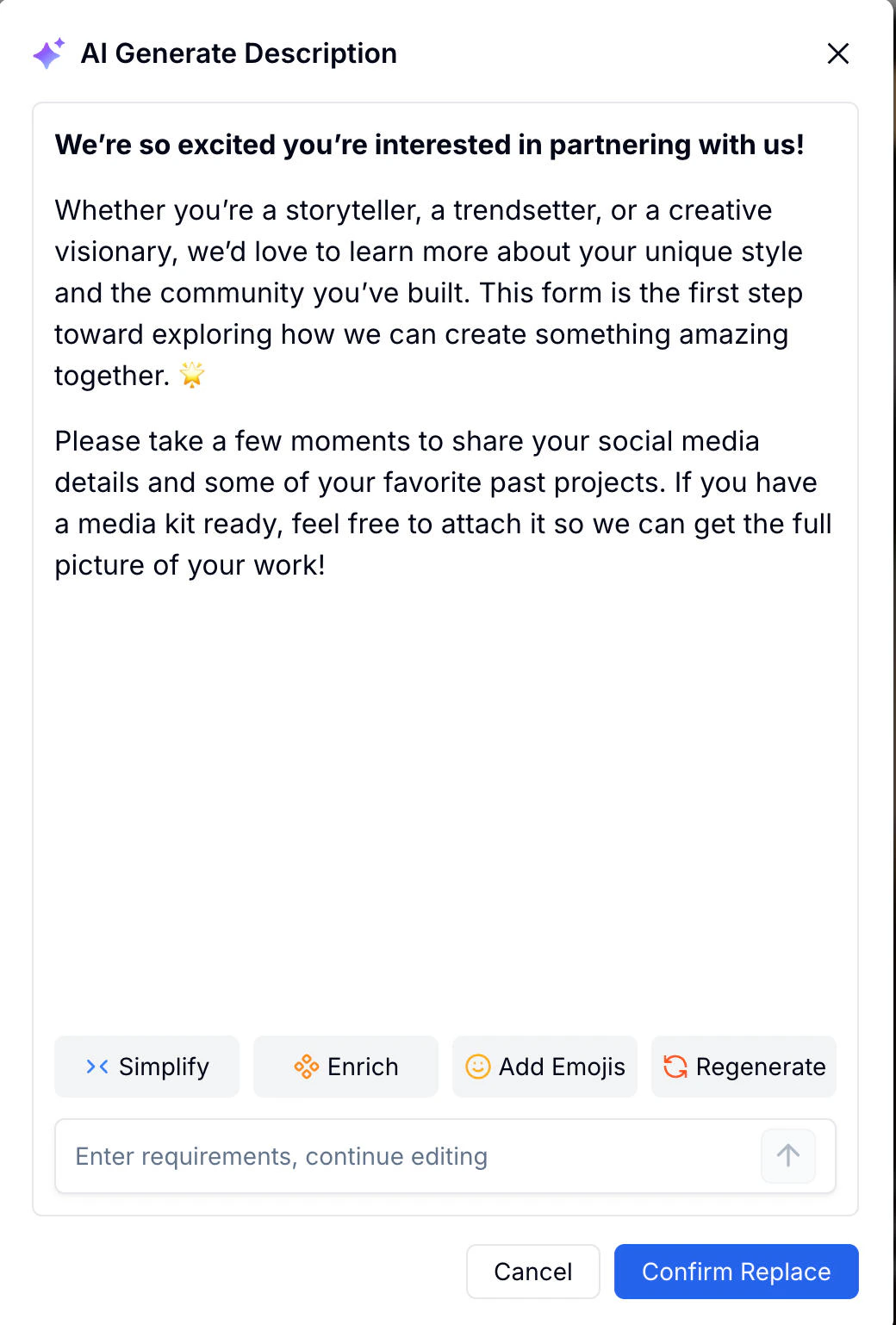
Or type specific requirements in the input field to continue editing with Evan directly.
Header Image
Every form can have a header image. In the editor, open the cover image panel and switch to the AI Generate tab. Describe the visual you want — Evan generates a matching image based on your prompt.
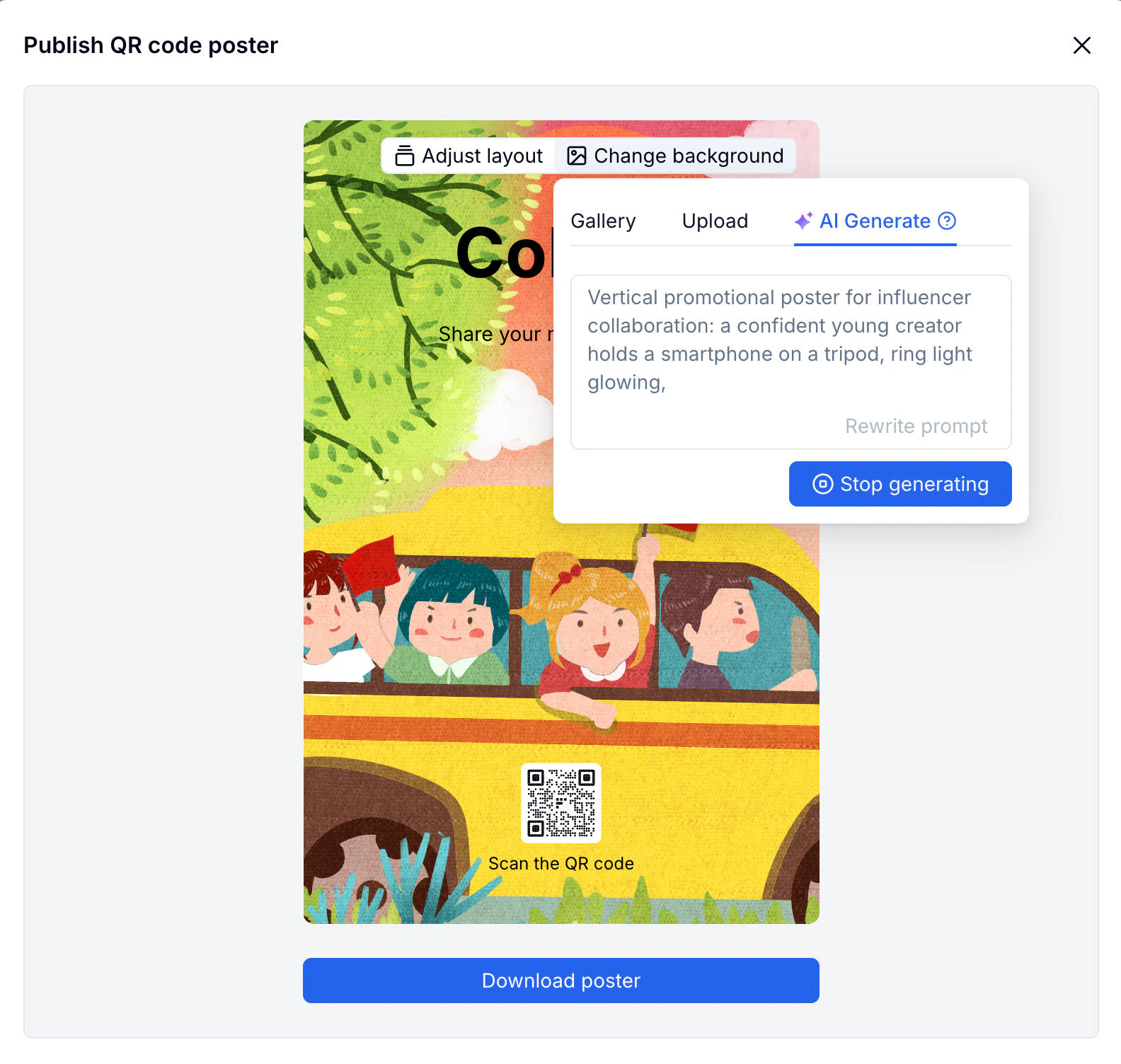
QR Code Poster
After publishing, use Generate poster using AI in the Publish panel to create a shareable poster with your form’s QR code embedded.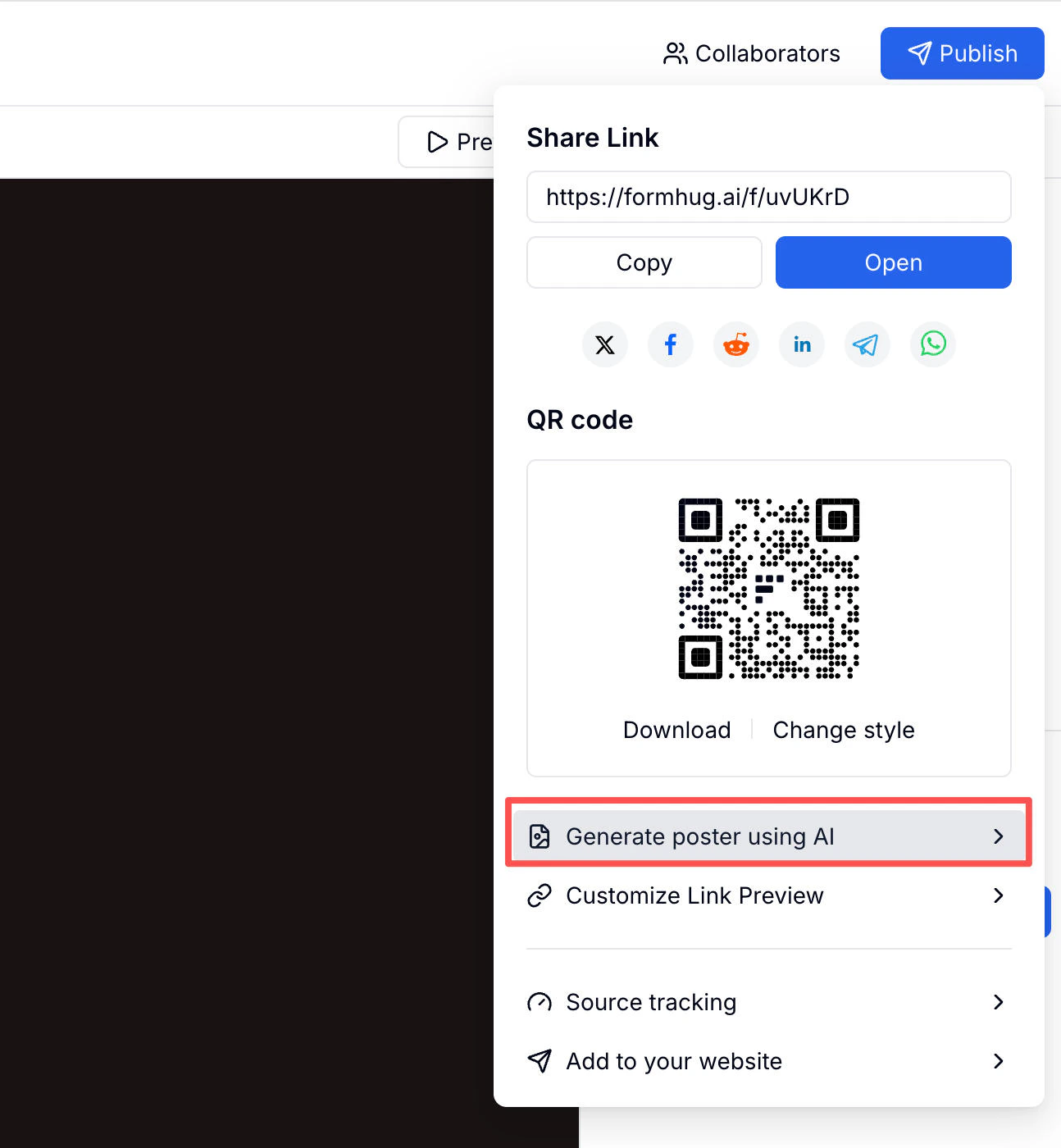
Related
Form Builder
Fine-tune every field and layout detail manually
Create Your First Form
All four ways to create a form in FormHug
AI Form Builder
See the product overview for creating forms with AI
FormHug Templates
Start from ready-made forms for common workflows
Payment Form Builder
Generate order, donation, ticket, deposit, and paid registration forms
Survey Maker
Build feedback forms, research surveys, and questionnaires
Quiz Maker
Create scored quizzes, tests, and knowledge checks